
A workspace for the whole book.
Write in scenes, see the whole book as cards or an outline, and keep your research beside the page. Start with an empty book, or bring in the draft you already have.
Version {{ vmVersion }} on the Mac App Store, free during early access. For macOS 14 Sonoma or later.
The writing page’s own View settings, and they work on this page too.
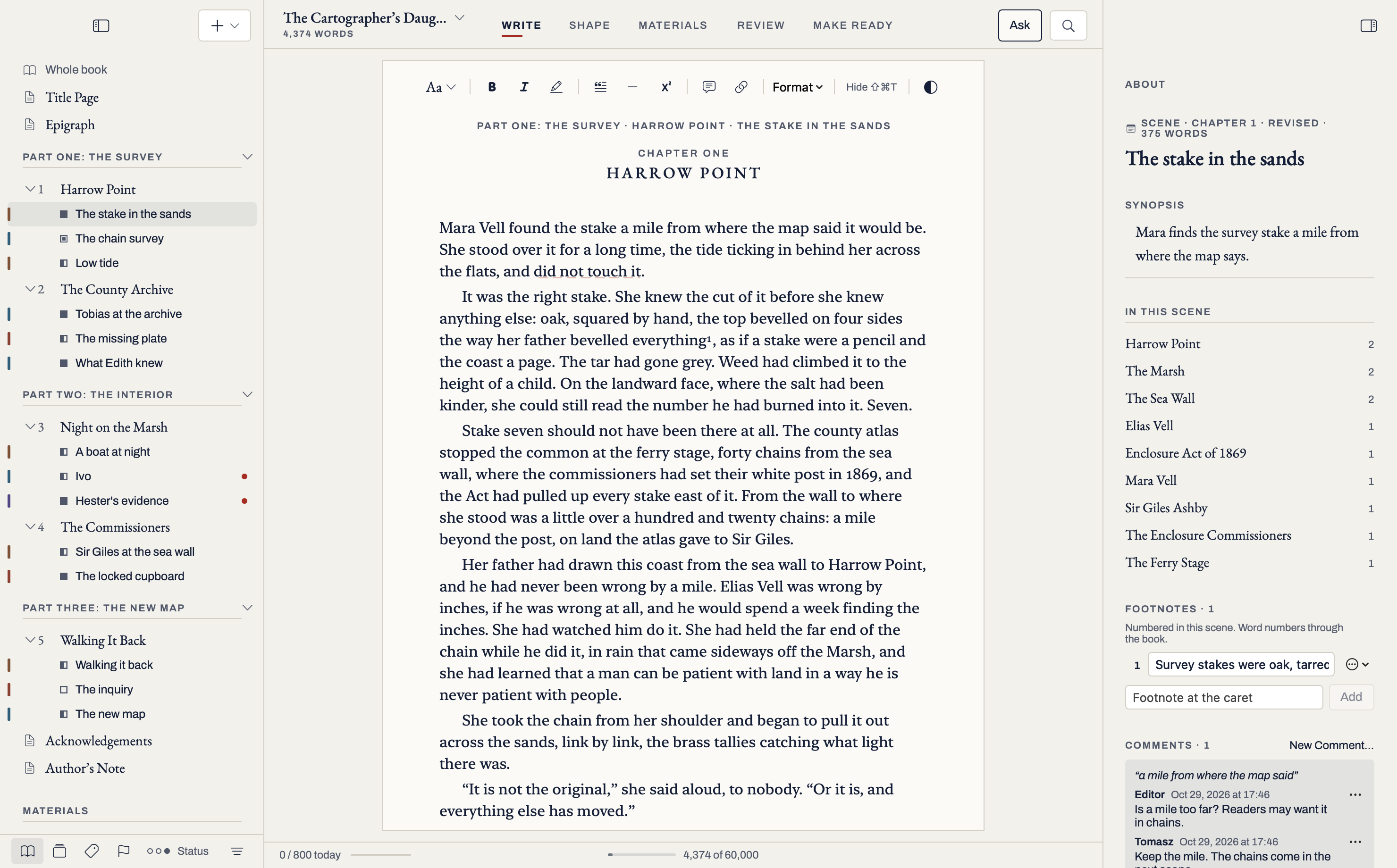
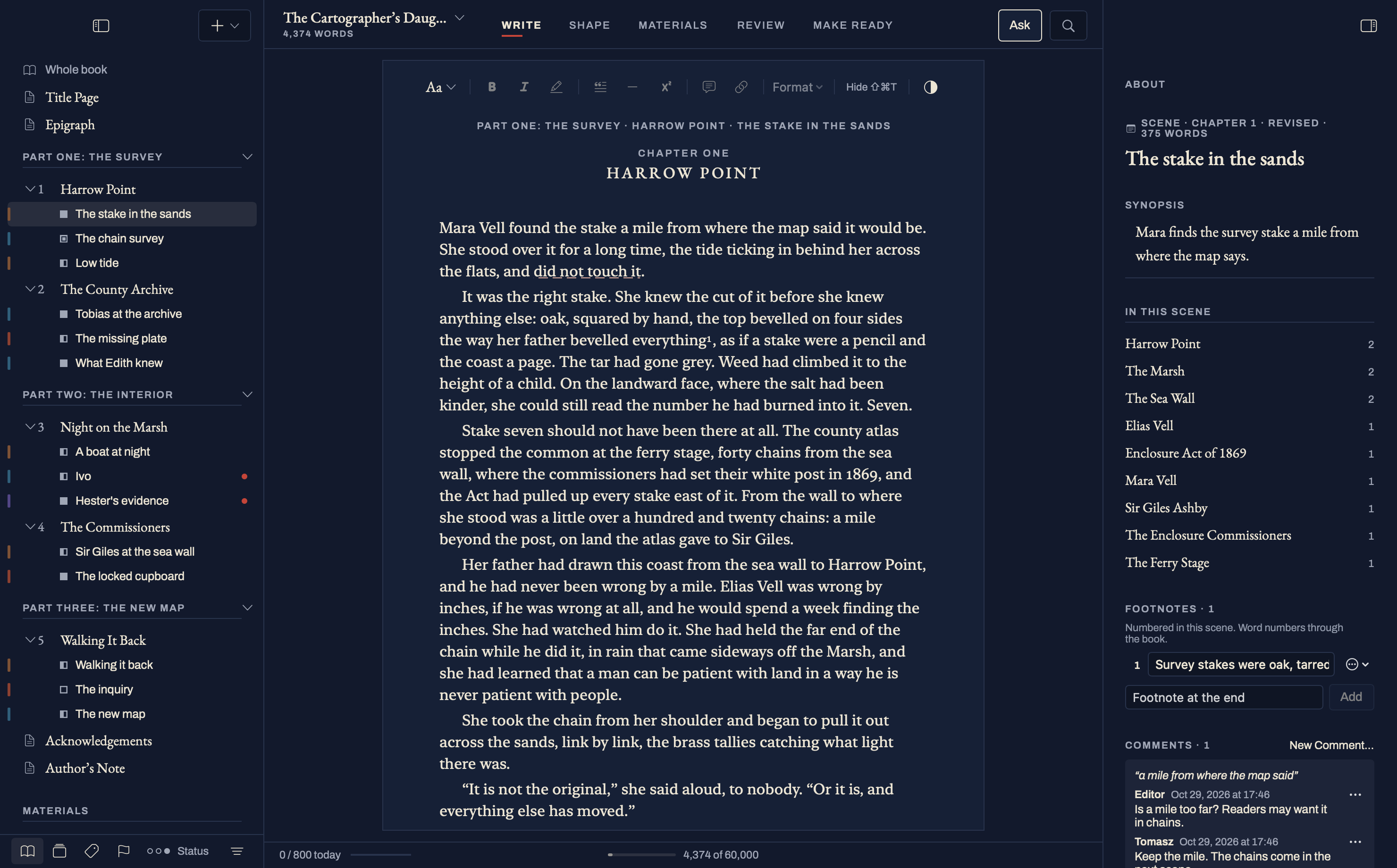
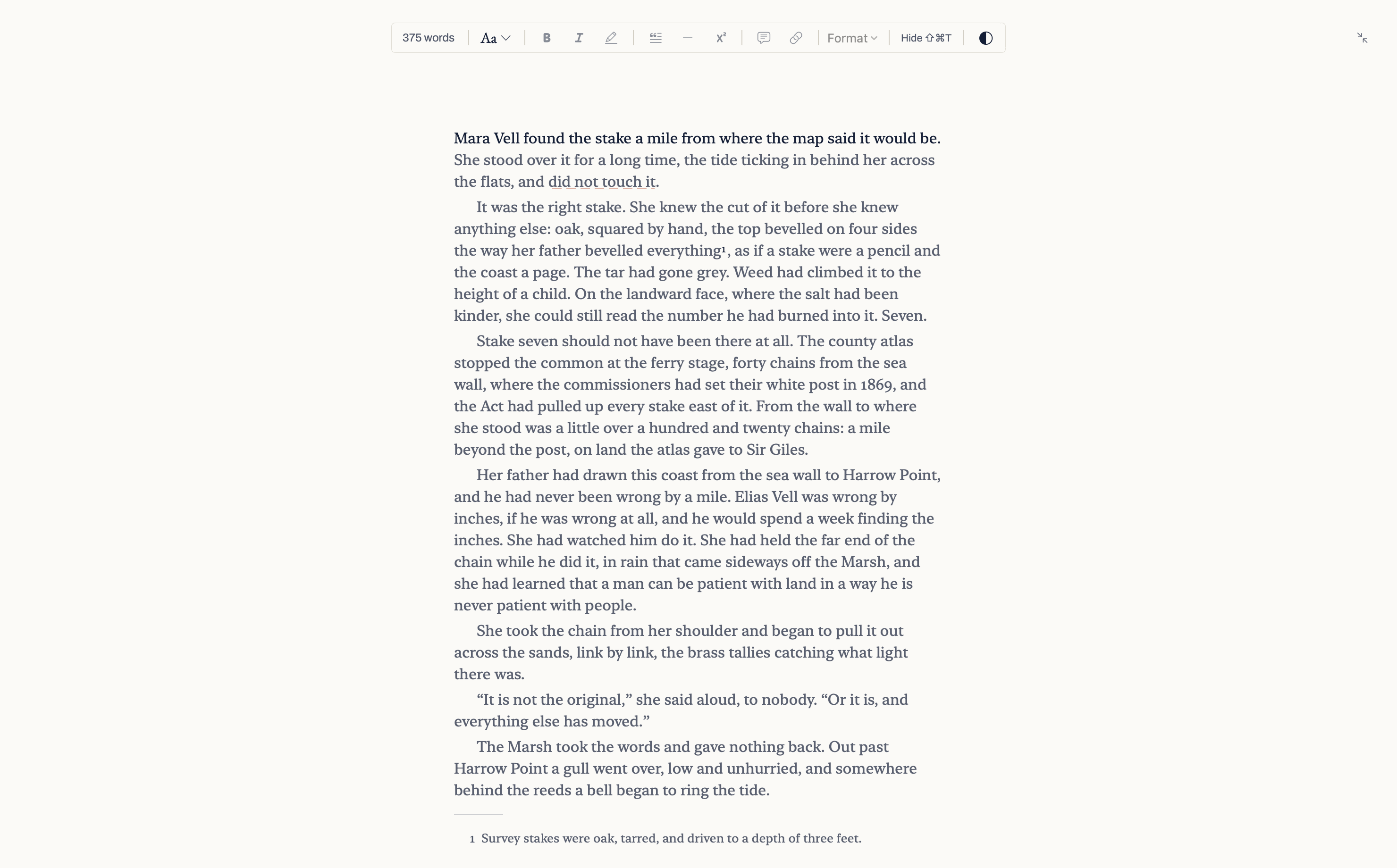
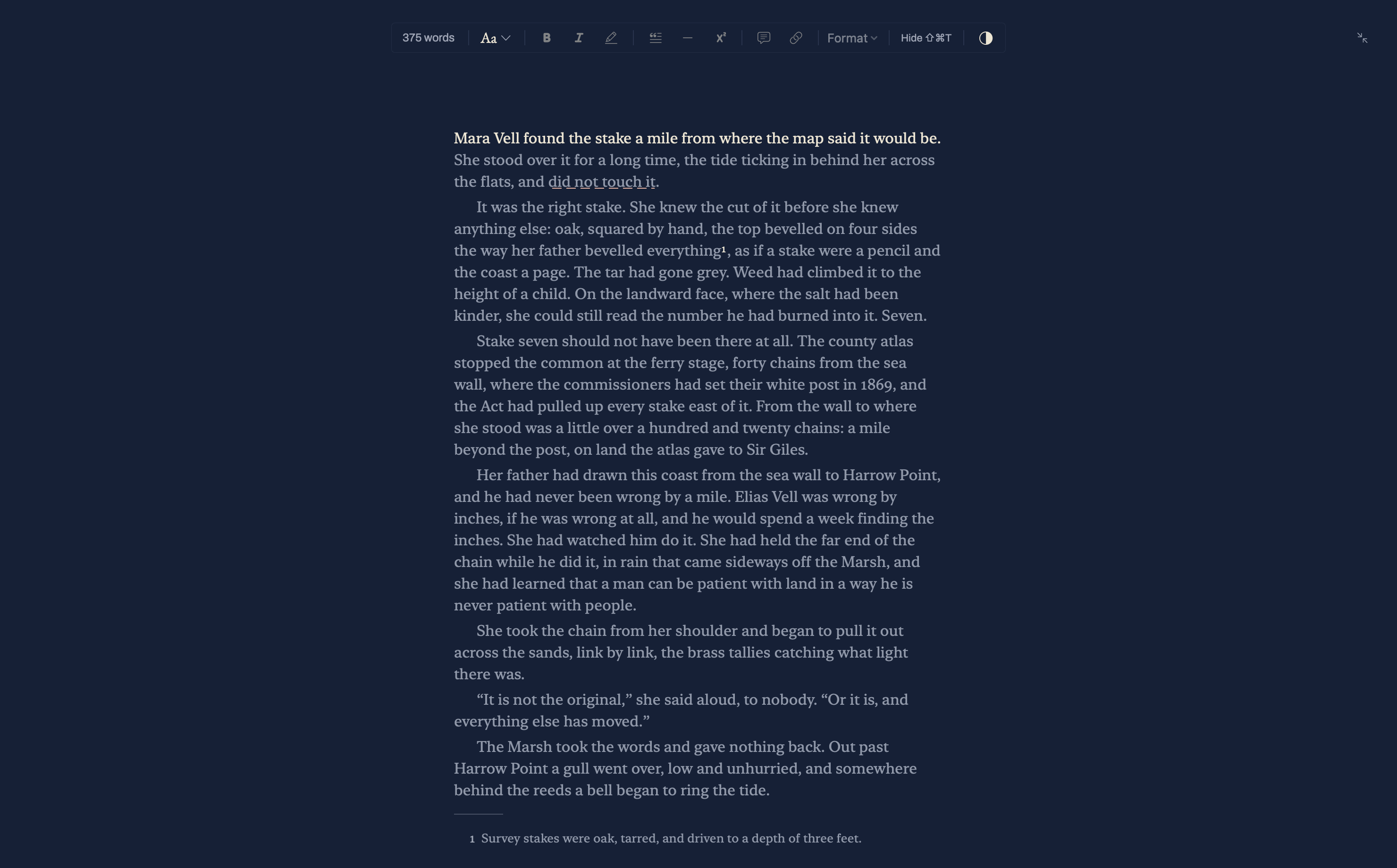
Start in the way you work.
Begin with a page, an outline or a draft you already have. You can move between planning and writing whenever you like.
The tide went out a mile at Harrow Point
Start writing
A new book opens on Chapter One with the caret on the page. Verso stays quiet until you ask for more.
Part One · The Survey
Part Two
Not startedStart from an outline
The new book opens in Shape: chapters and scenes as cards, with a synopsis each. Write into any of them when you are ready.
Already have a draft? Bring it in from Word, Markdown, a folder or Scrivener.
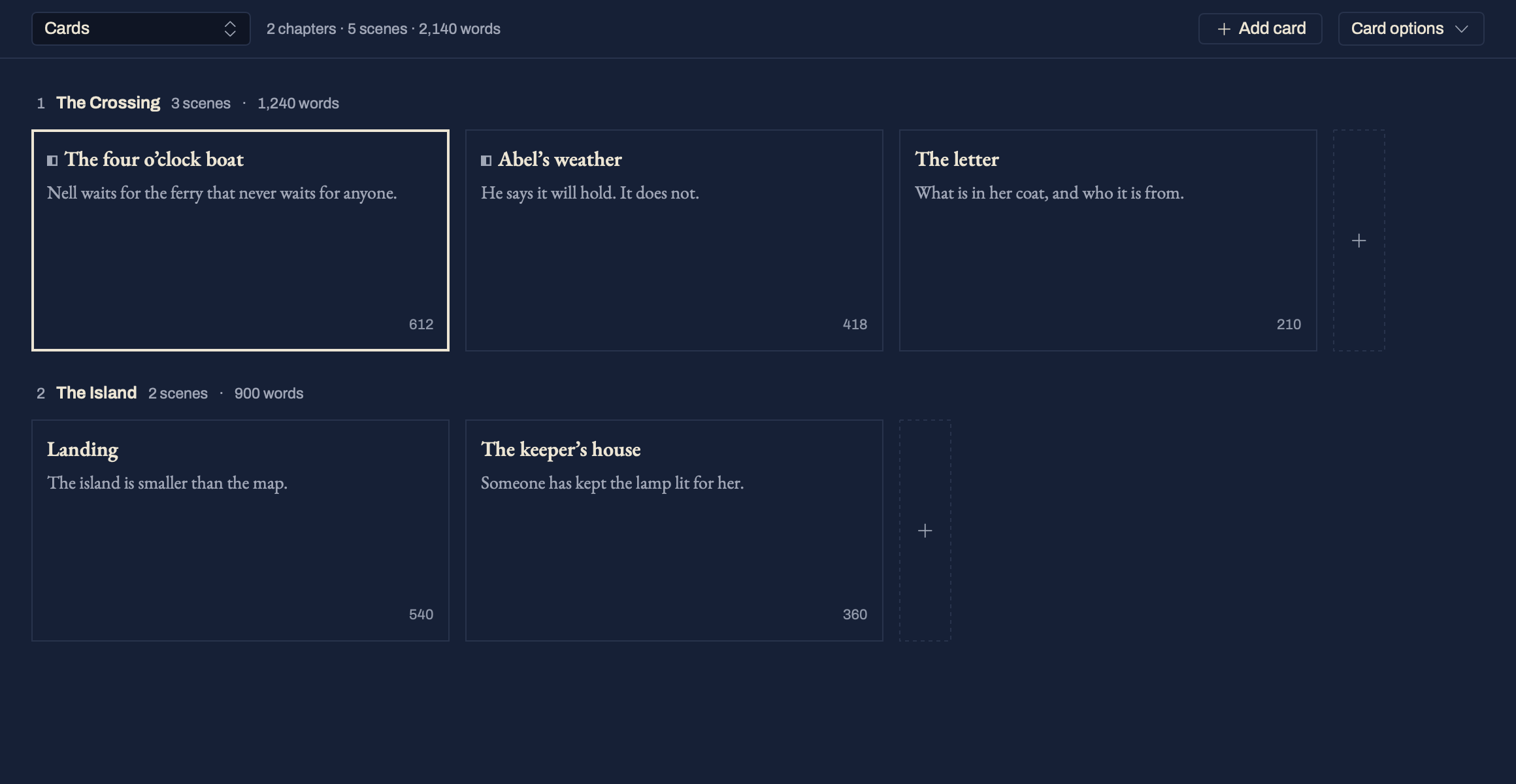
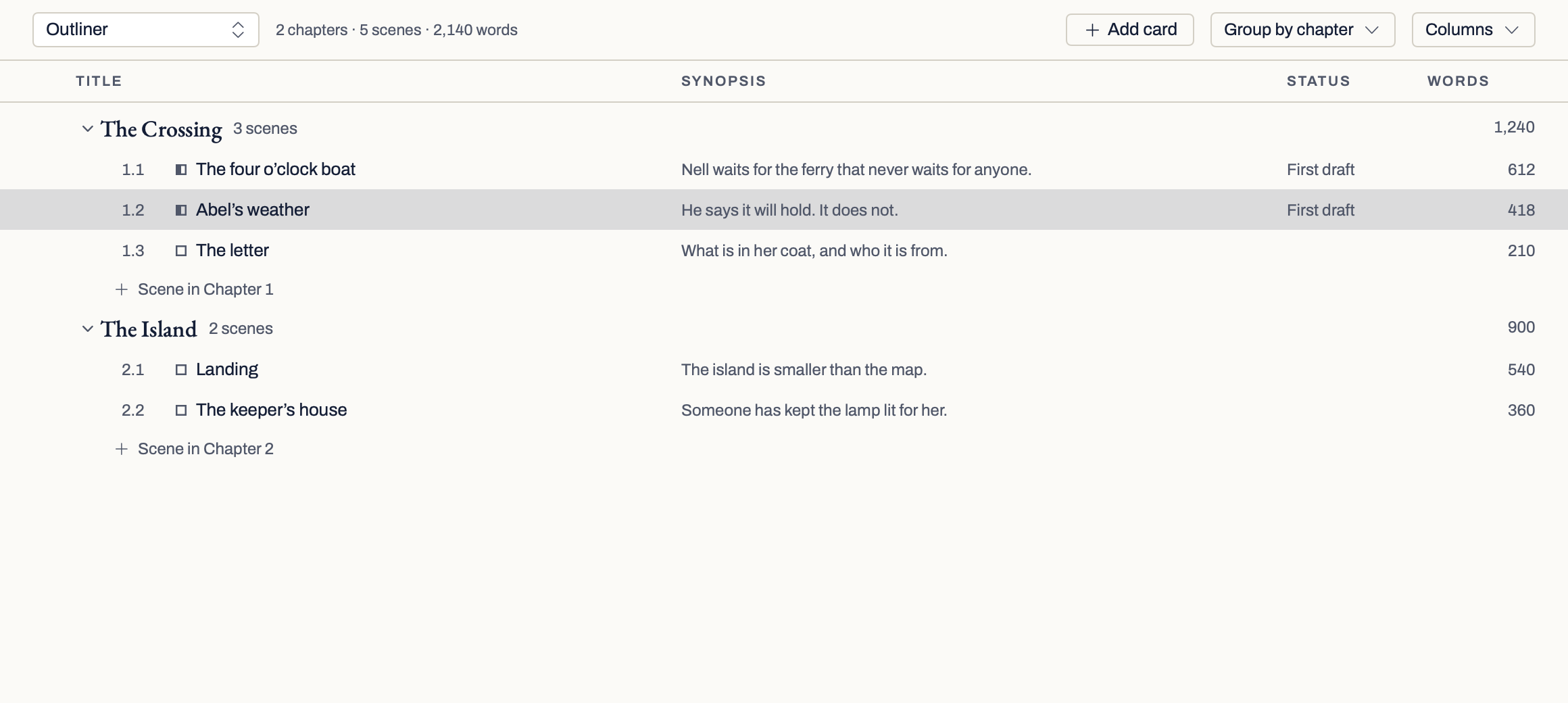
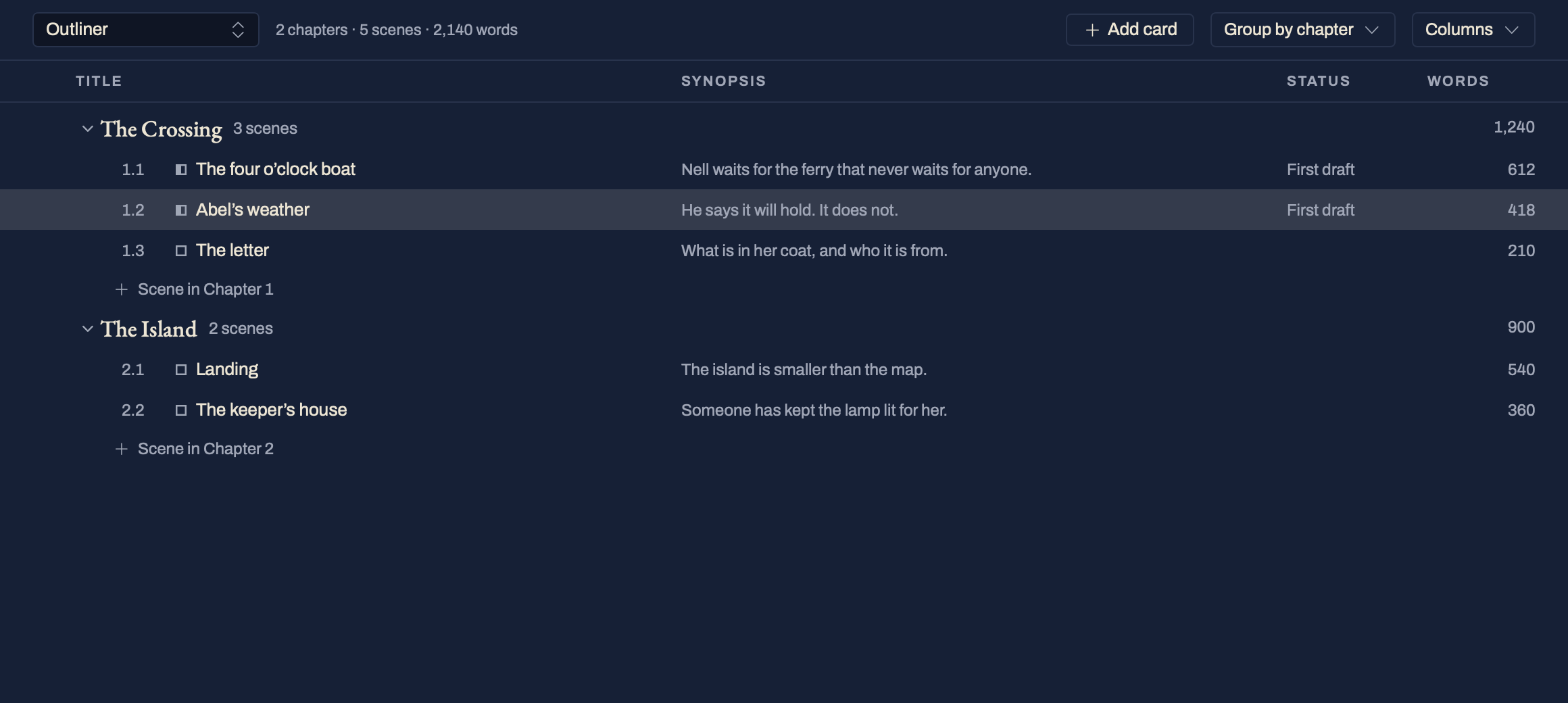
See the book take shape.
Shape shows the same book as cards and an outline. Move a card and the scene moves in the book, with Undo.
How Shape works →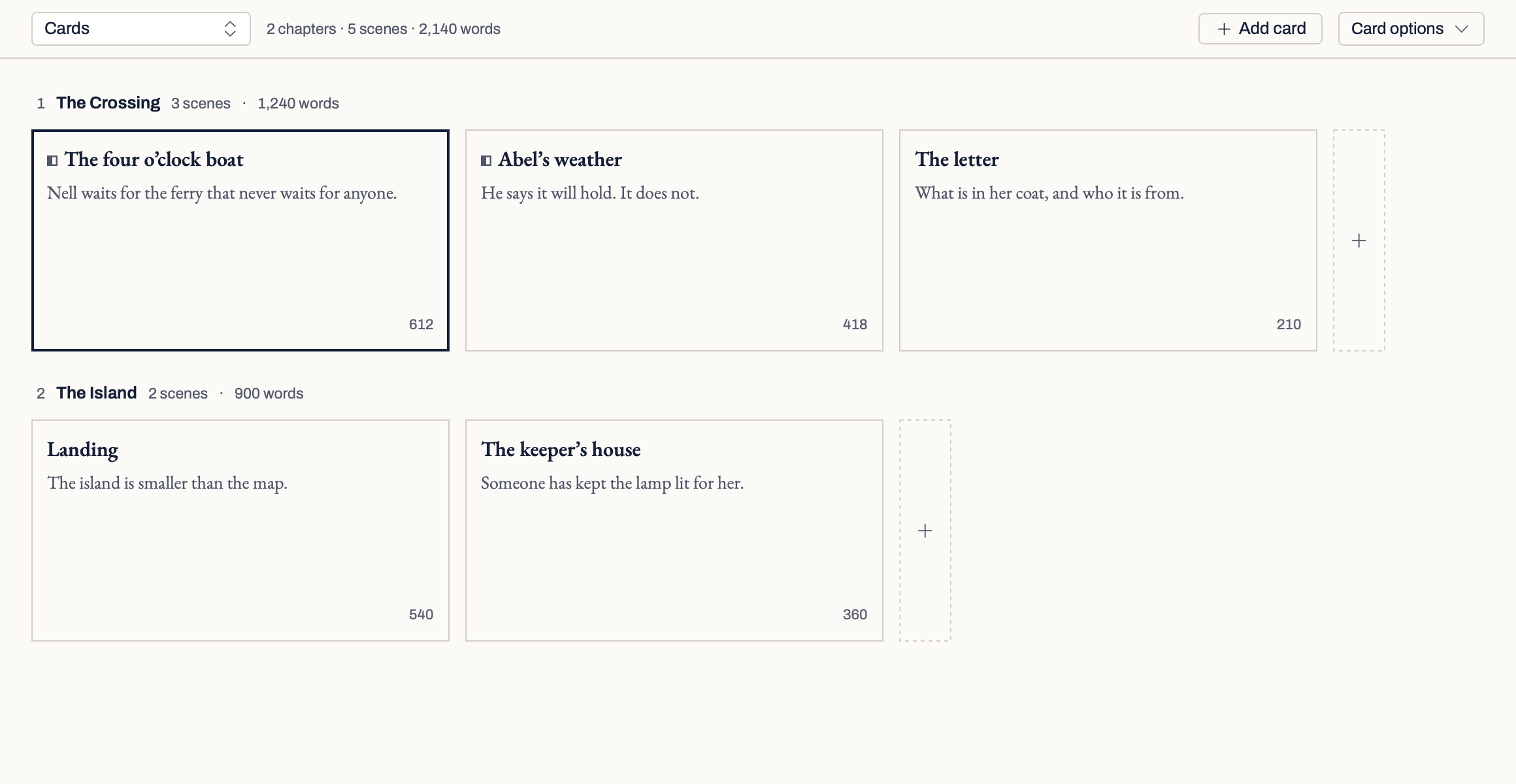
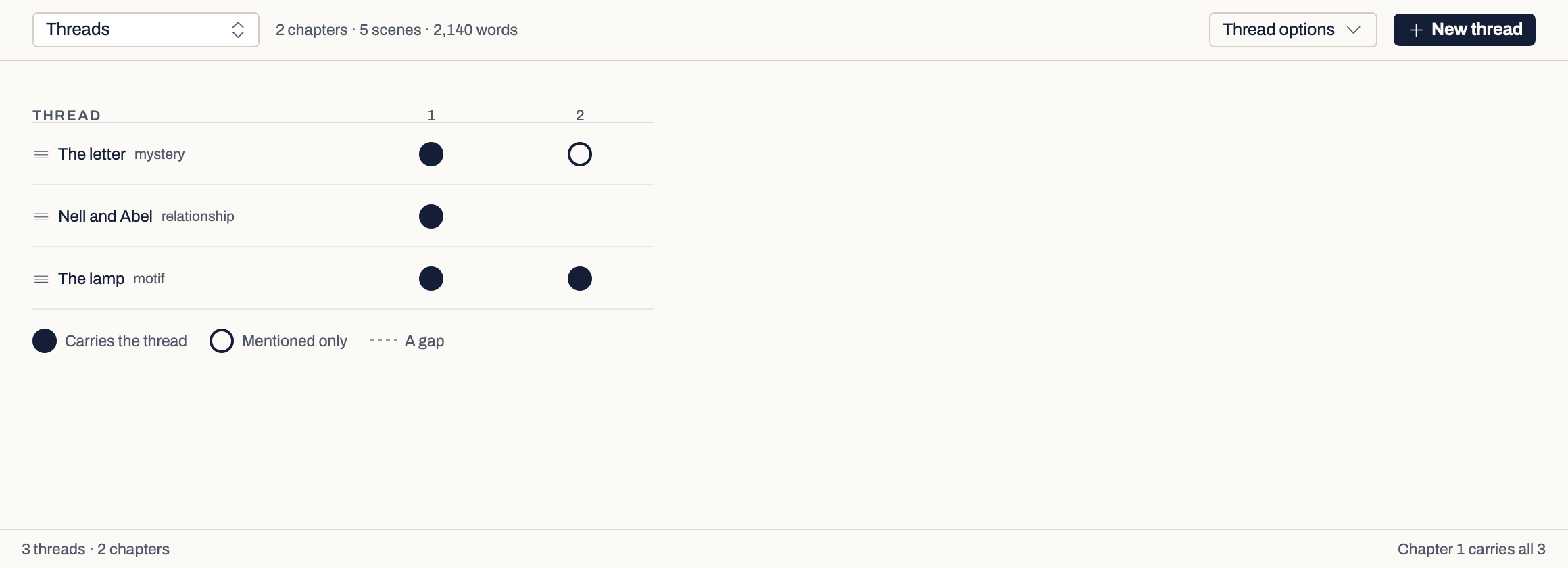
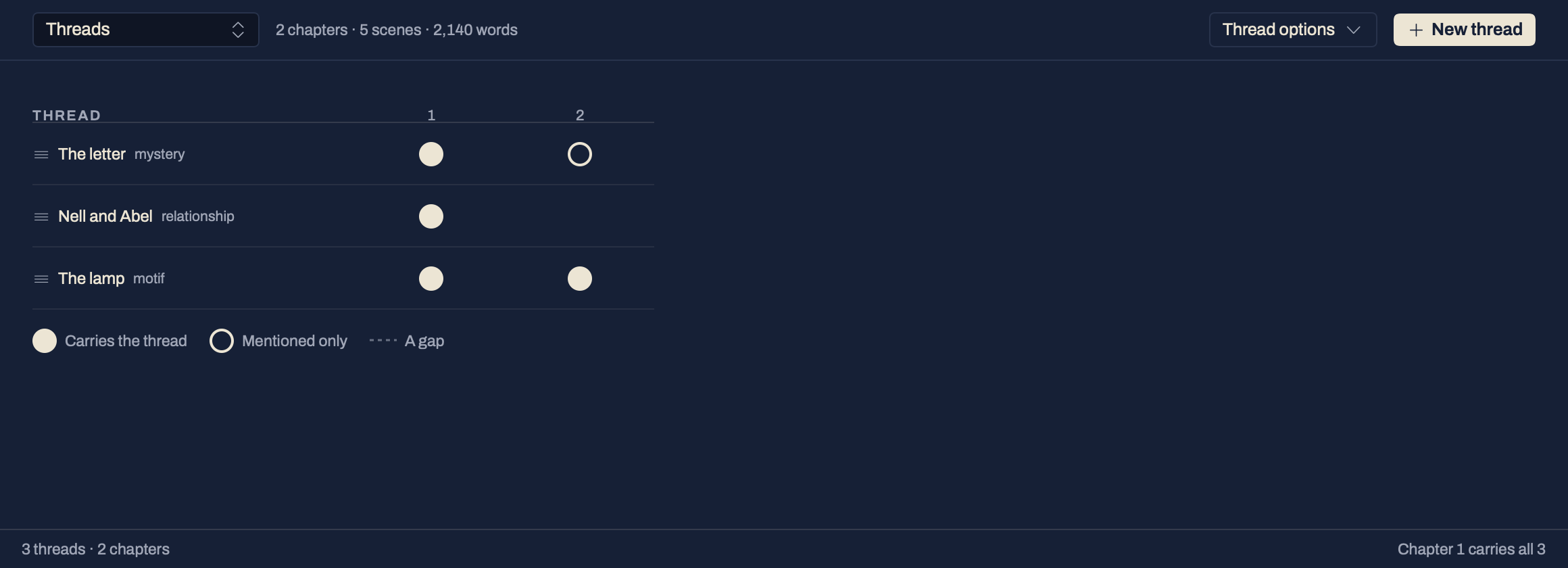
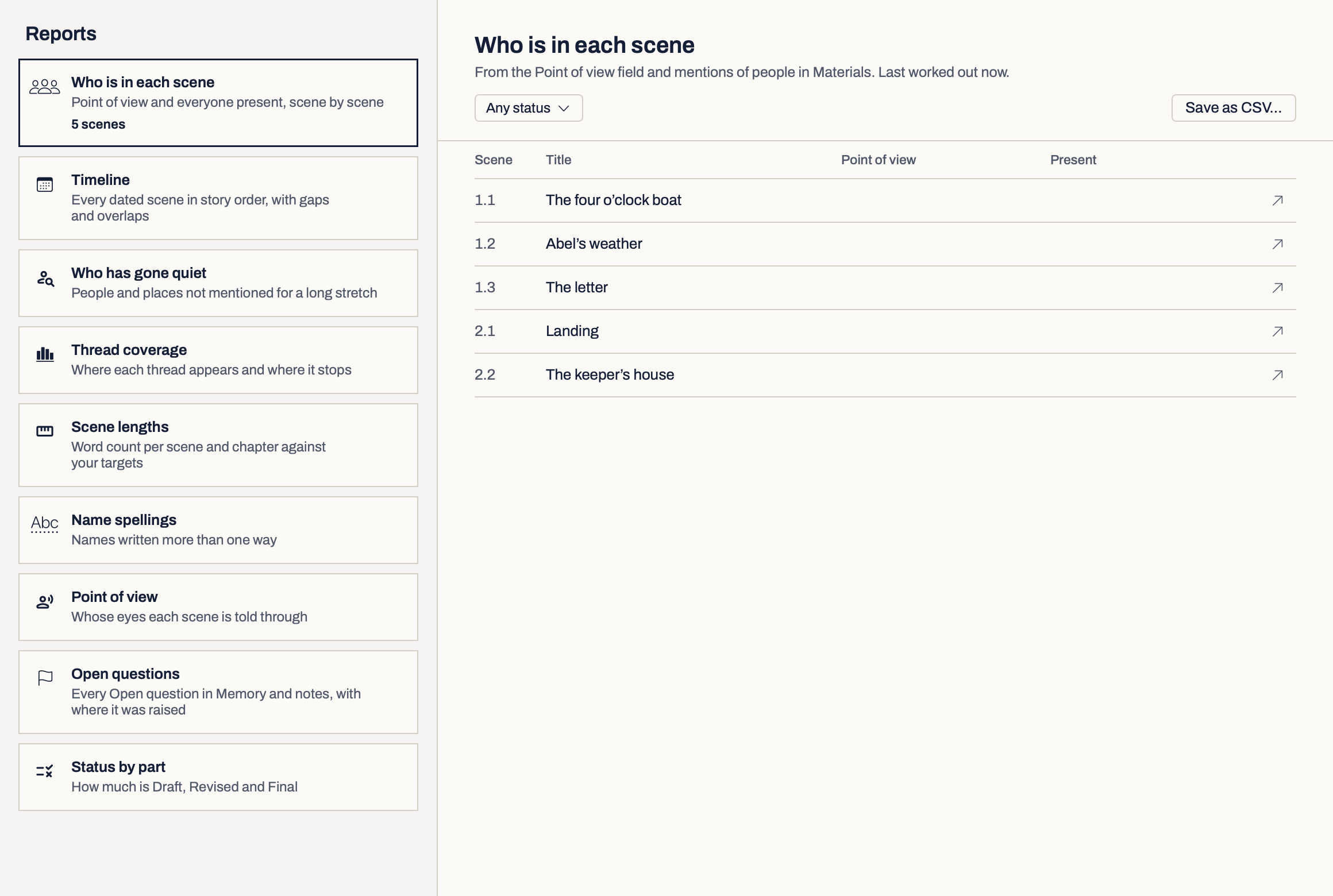
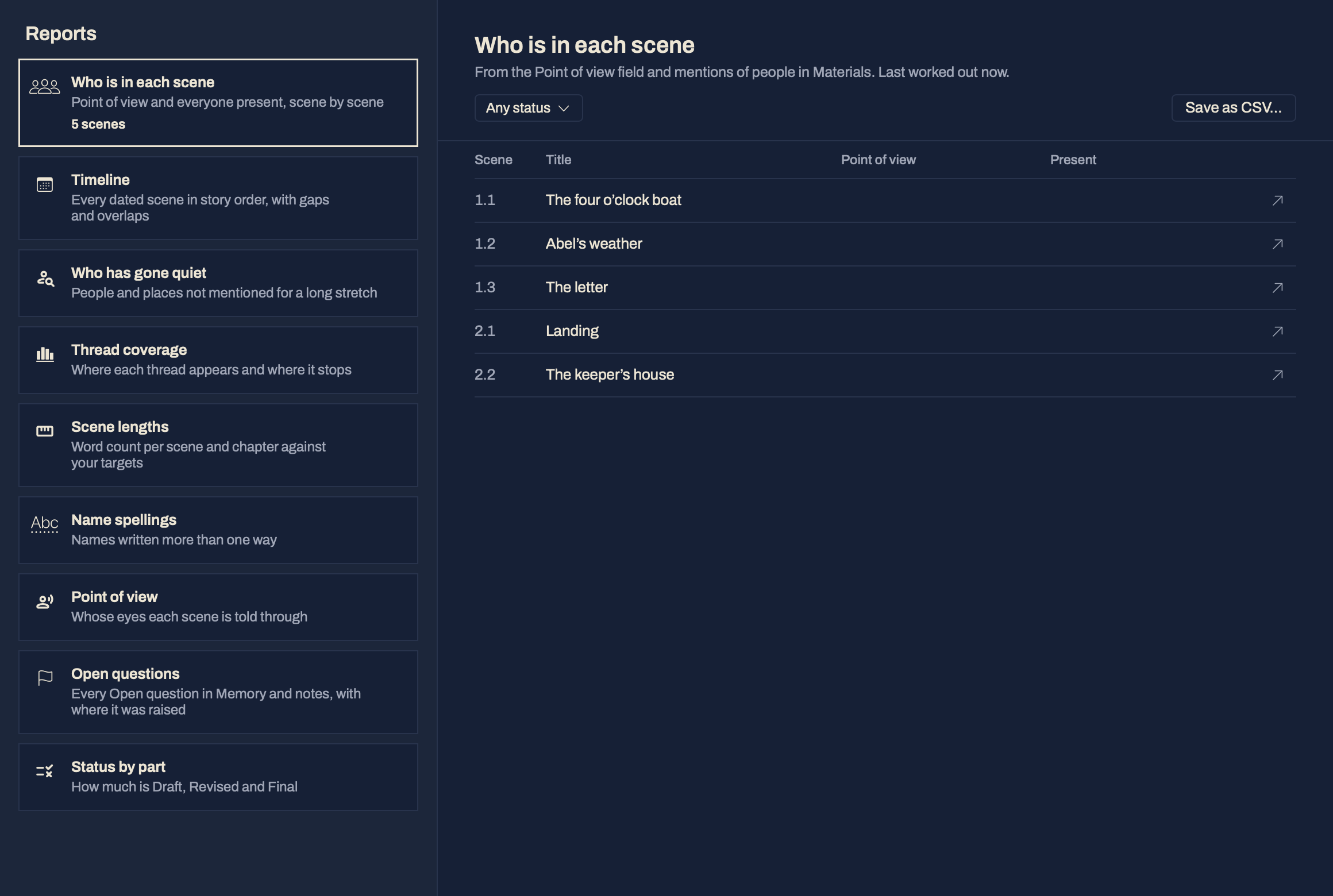
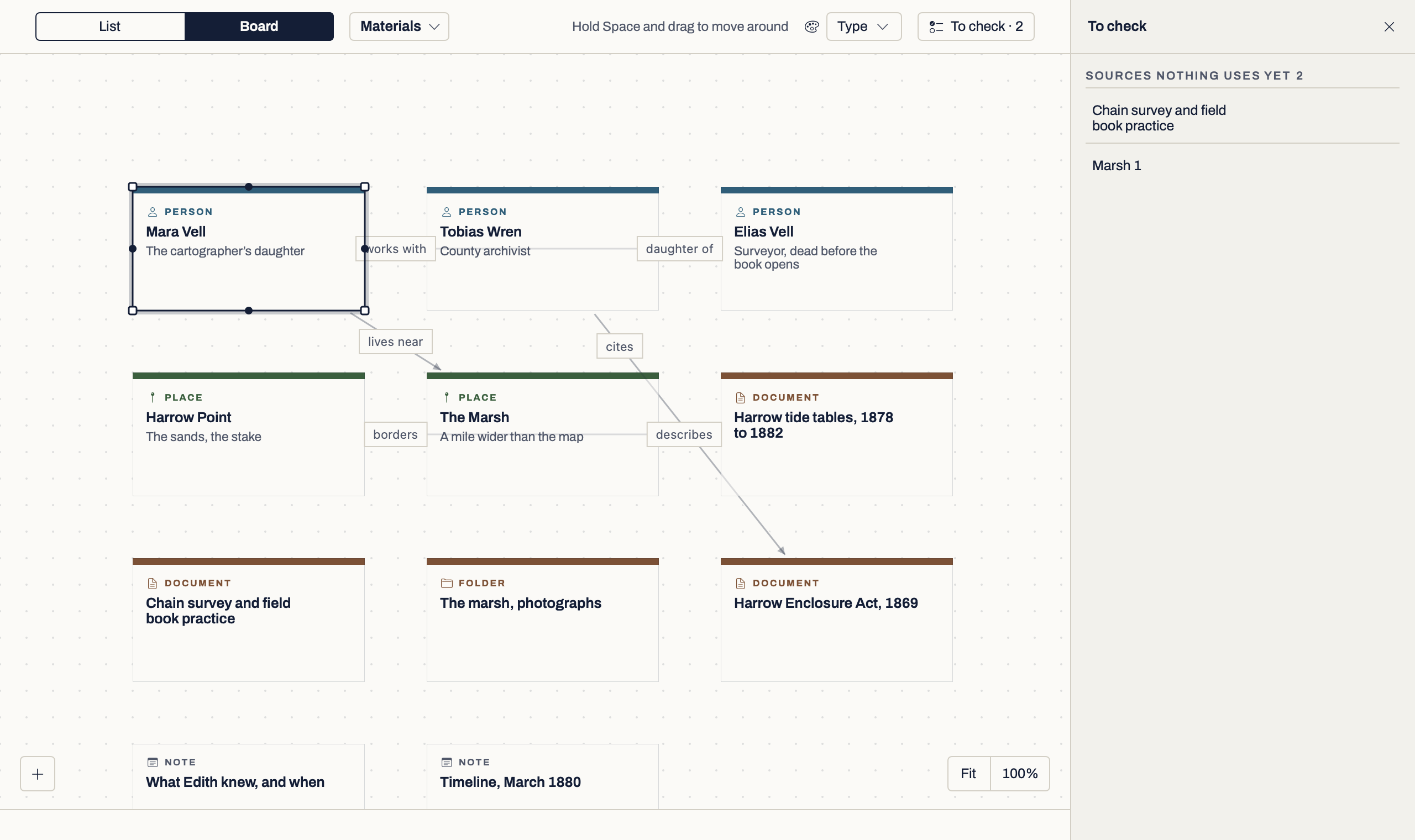
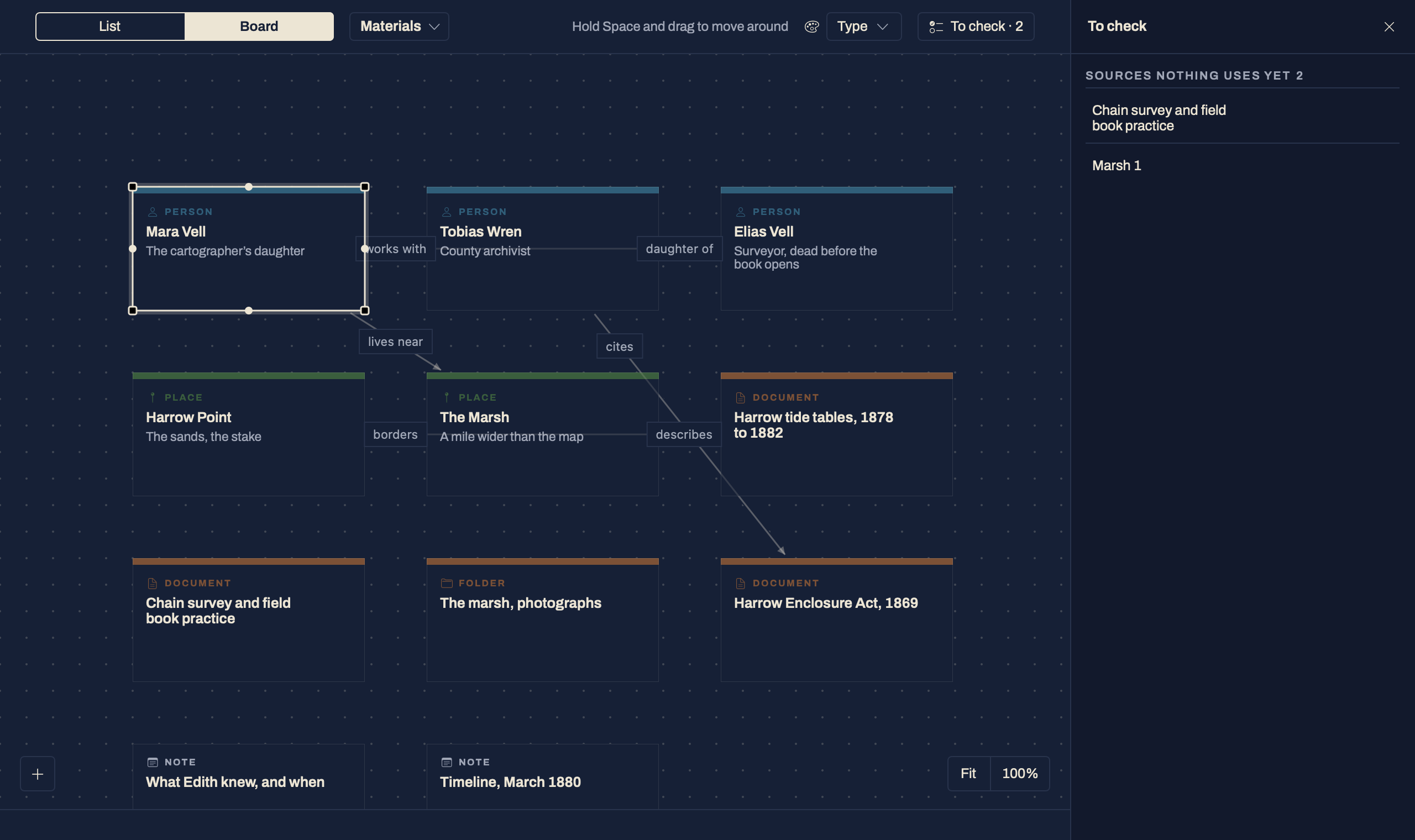
Keep useful material close.
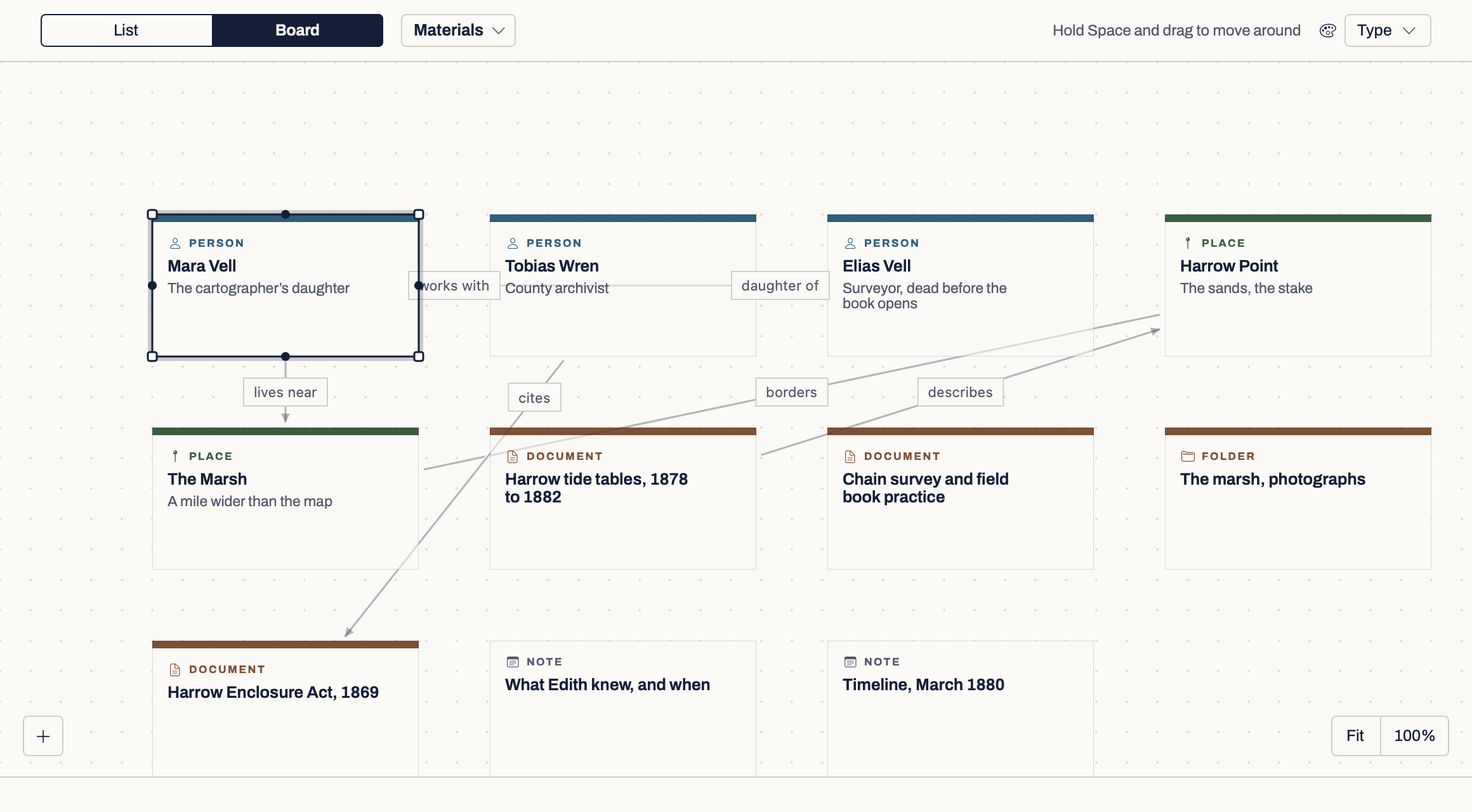
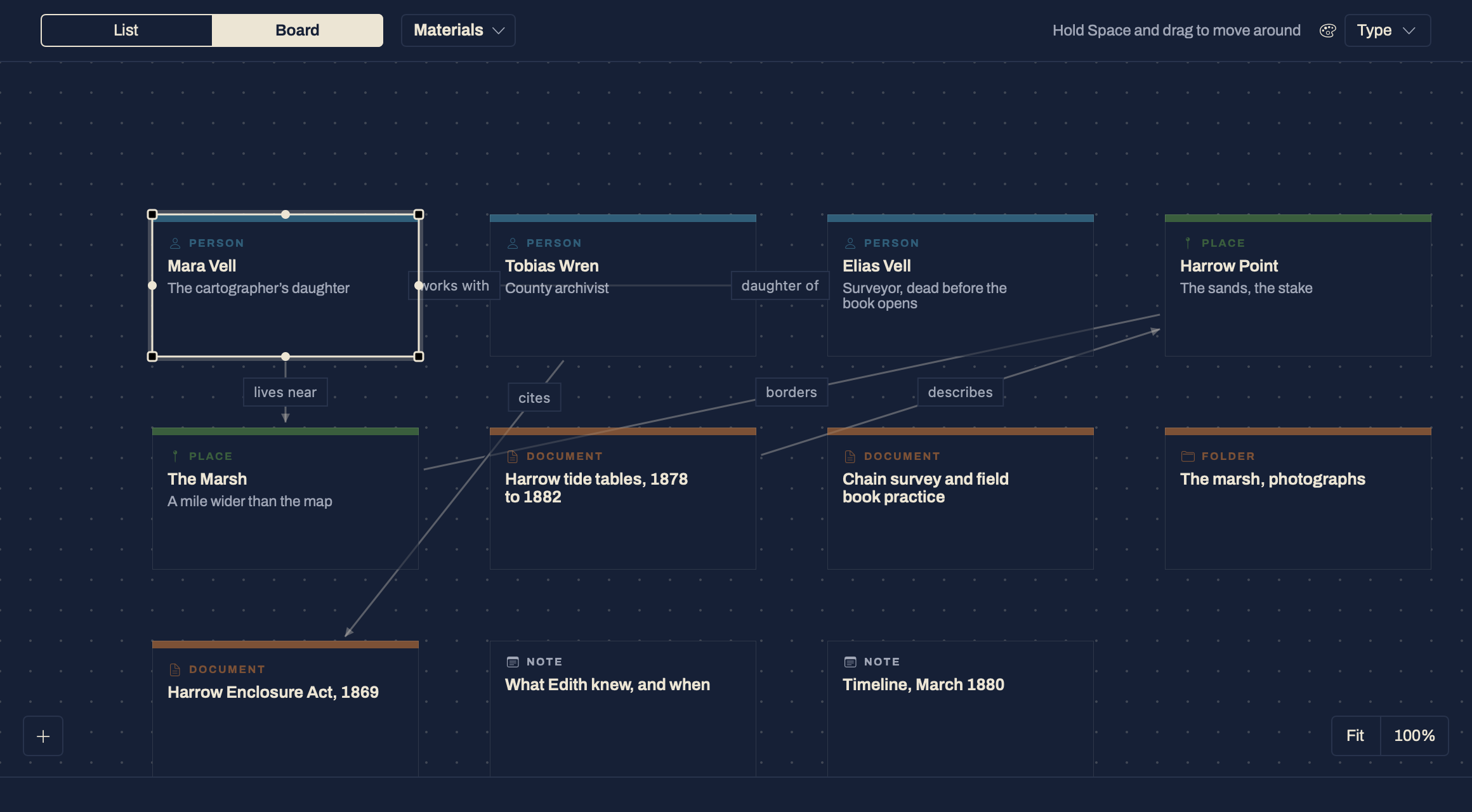
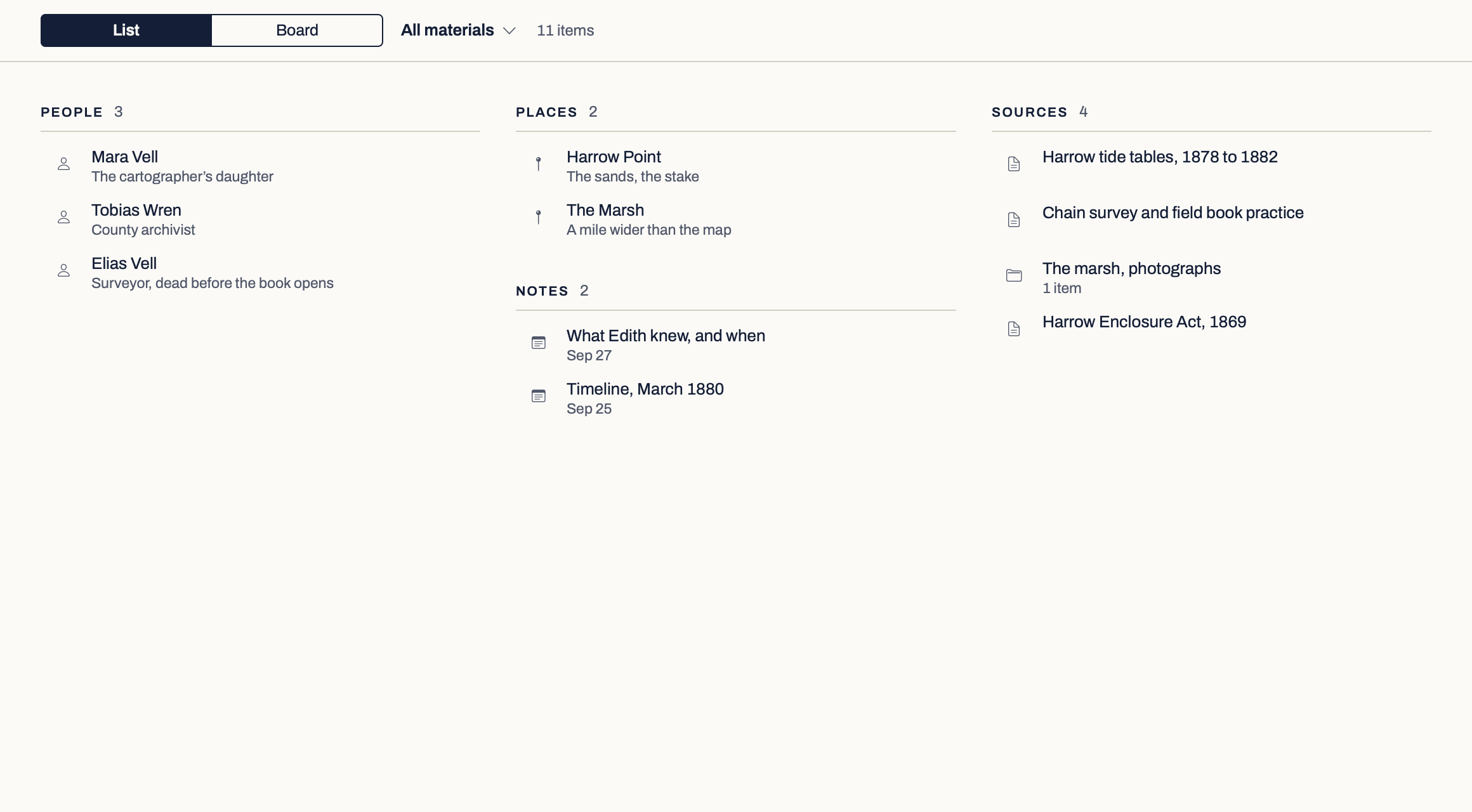
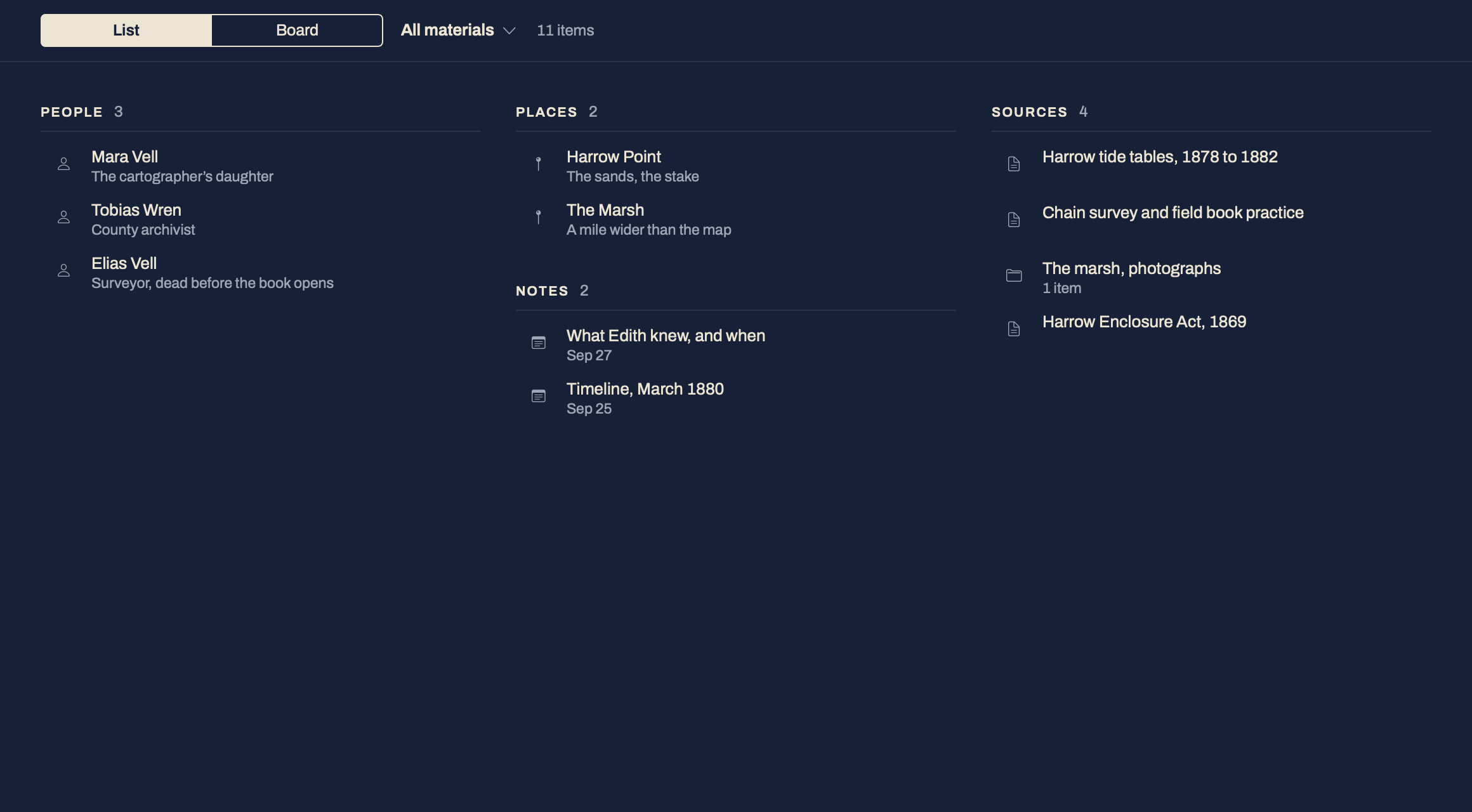
Notes, files, saved web pages and entries for the people and places in the book, beside the page and found again with one search. No AI is involved.
Materials & Search →Nothing in this sample book matches that. Try “Hester” or “1869”.
A librarian for a long book. Only if you want one.
Turn on AI and you can ask the book where something happens, or which source backs a date. Every answer comes with the passage behind it. It never writes or changes your prose, and it is off until you turn it on.
About AI →A next step, when you need it.
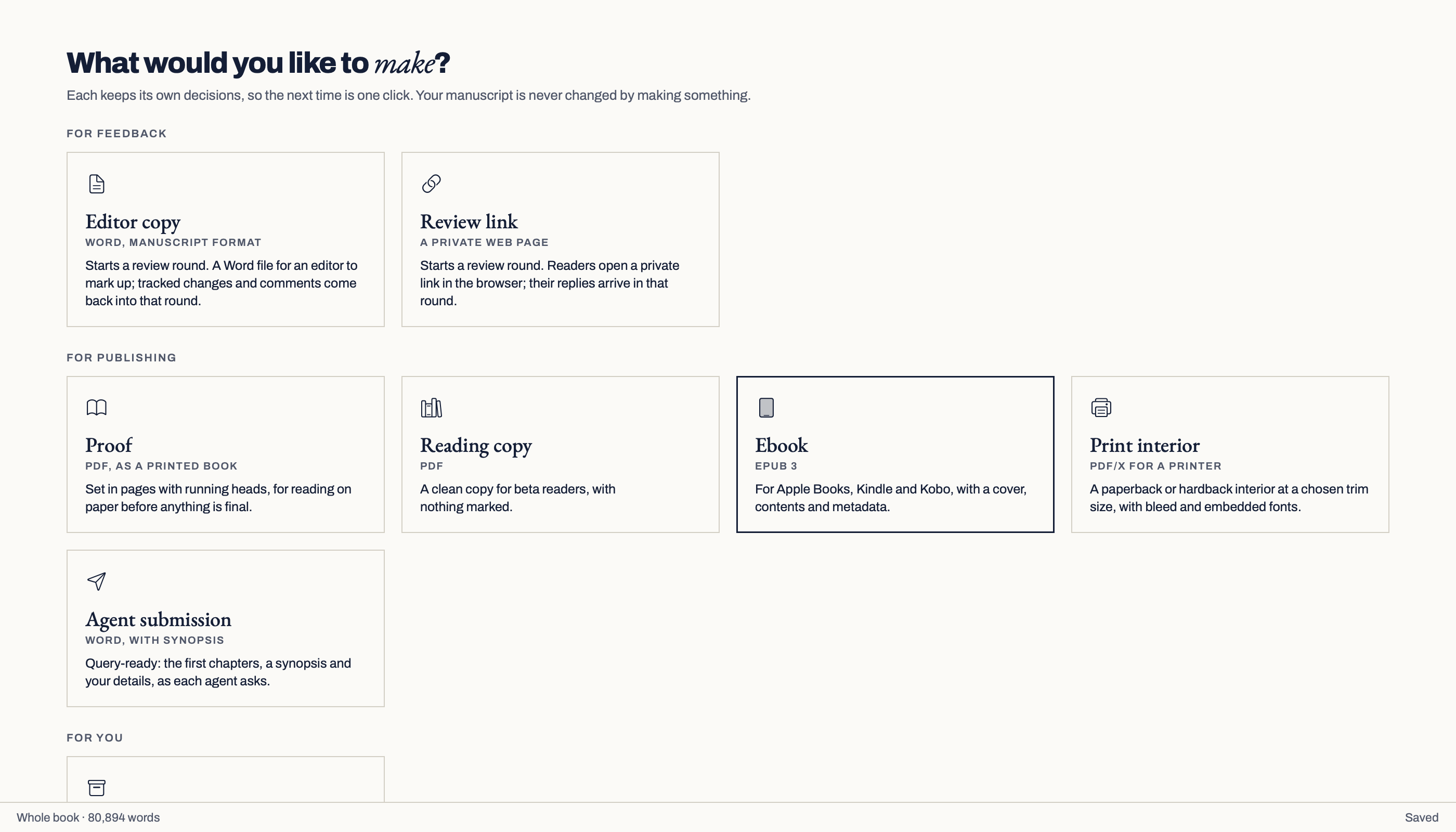
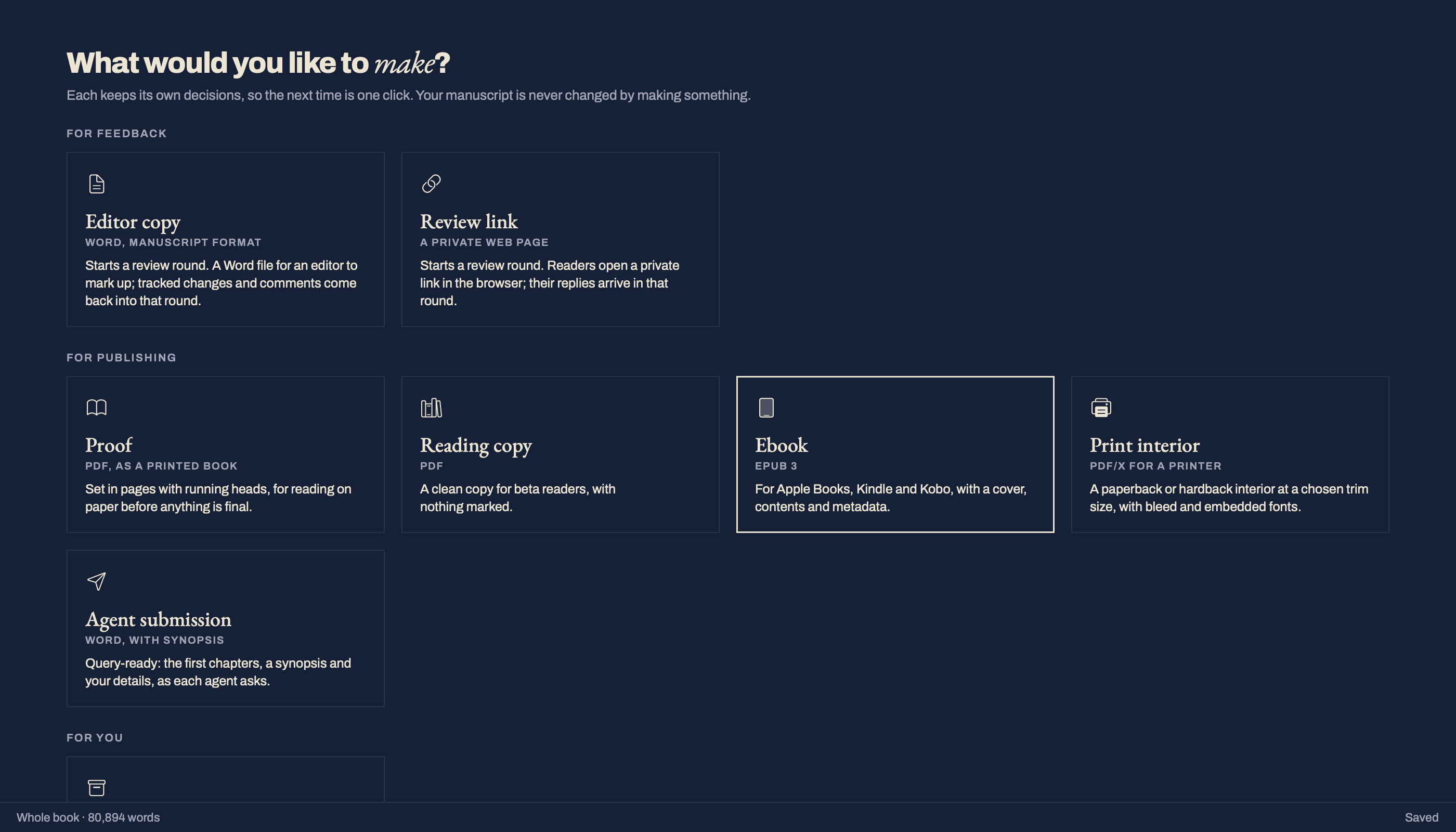
Make Ready turns the book into a proof, a reading copy, an agent submission, an ebook, a print interior or a plain-text archive, without changing it.
Make Ready →Send your editor a Word file, or readers a private link. What comes back is placed against your current text, and nothing changes until you accept it. Review
Made for people writing a book.
Novels, narrative non-fiction and memoir first, with starting points for short stories, a thesis, poetry and scripts.
The practical details.
What is settled and what is not.
| Question | Answer | Status |
|---|---|---|
| Windows | Planned, after the Mac version. | Planned |
| Account | None needed. Only private review links and Verso AI need one. | |
| Privacy | No usage data or tracking. Nothing leaves your Mac unless you ask. | |
| Release | Version {{ vmVersion }} on the Mac App Store, free during early access. | Early access |
A row with no status is in the build as of {{ vmStatusDate }}.
Before you try it.
{{ f.q }}
{{ f.a }}
{{ vmStripCaption }} Each one is written up in full.
- {{ s.v }}{{ s.text }}
On the Mac App Store today.
Version {{ vmVersion }}, for macOS 14 Sonoma or later. Free during early access.
It is an early build: things will change, so keep a copy of anything you bring in. Tell me what works and what does not at hello@teze.app. Everyone who sends feedback on an early build gets a free licence when version 1.0 ships.