
Your editor in Word, your readers in a browser. Keep your book in view.
Send your editor a Word file, or send readers a private link they open in any browser. What comes back is placed against your current text, even if you have kept writing, and nothing reaches your book until you accept it.
How a Word round goes.
Four steps, in the order they happen. You keep writing while they read.
- 1SendChoose the whole book, a part, a range of chapters or a selection, from today’s text or a milestone. Add each reader with a name and a role, and choose when the round closes, or No closing date. Check what they will see, then save one Word file, frozen at that version.
- 2They work in WordYour editor tracks changes and adds comments as usual, in Word 2019 or later or in Word for the web. Older Word shows the changes but drops the scene-break ornaments. They need no Verso account or app. You send the file yourself.
- 3Bring it backImport the returned file. Each change and comment is placed against your current text: matched exactly, needing a look, or could not be placed, with the reason.
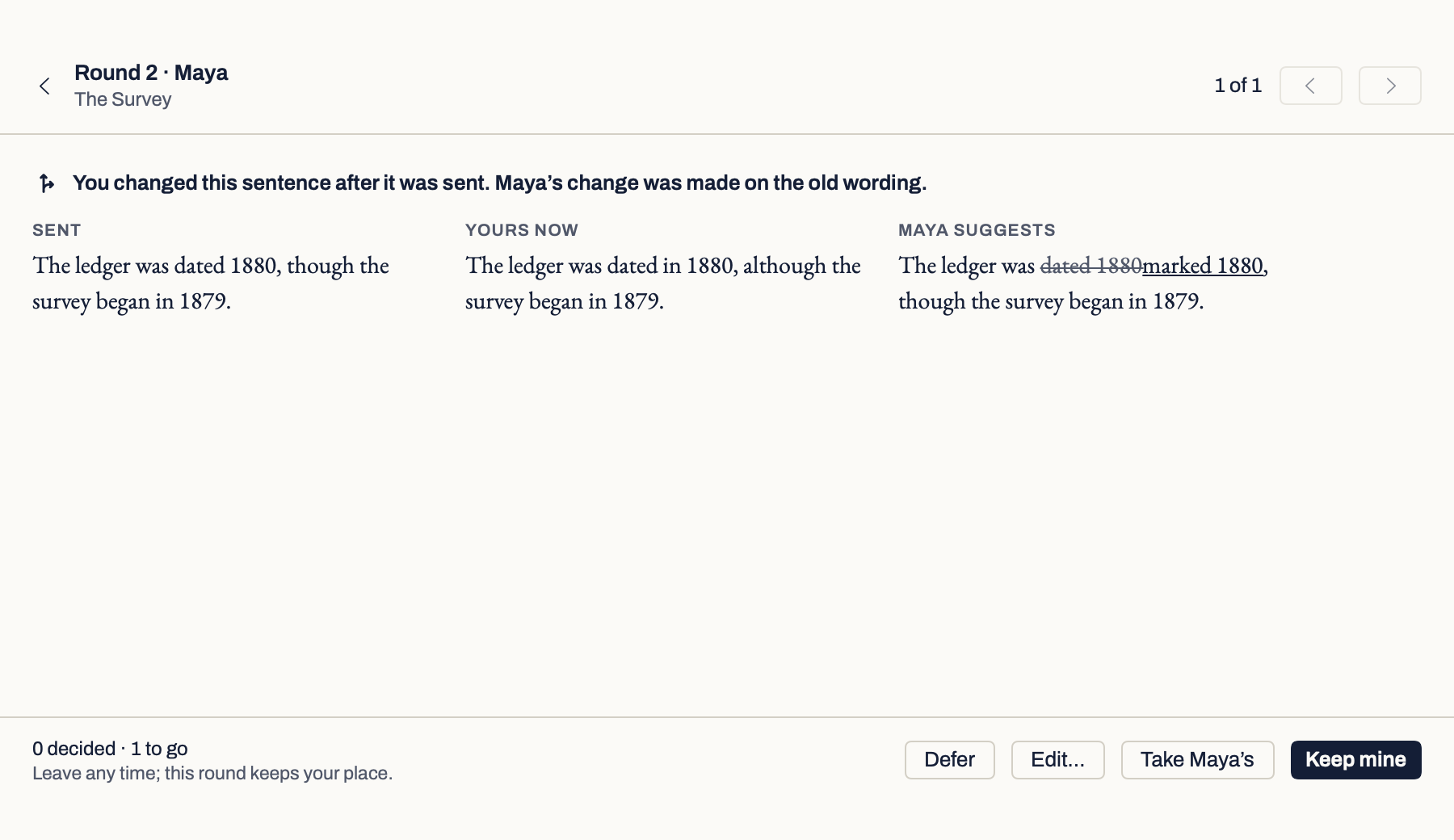
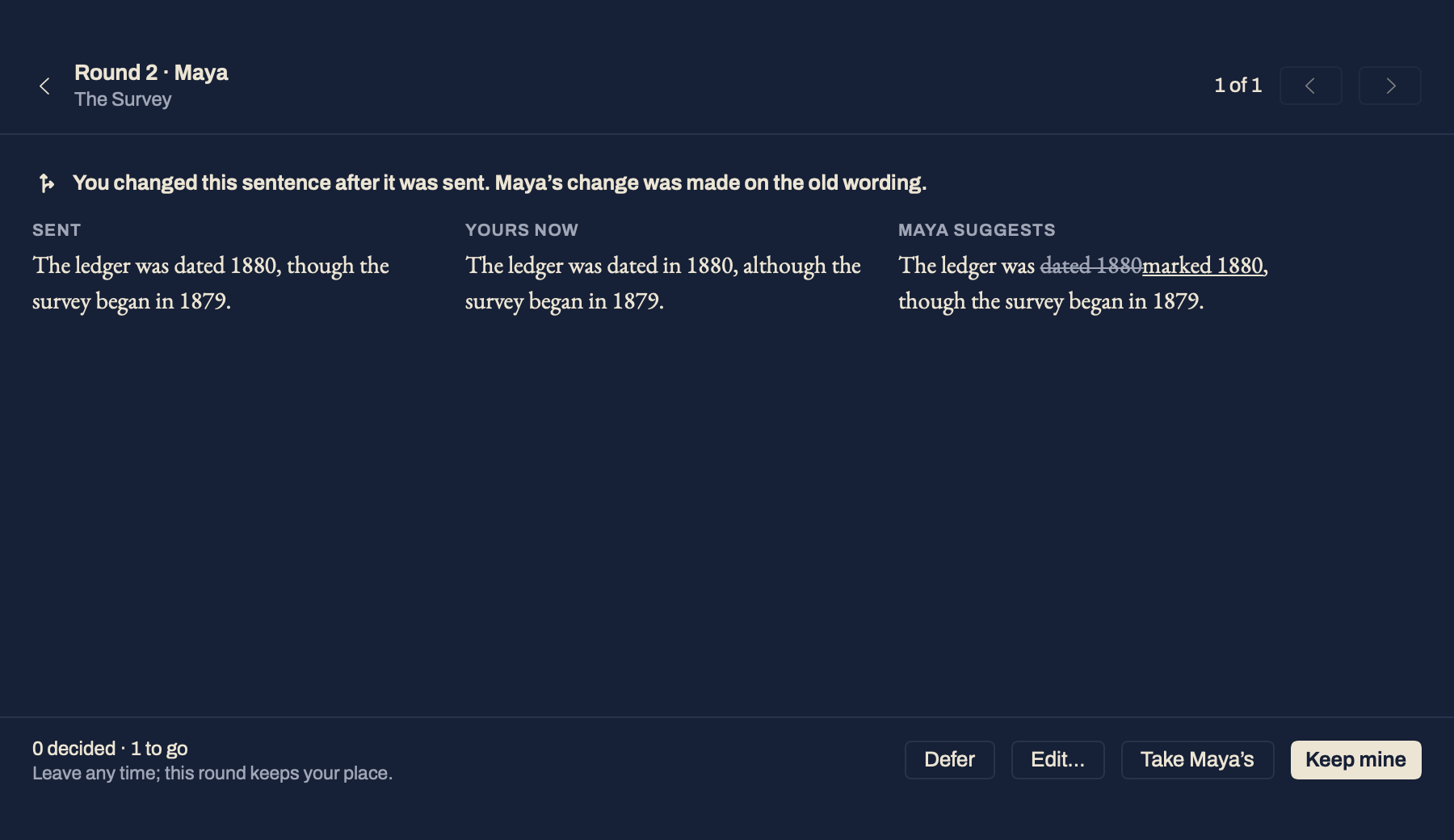
- 4DecideAccept, reject, edit or defer each change, and resolve or reply to each comment. Each decision can be undone straight away, with Undo beside it. Where you have rewritten the sentence since, see what you sent, yours now and their suggestion side by side, and keep yours or take theirs.
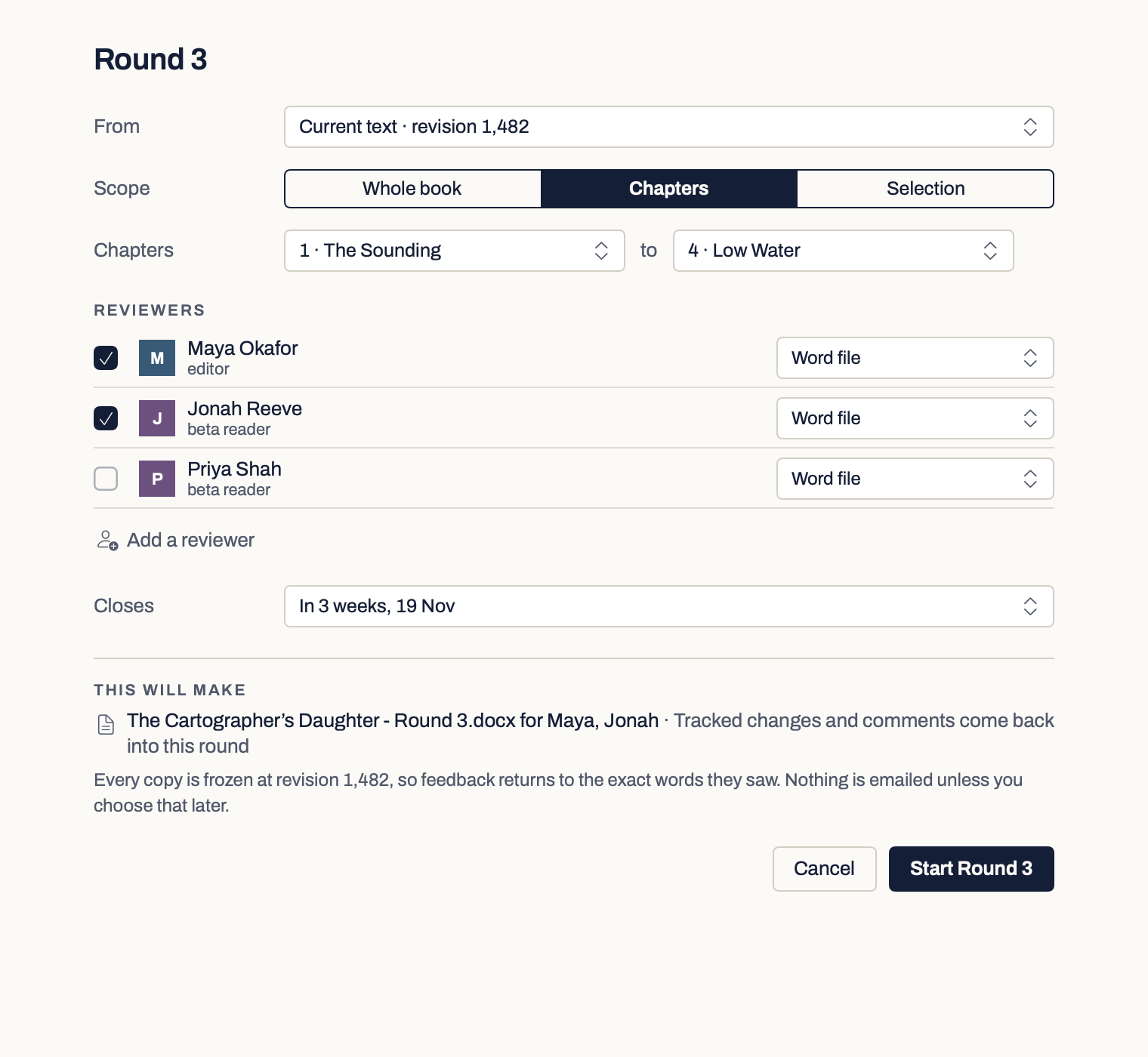
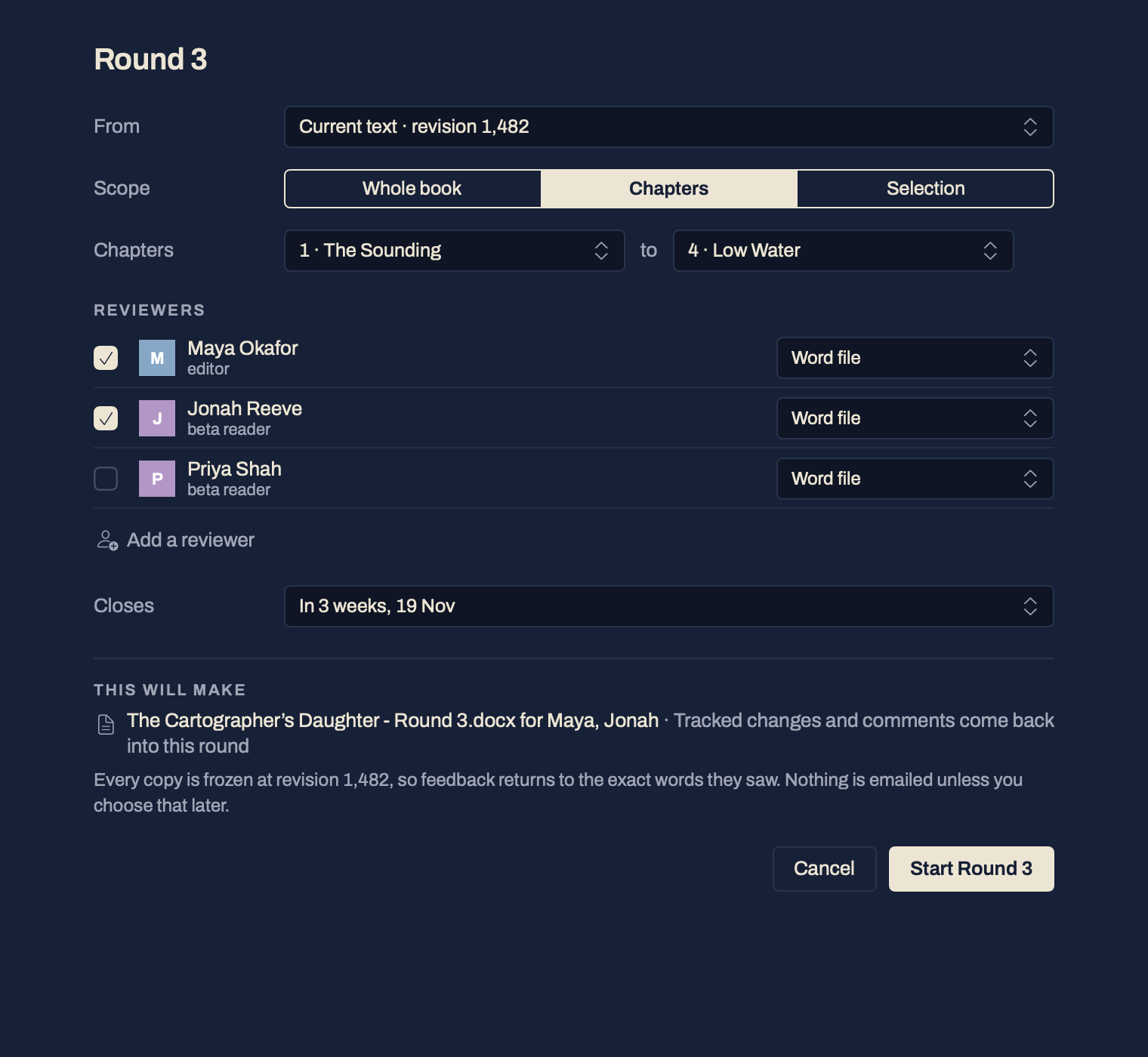
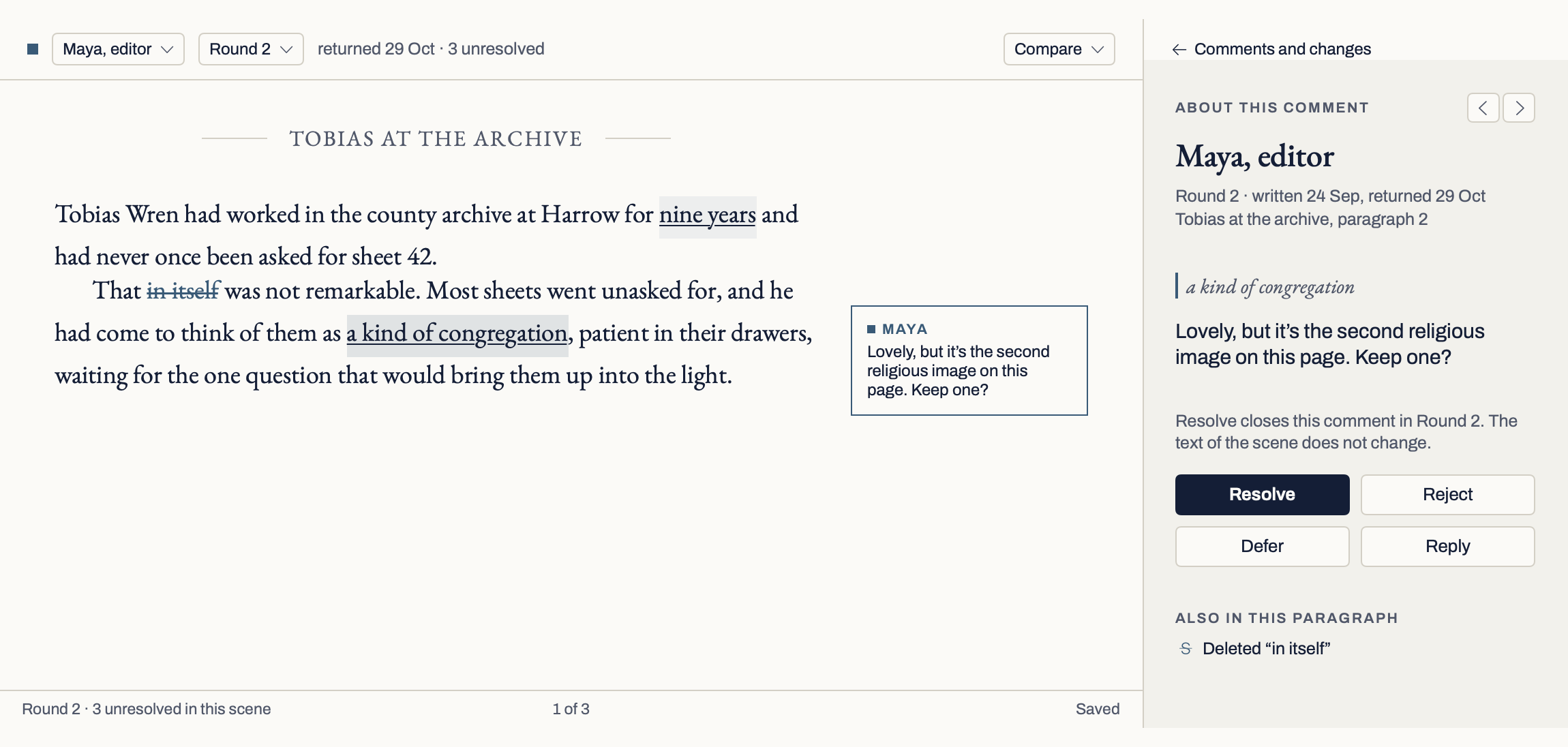
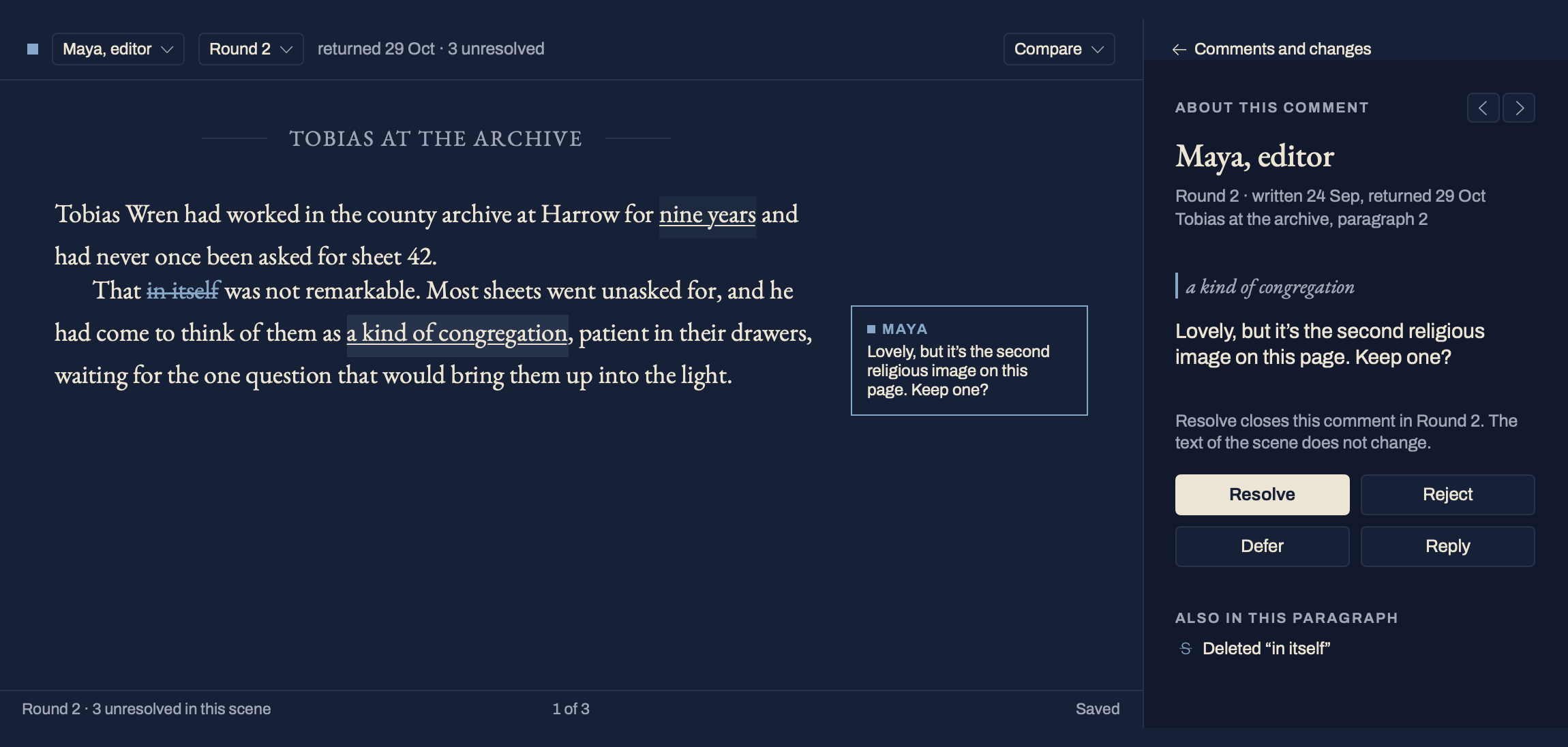
For readers without Word, a private link.
Add a reader to a round and Verso makes them a private link, unless you choose Word file for them.New in 0.9.11 Email link sends it for you: type the reader’s address and Verso emails them the link. The email names you, and replies come to your own address. Copy link puts it on the clipboard if you would rather send it yourself. The reader opens the link in any browser, on a computer or a phone, types their name, and reads. They need no account and no app.
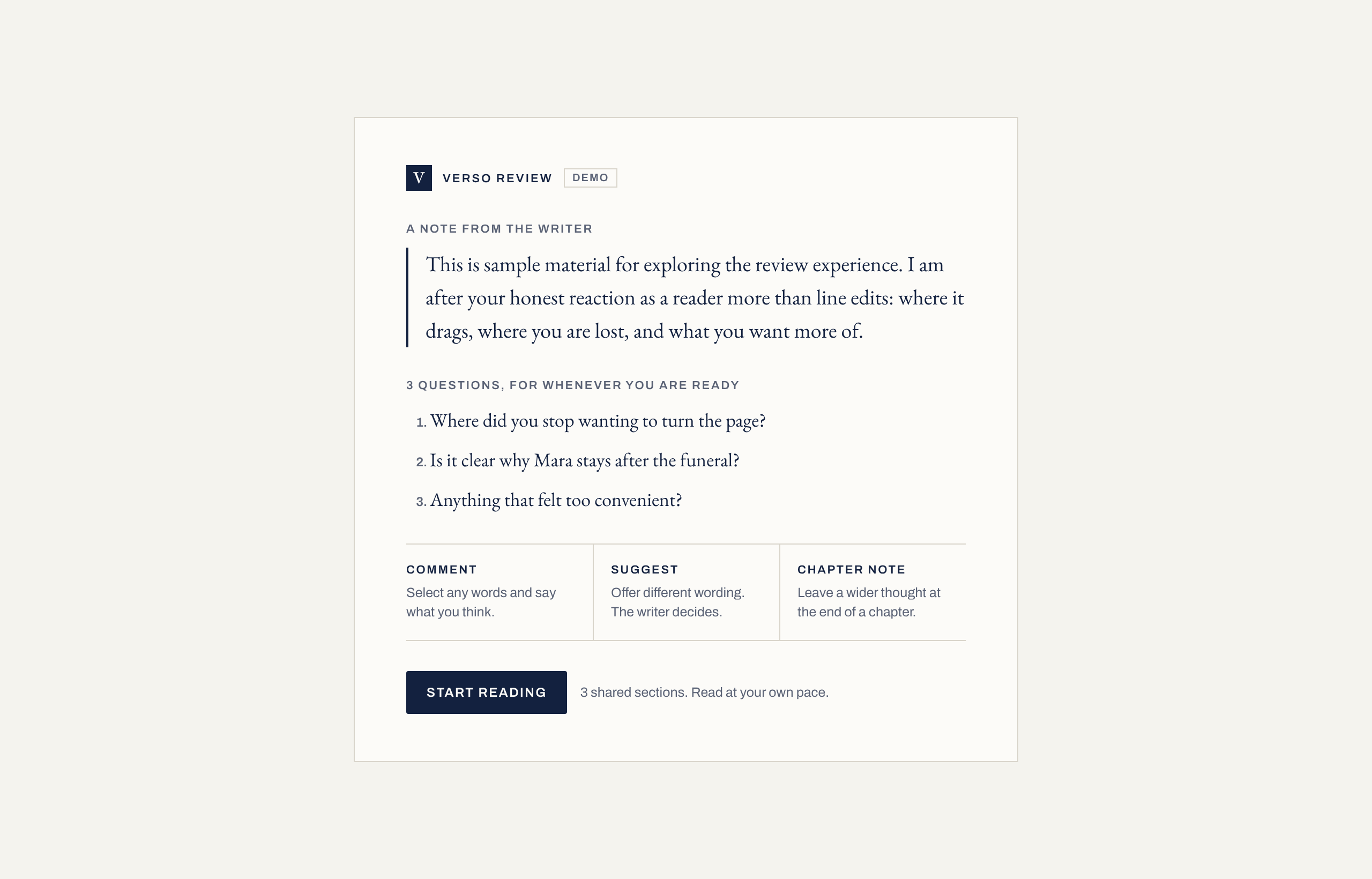
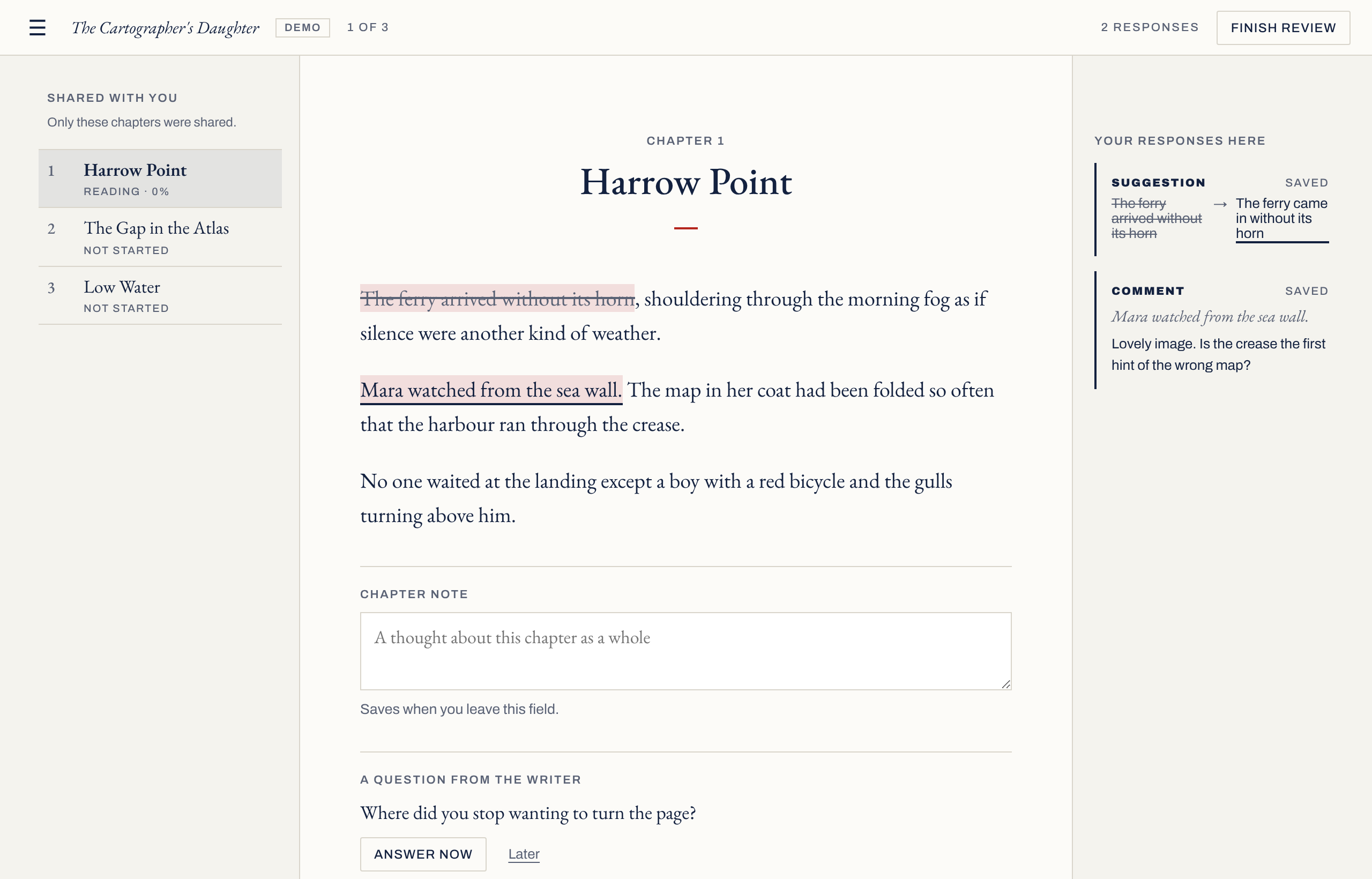
- 1They see only what you sharedA frozen copy of the text of the chapters you chose, and any questions you wrote under Ask them, one per line. Never your notes, synopses or Materials.
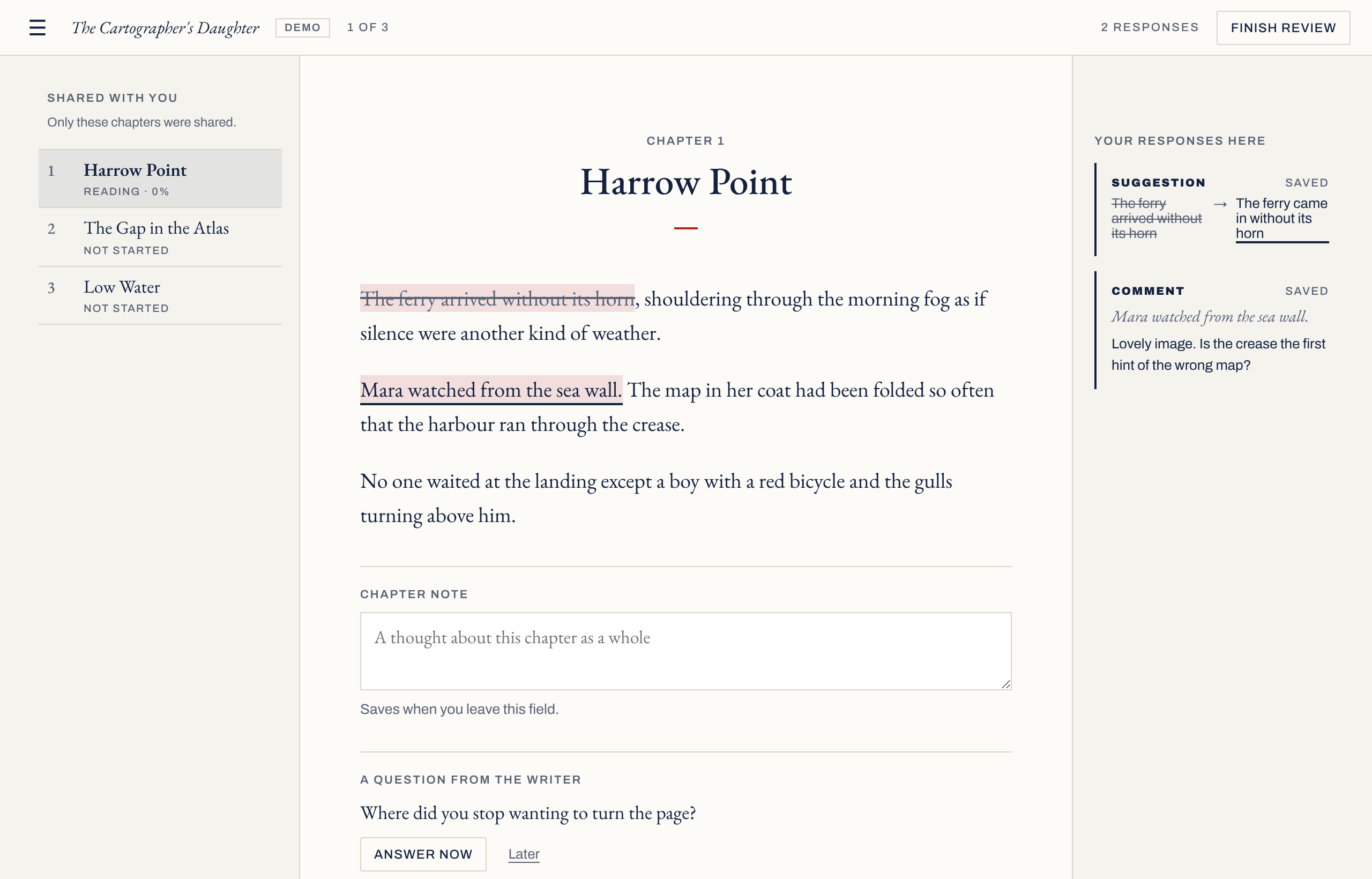
- 2They respond in placeSelect words to comment or suggest new wording, leave a note on a chapter, and answer your questions.
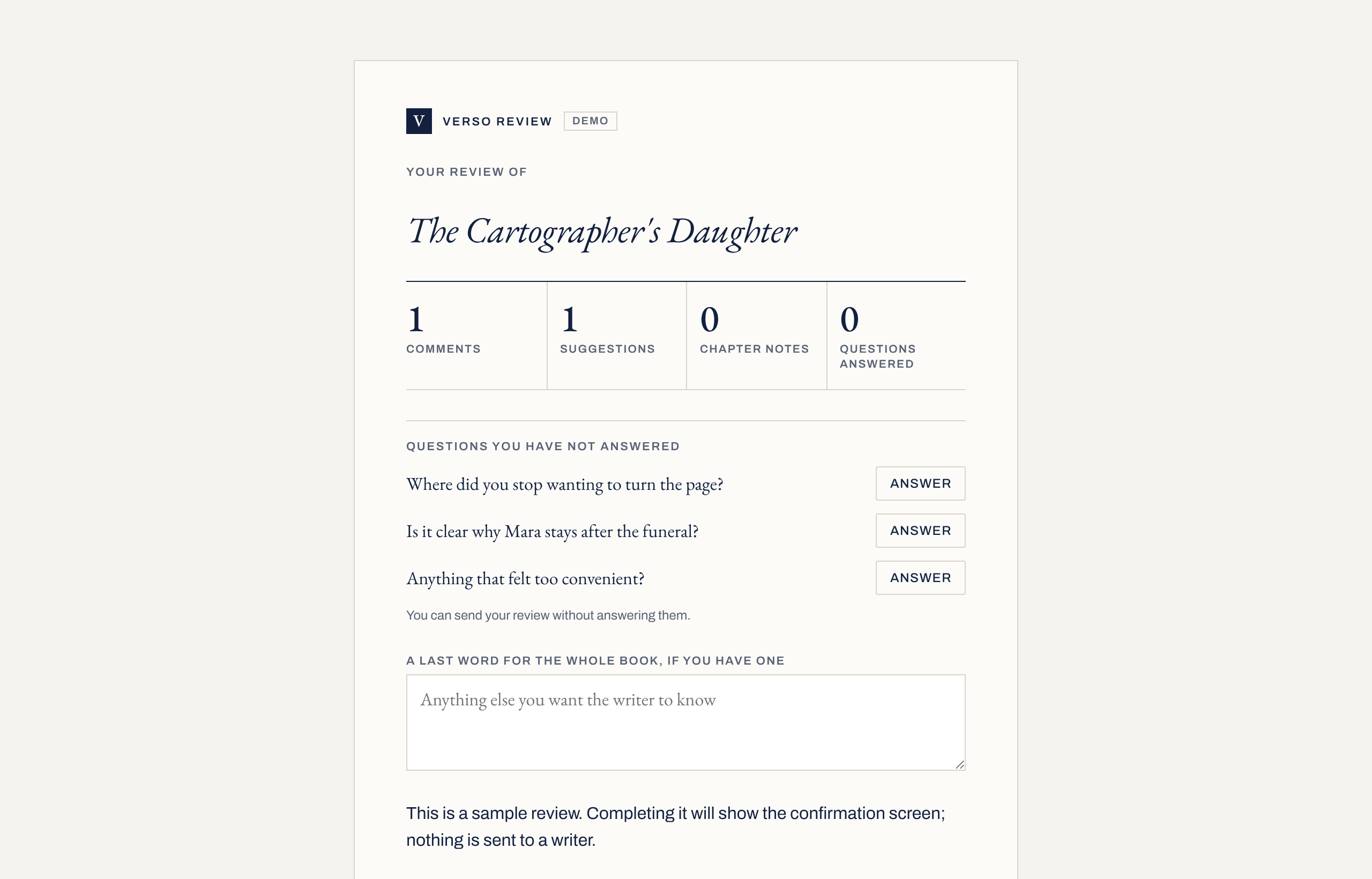
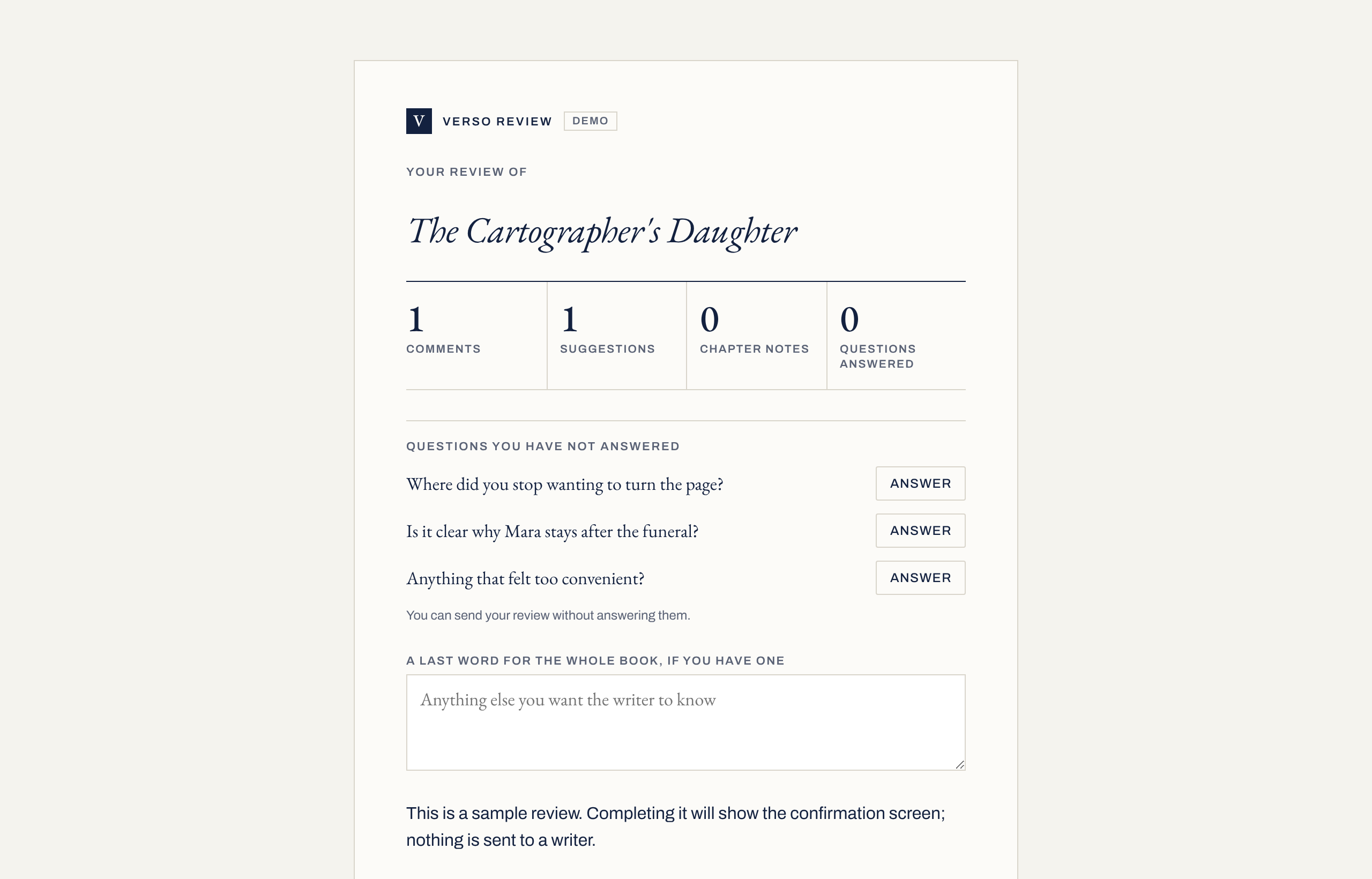
- 3They send itFinish shows what they wrote and which questions are still unanswered, and offers room for a last word. After sending, they can download their own feedback as a Word file with margin comments.
- 4It comes back to the roundBring feedback home and their responses join the round on your Mac, against the same scenes and in that reader’s colour, to accept, reject or defer like any other. Refresh feedback later and what you have already decided stays decided.
What a round looks after.
| Part | Detail | Status |
|---|---|---|
| The Word file | A frozen copy of what you chose, with or without your name and email on the title page. Your own comments can be taken out first. | Built |
| Several readers | A colour for each reader. Compare two returned copies side by side, and see where they changed the same words differently. | Built |
| Writing on meanwhile | Returned changes are placed by their surrounding words. A suggestion on wording you have since changed is shown against yours and never applied blindly. Paragraphs you have moved or split since are found where their words are now. | Built |
| Safety | Before your first decision on a returned copy, Verso keeps a milestone named for its round, such as Before Round 2 feedback, so History can take the whole copy back. A milestone is also kept before a suggestion changes your text, unless you turn off Snapshot before large changes in Settings › General. Each decision can be undone on its own. | Built |
| Closing a round | Counts what was accepted, rejected and deferred, carries undecided items into the next round if you choose, and keeps a milestone. | Built |
| A private link for readers | Readers open it in any browser with their name, no account or app, and can answer the questions you ask them. Email link sends it to the address you type; Copy link lets you send it yourself. You need a Verso account to create links; signed out, the round form says so and offers Sign in. Price not decided. | Built |
From the app’s code and the review link service, 29 October 2026.