Make a clear copy of the book you have written.
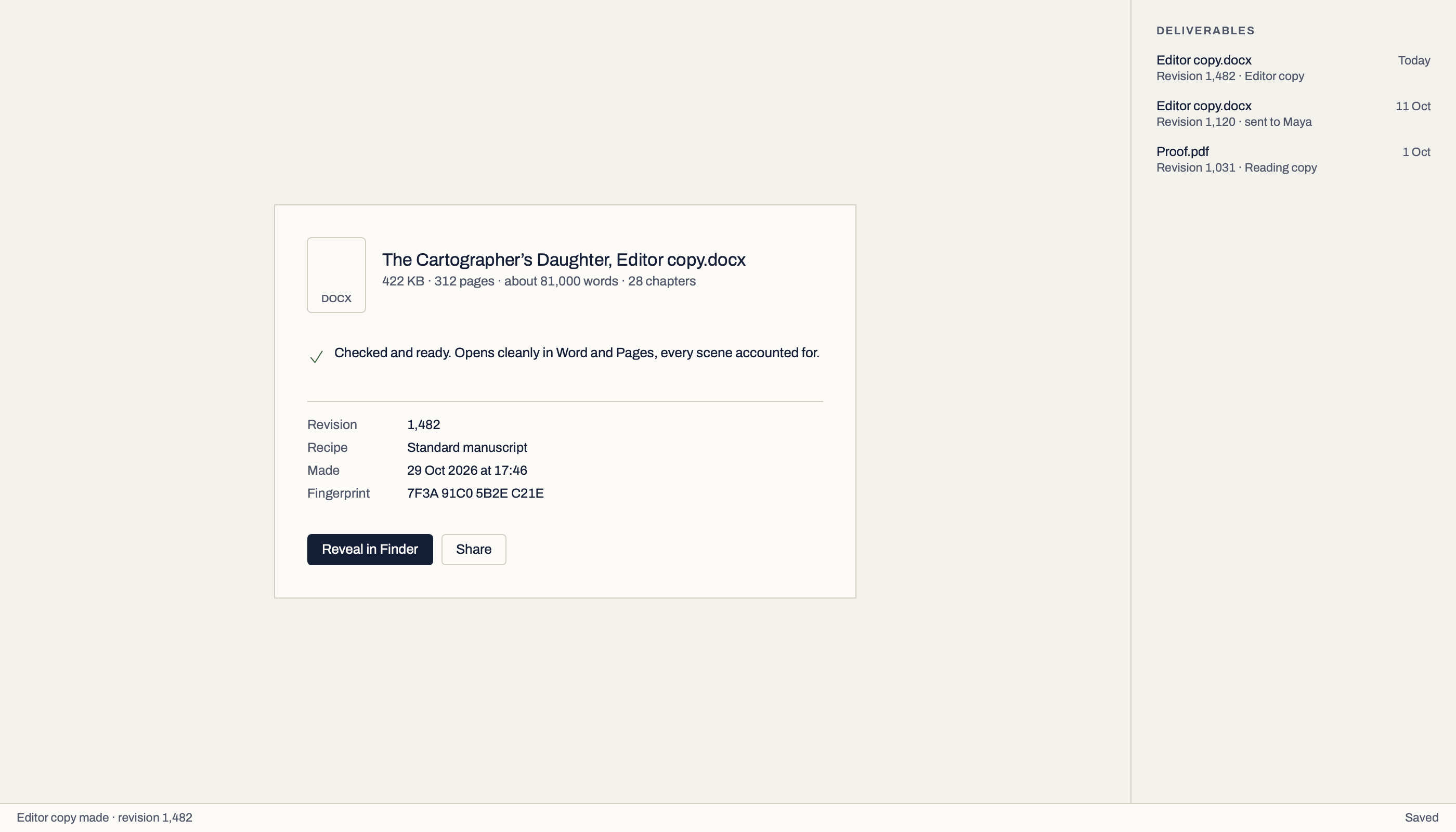
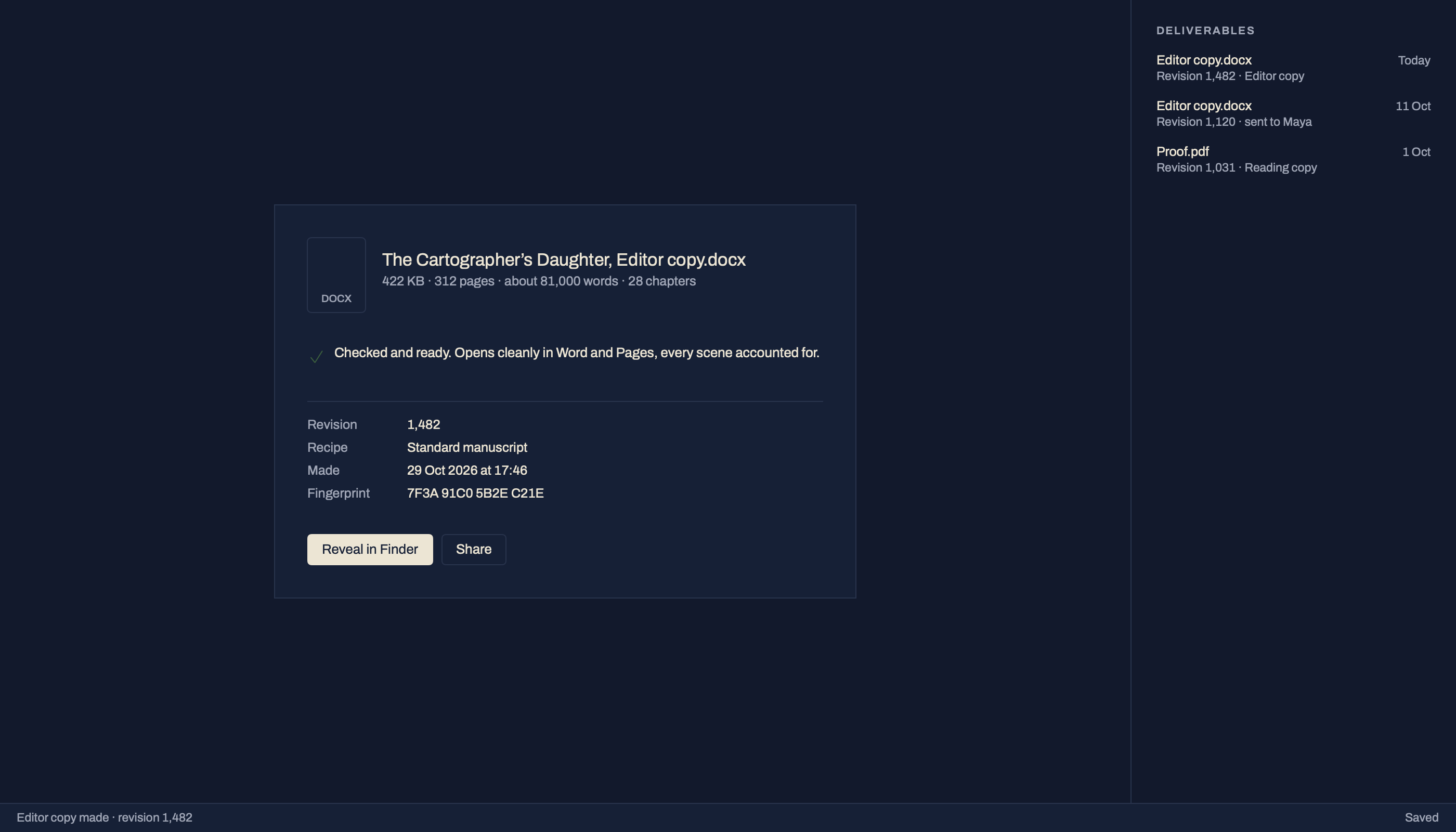
Choose what you are making, and Make Ready sets the book up for it. Each file is made from a fresh reading of the book, never changes it, and is recorded with the version it came from: a receipt for the files made here, a review round for the copies that go out for feedback.
What you can make.
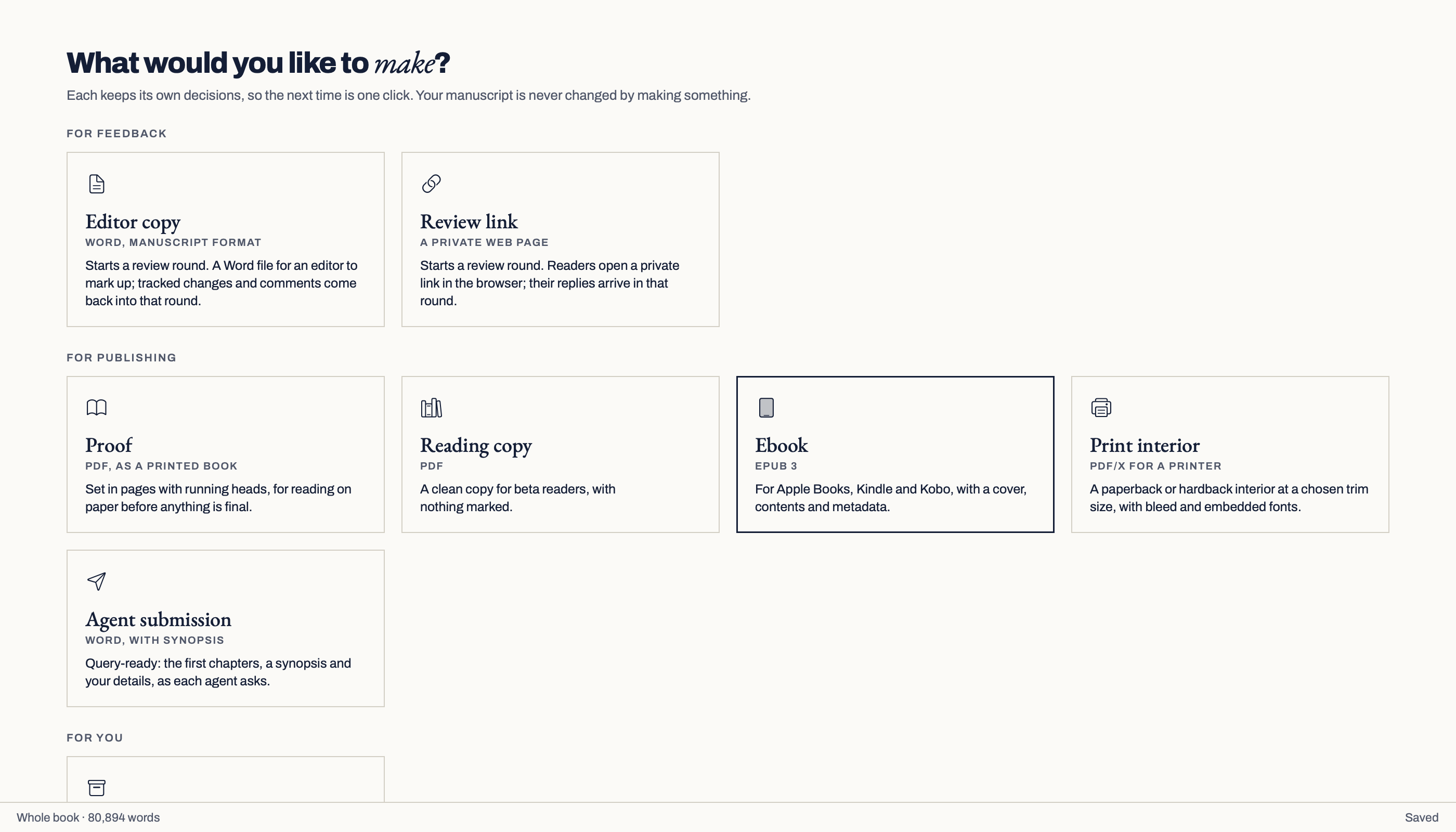
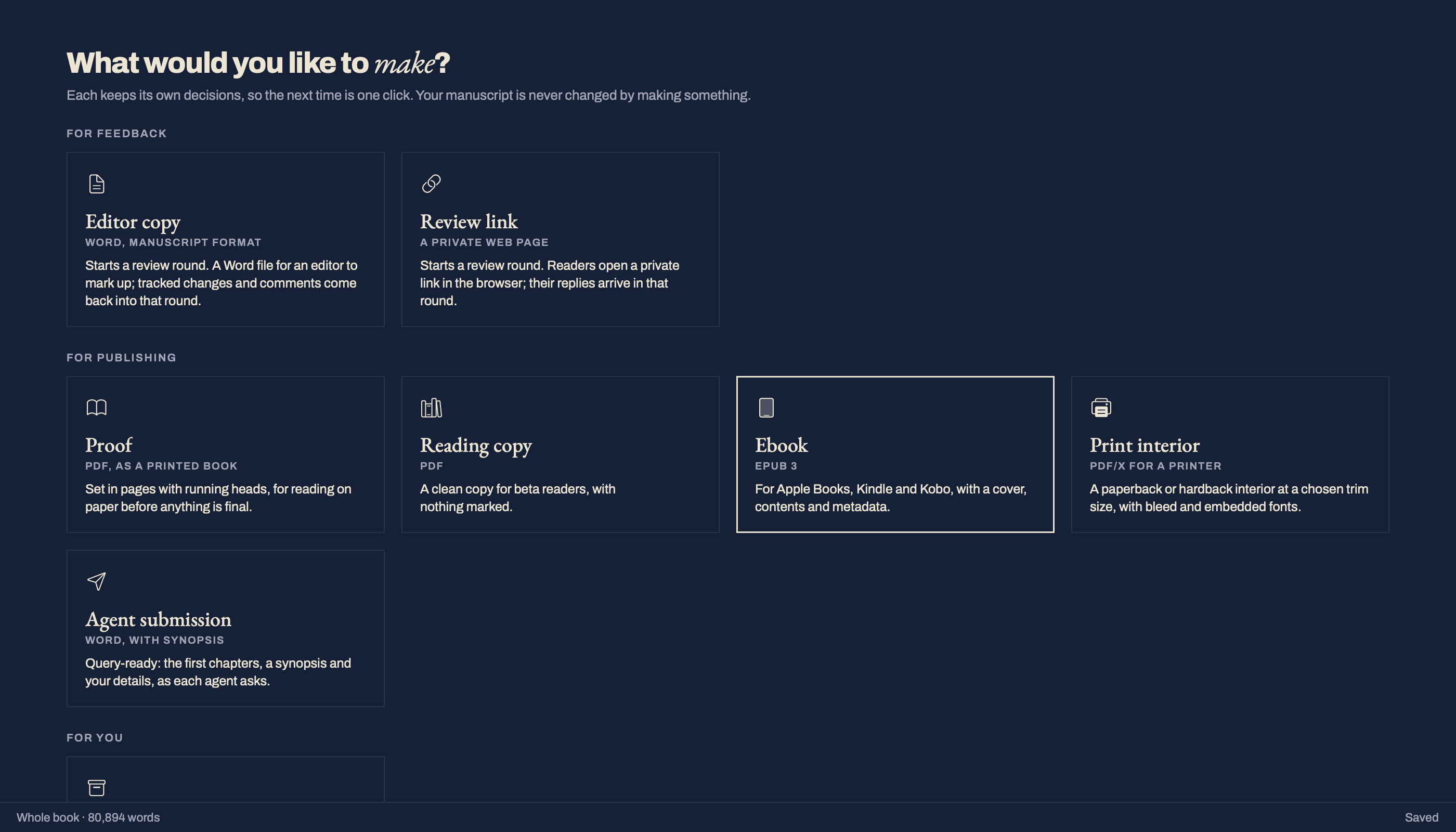
Make Ready opens on the job, not on settings: What would you like to make? Every outcome keeps its own choices, so the next time is one click.
| Outcome | What it is | Status |
|---|---|---|
| Editor copy · Word | Starts a review round and saves a Word file for your editor to mark up. Their changes come back into that round. | Built |
| Agent submission · Word | Standard manuscript layout: Times New Roman 12, double spaced, with a title page (your name, contact and a rounded word count), a running head with your surname and the title, your synopsis and the chapters you choose. | Built |
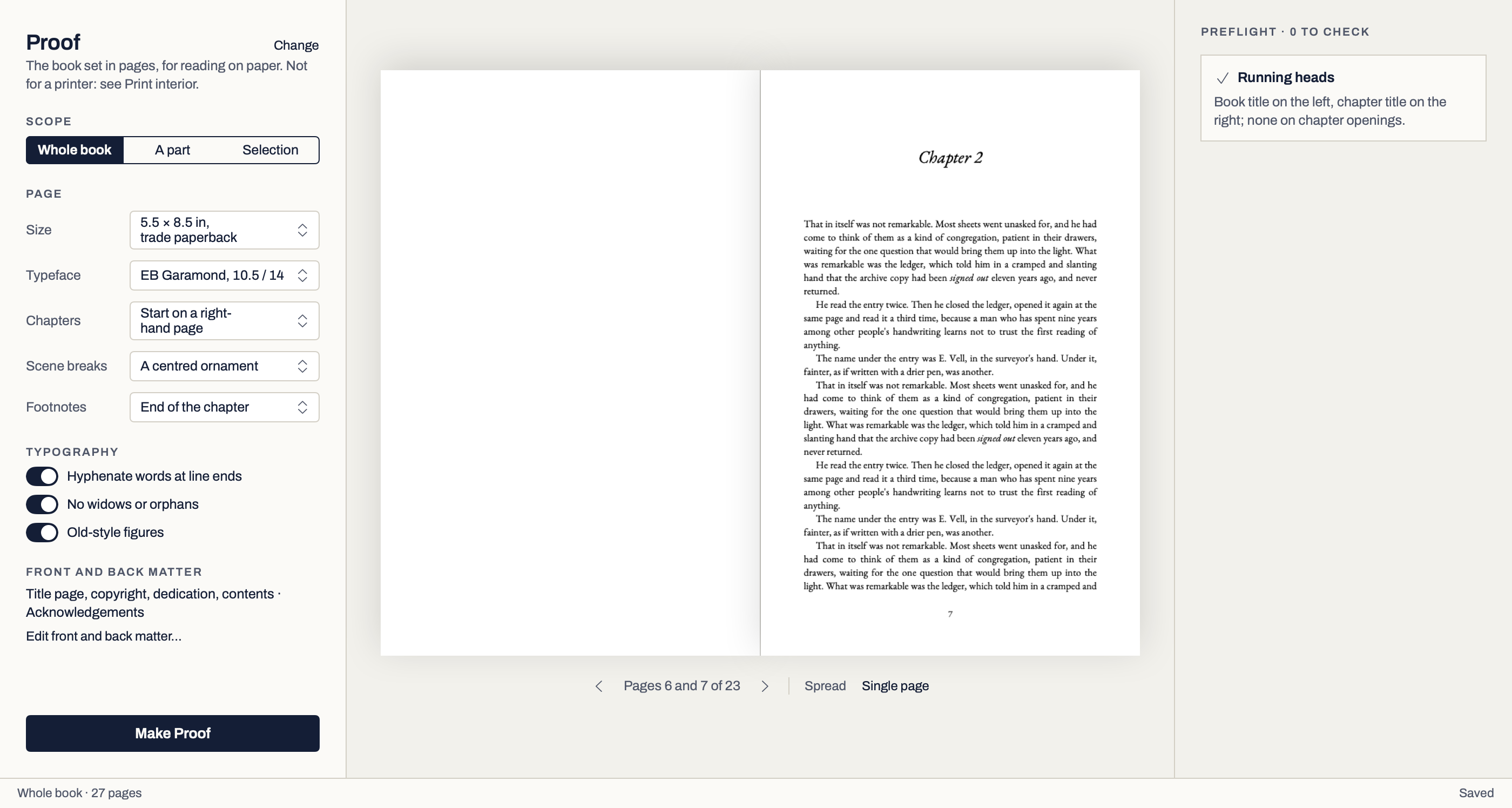
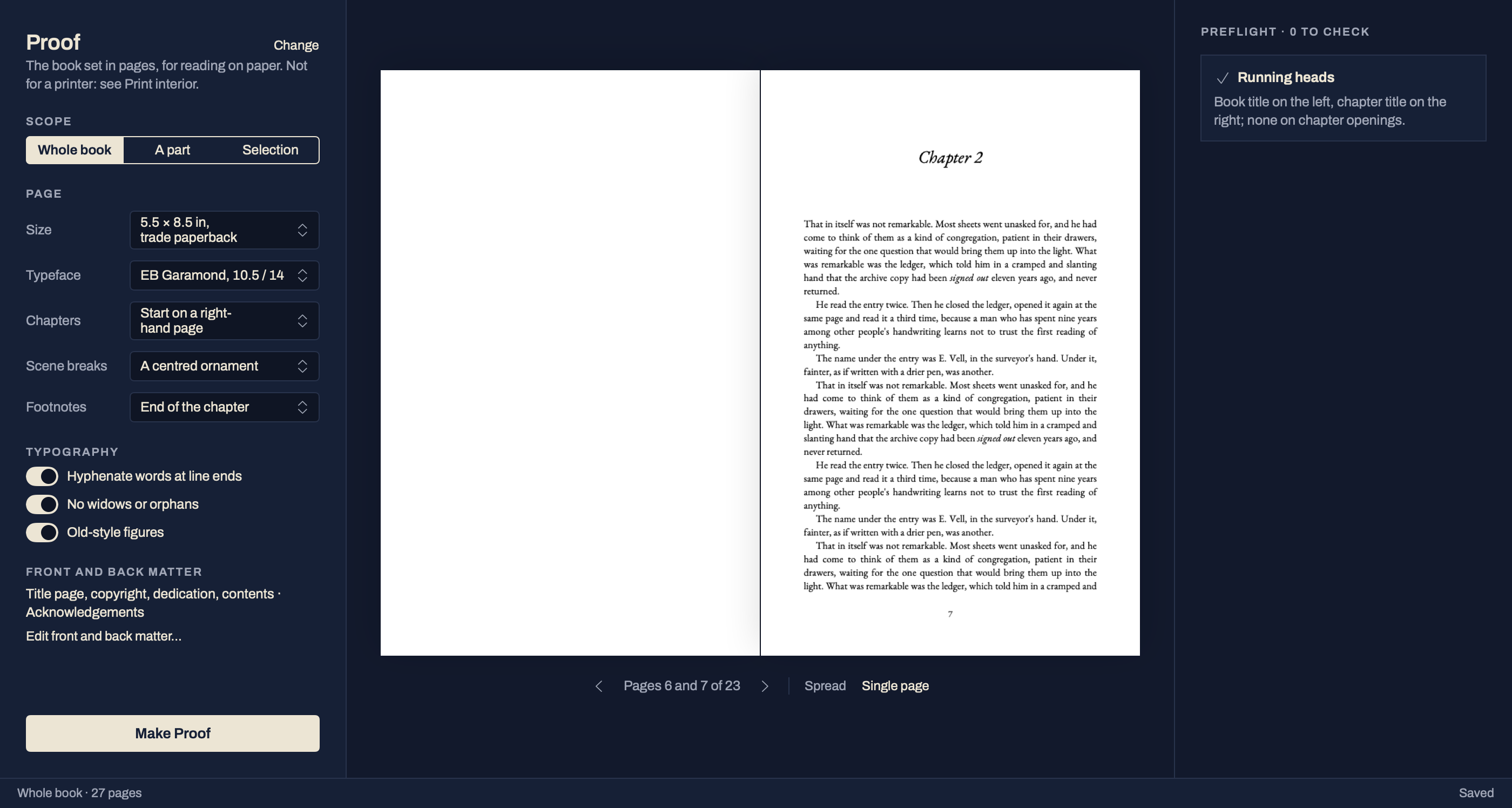
| Proof · PDF | The book set in pages at 5 × 8, 5.5 × 8.5 or 6 × 9 inches, in one of three designs (EB Garamond, Source Serif 4 or Literata), with chapters opening on a right-hand page or on the next page. Its preflight says which running heads the chosen design prints, if any. Words are hyphenated in the book’s language, with no lone lines at the top or foot of a page, and figures are old-style where the face has them; each is a switch in page setup. For reading on paper. | Built |
| Reading copy · PDF | A clean copy for beta readers, set like the book, with nothing marked. | Built |
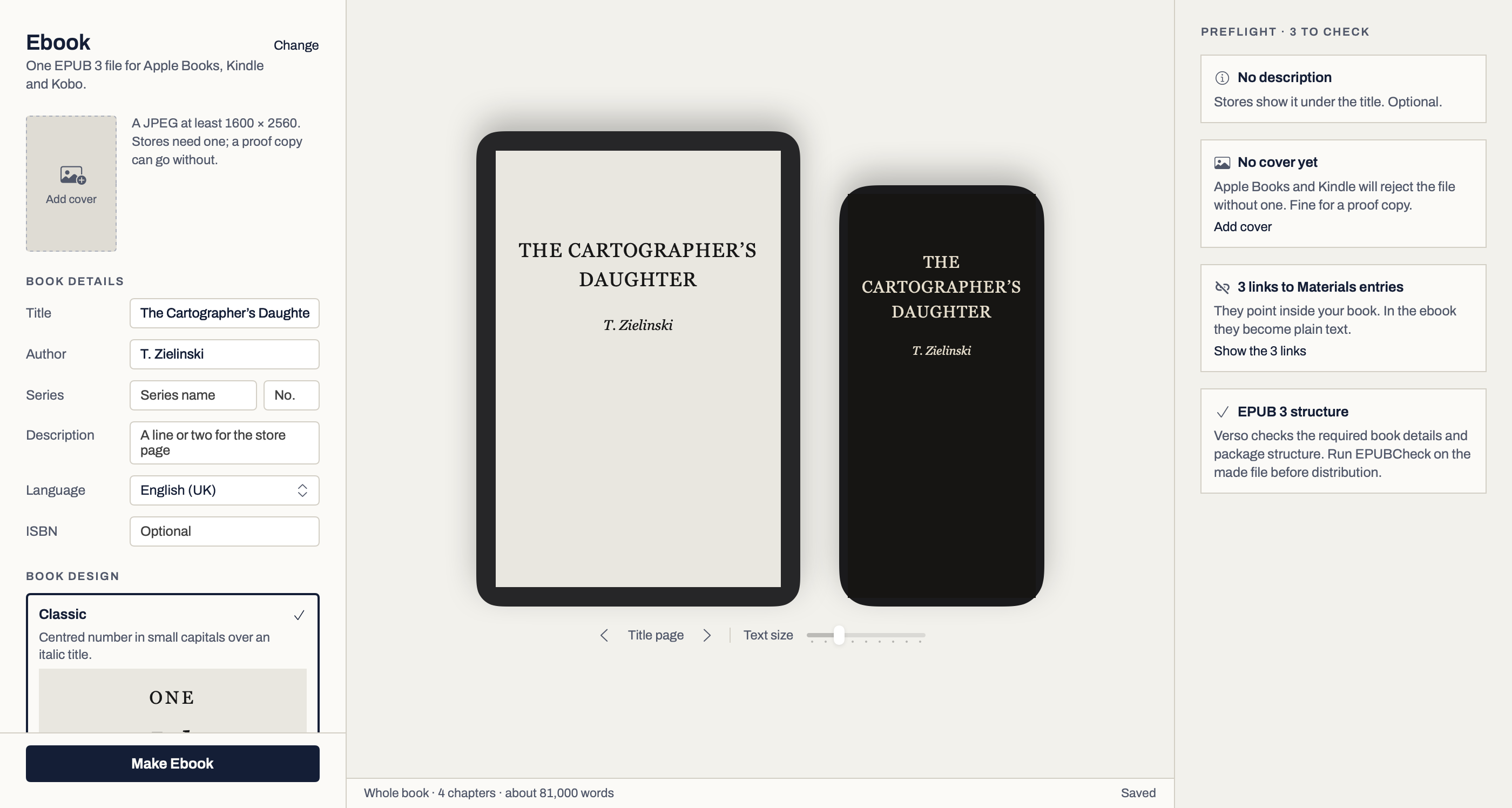
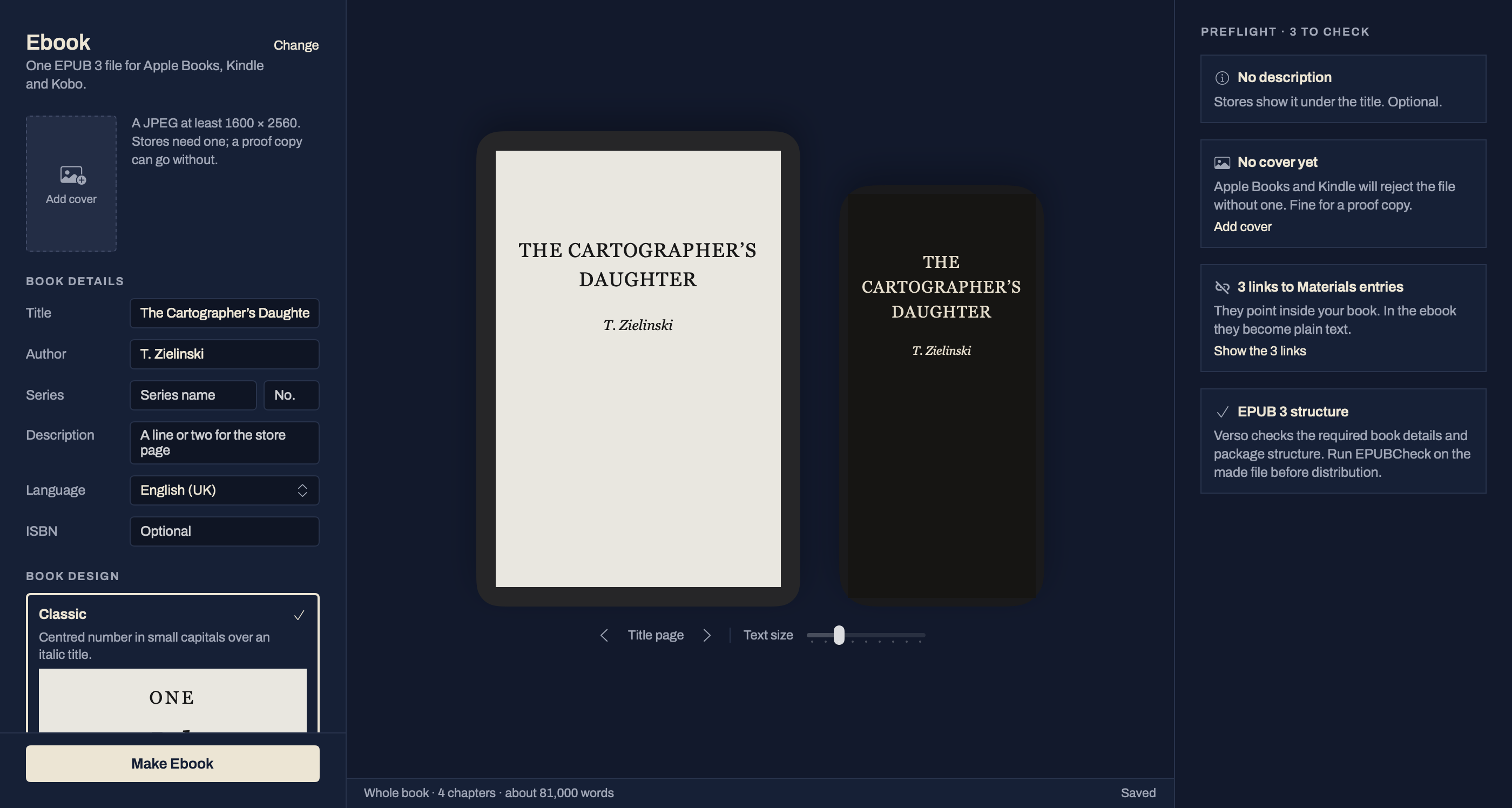
| Ebook · EPUB 3 | A cover, linked contents, pop-up footnotes and accessibility checks. Verso checks the book details and structure; run EPUBCheck before you send it to a store. It follows the same typography switches as the Proof. | Built, check first |
| Print interior · PDF/X | A PDF/X-4 file for a printer: your trim size, bleed, mirrored margins checked against binding minimums, running heads and page numbers, hyphenated and set like the Proof. Ask your printer which PDF/X they accept. | Built, check first |
| Archive · Markdown | A new folder with the whole manuscript in one file, a numbered folder for each part and chapter with every scene and page as its own file, and your Materials, readable without the app. | Built |
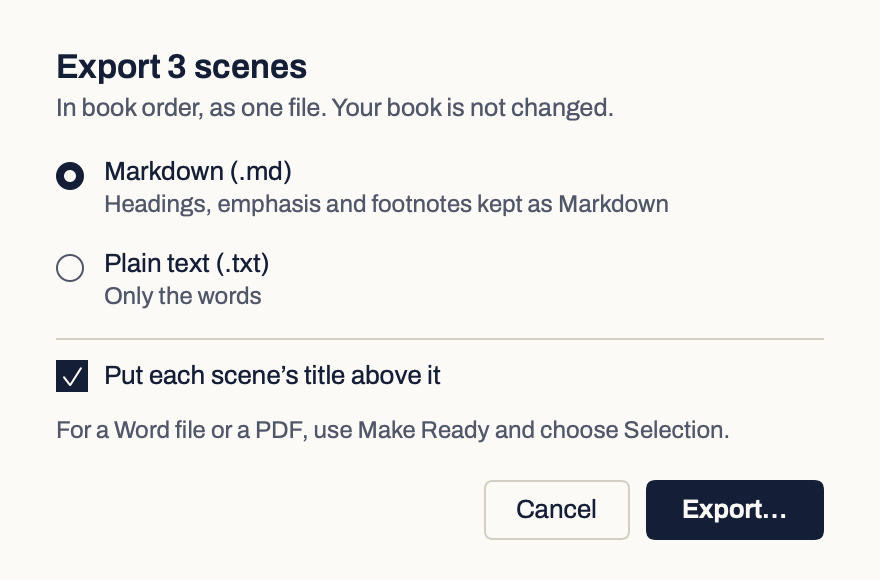
| Selection · Markdown or plain text | Only the scenes or chapters you select, in book order, as one file. Right-click them in the contents, or choose File › Export Selection. | Built |
| Review link | Starts a review round. Readers open a private link in any browser, with no account, and their replies come back into that round. You need a Verso account to create links; signed out, the round form says so and offers Sign in. | Built |
Check first: run EPUBCheck on an ebook before a store, and send a print interior through your printer’s own preflight.
Footnotes and endnotes: a Proof, Reading copy or Print interior sets footnotes at the bottom of the page, the end of the chapter or the end of the book, as you choose, and endnotes at the end of the book, numbered i, ii, iii. Word files carry both as Word’s own notes. The ebook shows them as pop-up notes.
Every file has a receipt.
Each file you make is recorded, so you can tell later exactly what you sent and which version of the book it came from. An Editor copy or a Review link is recorded in Review, as a round frozen at its version.