
Bring in the work you have. Check what came with it.
Bring in a manuscript file, a folder, a Scrivener 3 project or a script. You correct the proposed book before anything is made, and a receipt accounts for every piece. Each import makes a new book, and your originals are never changed.
Status, {{ vmStatusDate }}: in the early build.
Choose a starting point.
There are two ways in. In the Start window, choose More ways to begin, then Bring in a draft, which opens to Import a manuscript, Bring in a folder and Move from Scrivener. Or use File › Import, which offers Scrivener Project, Manuscript and Folder. Files and folders go through the Book Map, where you correct the proposed structure. A Scrivener project shows a report first when something in it will not come across, and otherwise opens at once. The new book is saved in your new-book folder, Documents › Verso unless you chose another, under its own name, so you are not asked where to put it. A script, chosen under Import a manuscript, has its own receipt.
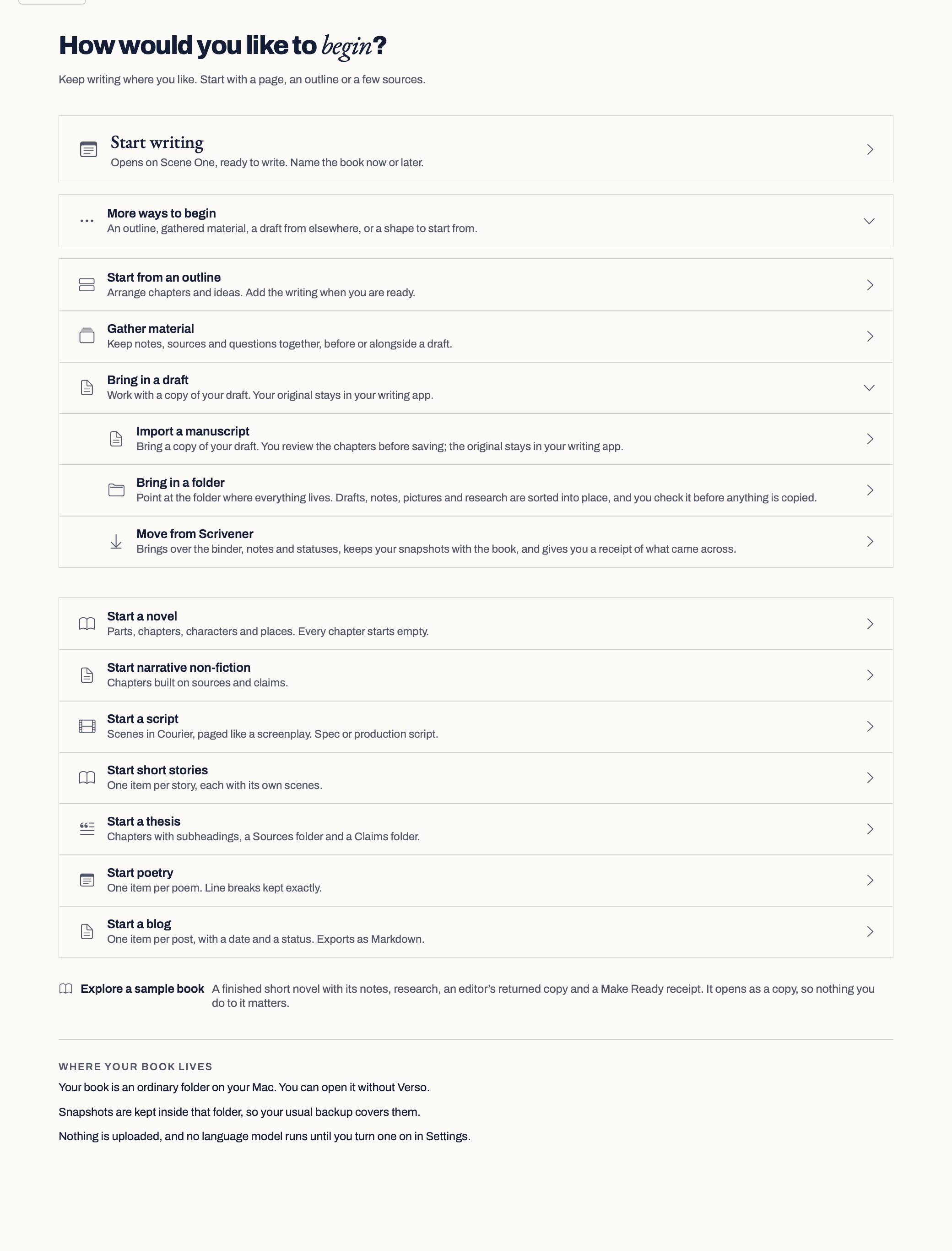
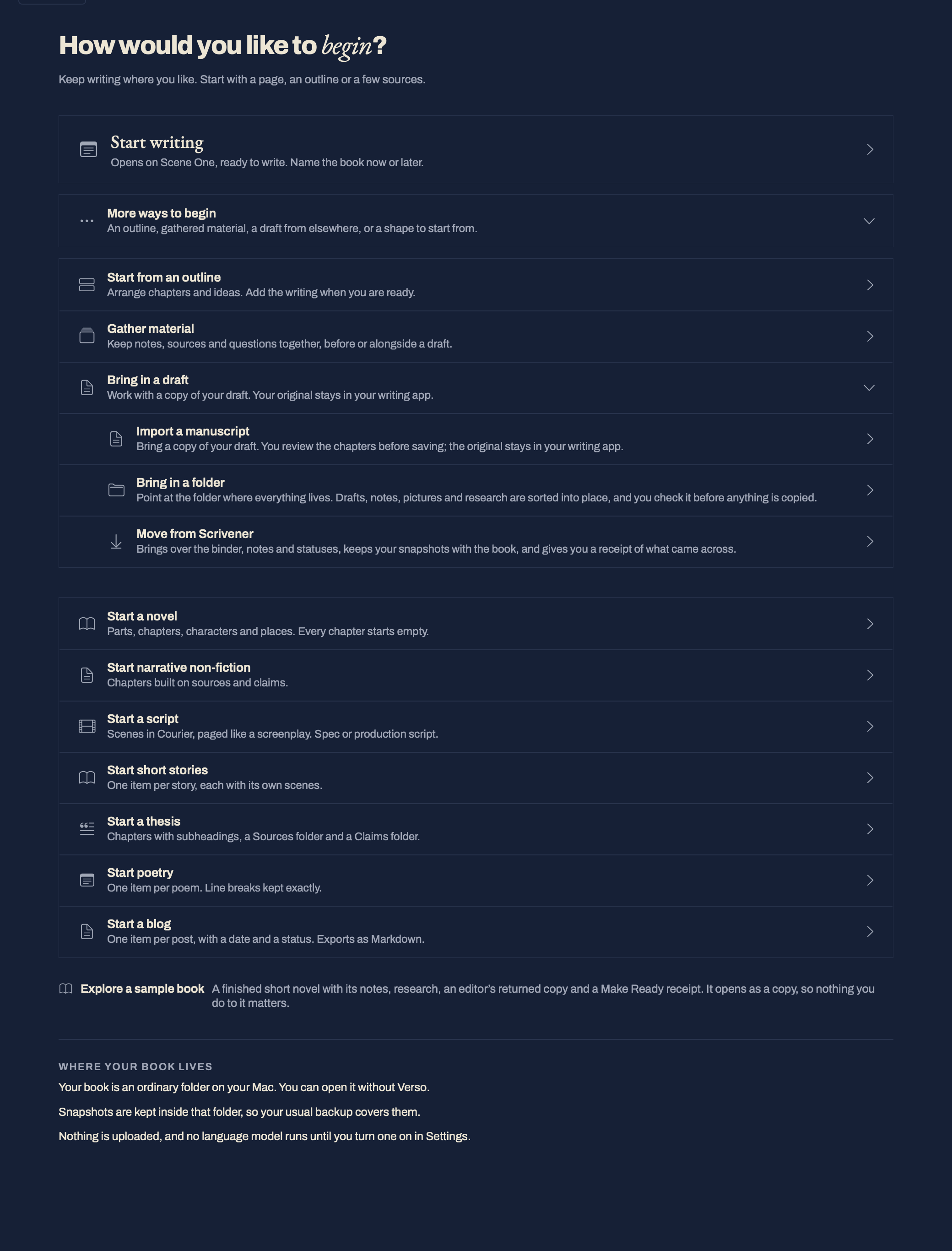
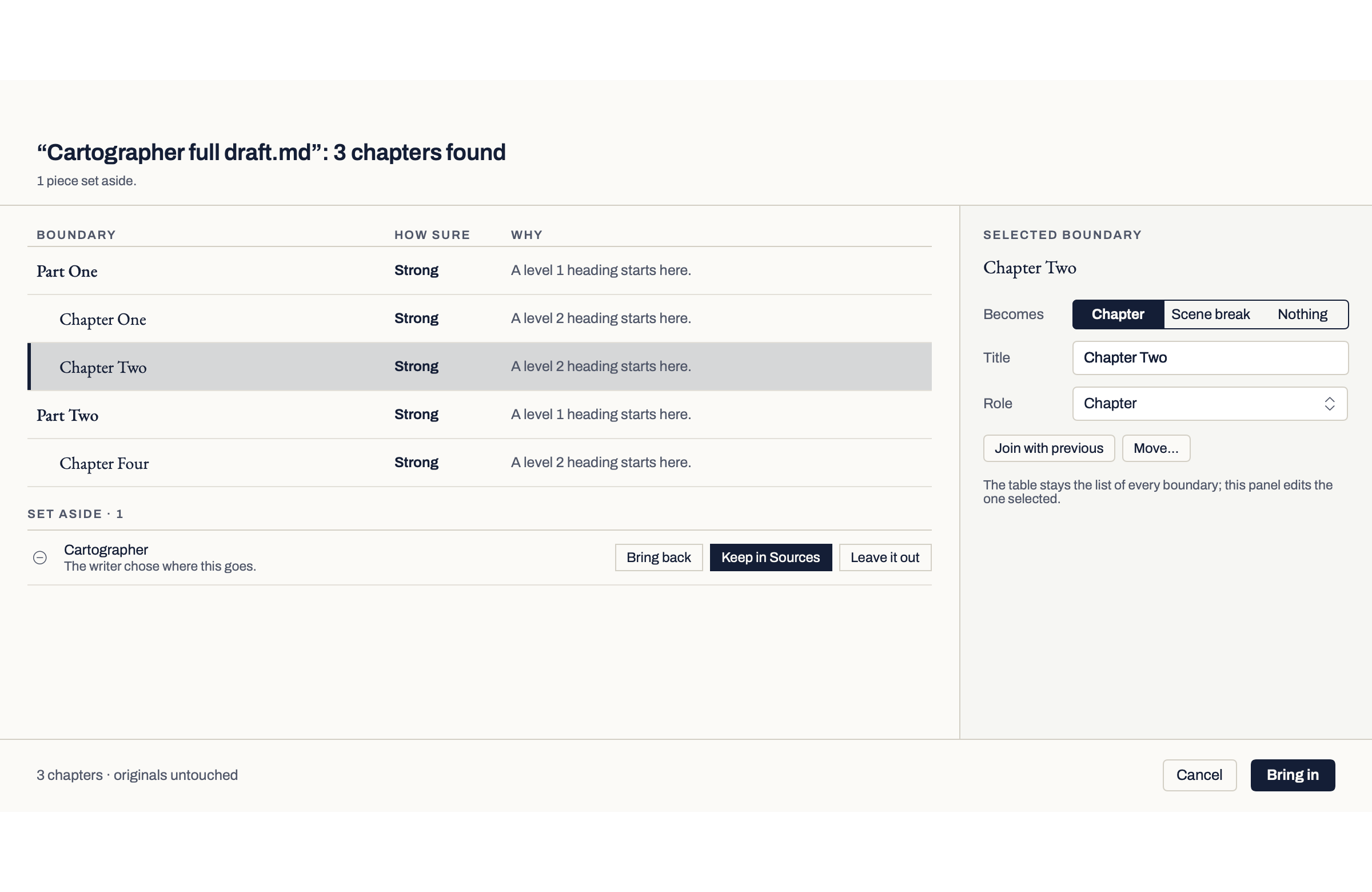
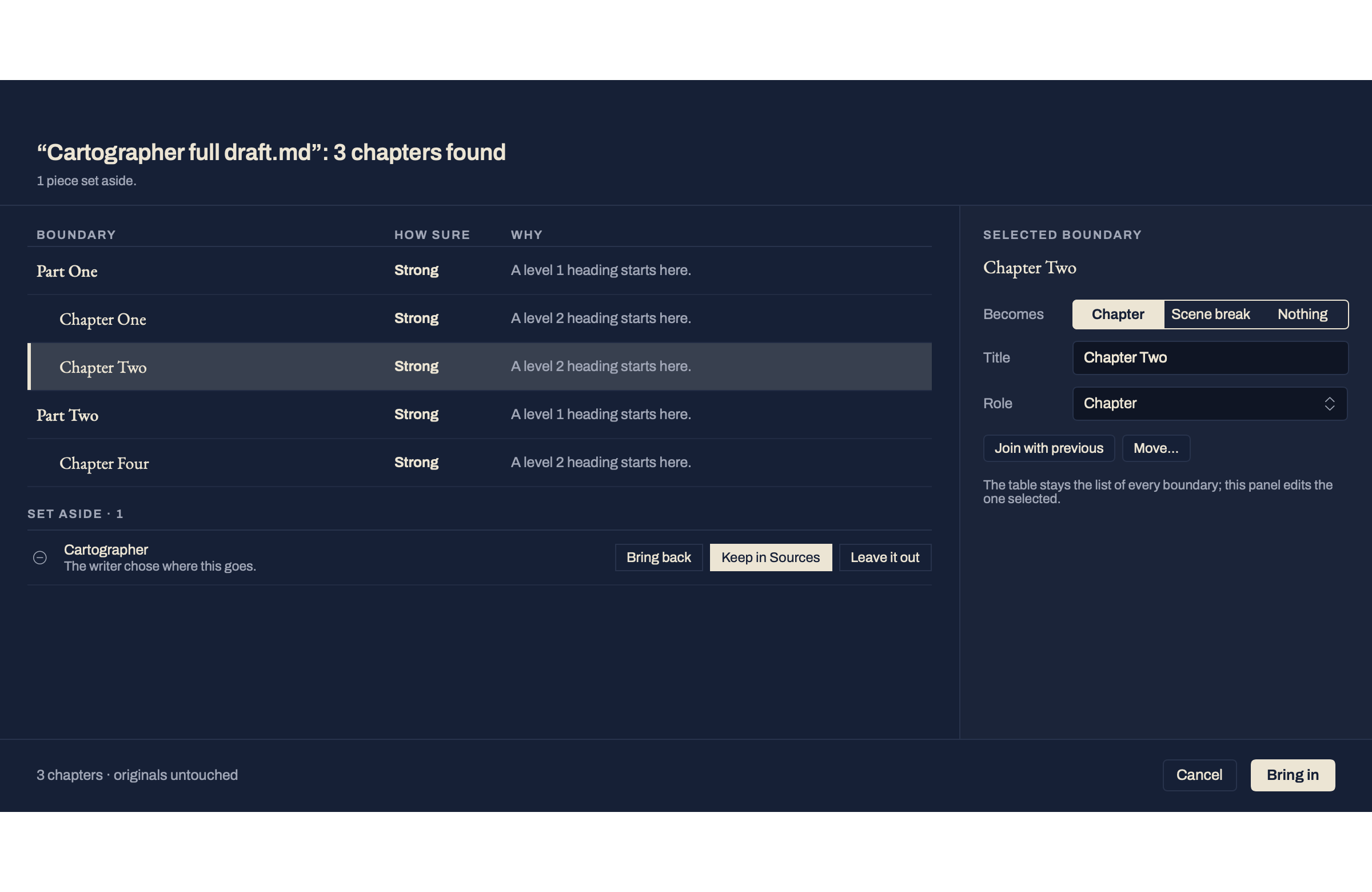
See the proposed book first.
Before anything is made, the Book Map shows the parts, chapters and scenes Verso found, how sure it is of each one, and why. Rename, move, join, split, set aside or leave anything out. Every change can be undone, and nothing is written until you choose Bring in.
Read the Import Receipt.
When the new book opens, its Import Receipt, titled What came across, puts every piece of what you brought in into one of five groups, so the counts add up to everything read. Anything worth a look is listed so you can go straight to it. Undo Import is there until you change the book, and File › Imports › Import Receipt opens it again later.
{{ groupDef }}
Your originals stay as they were.
Importing reads your files. It never changes, moves or deletes them, and it never adds to a book you already have.
| Question | What happens | Status |
|---|---|---|
| Your source files | Read, never changed. A copy of each is kept inside the new book; Show copy on the receipt finds it. | In the build |
| Changing your mind | Undo Import moves the new book to the Trash and takes it out of your Library, until you change the book. | In the build |
| Files it cannot read | Listed in the Book Map with what to do next, such as exporting a Pages file to Word. Kept in Sources by default, or left out. Later, File › Imports › All Imports… lists every import with its receipt, where Show copy finds the kept copy. | In the build |
| A folder of everything | Characters and Places folders become Materials entries to review, Research and Sources folders go to Sources, Notes and Ideas to Notes, and Archive or Old are left out. Each choice shows its reason and can be changed. | In the build |
| Importing again later | The Book Map says which files are already in a book, which have changed and which are new. It always makes a new book. | In the build |
Supported formats and limits.
What each source gives you today, and what it does not.
| Source | What is recognised | Limits |
|---|---|---|
| Word (.docx) | Headings, lists, tables, footnotes, emphasis and links. Tracked changes are accepted: insertions kept, deletions dropped. Comments become the book’s own comments on the same words, with replies under them; resolved ones stay resolved. | A comment whose words are not found goes on its whole chapter or scene, and the receipt says so. Images, drawings, text boxes and equations stay in your original. Tables become plain text tables. |
| Older Word, Rich Text, OpenDocument | The same reading as Word. | Old .doc files rarely have heading styles, so chapters are guesses. |
| Markdown and plain text | Headings, scene break marks, footnotes and front matter. “Chapter 3” lines in plain text. A plain text file with each paragraph on its own line comes in as paragraphs. | Local images are copied in. Tables, maths and diagrams are kept as written. |
| Web page and outline (.html, .opml) | Headings, paragraphs, lists, quotes and tables. An outline’s nesting becomes headings. | Images on a web page are listed, not brought in. |
| PDF with text | Paragraphs and chapter lines, read from the layout. | Always a reading of the layout. A scanned PDF with no text is refused. |
| A folder | Each file becomes a chapter, in file name order. Exact duplicates are set aside and gaps in numbering are pointed out. | Hidden files are skipped. |
| Scrivener 3 project | Binder order, labels and their colours, status, keywords, synopses, notes, links, collections, targets (as Goals), custom metadata and templates. Text is converted with its italic, bold, strikethrough, highlights, underline (as the book style Underlined) and text colours (each a book style that keeps its colour), and the original RTF is kept too. | Snapshots become History snapshots, comments and inline notes become comments on their words, and footnotes become footnotes. Paragraphs come across as paragraphs and line breaks as line breaks. The original files are kept too. Saved-search collections are named in the report, not converted. Compile settings are kept, not turned into Make Ready settings. |
| Script (.fountain, .fdx, .spmd) | Title page, scene headings, action, characters, parentheticals, dialogue and transitions. | One script at a time. Script notes and revision marks stay in the original. |
| Pages | Not read. | Export to Word from Pages first. |
As of the development build, {{ vmStatusDate }}. The Import Receipt is the authority for your own files.
Before you bring it in.
{{ f.q }}
{{ f.a }}
Scrivener is a trademark of Literature & Latte. Verso Manuscript is an independent product and is not affiliated with or endorsed by them.