
Keep what matters to the book close to it.
Keep notes, files, saved web pages and entries for the people, places and things in the book. Link them to the chapters they matter to, keep one beside the page, and search across everything. None of it needs AI.
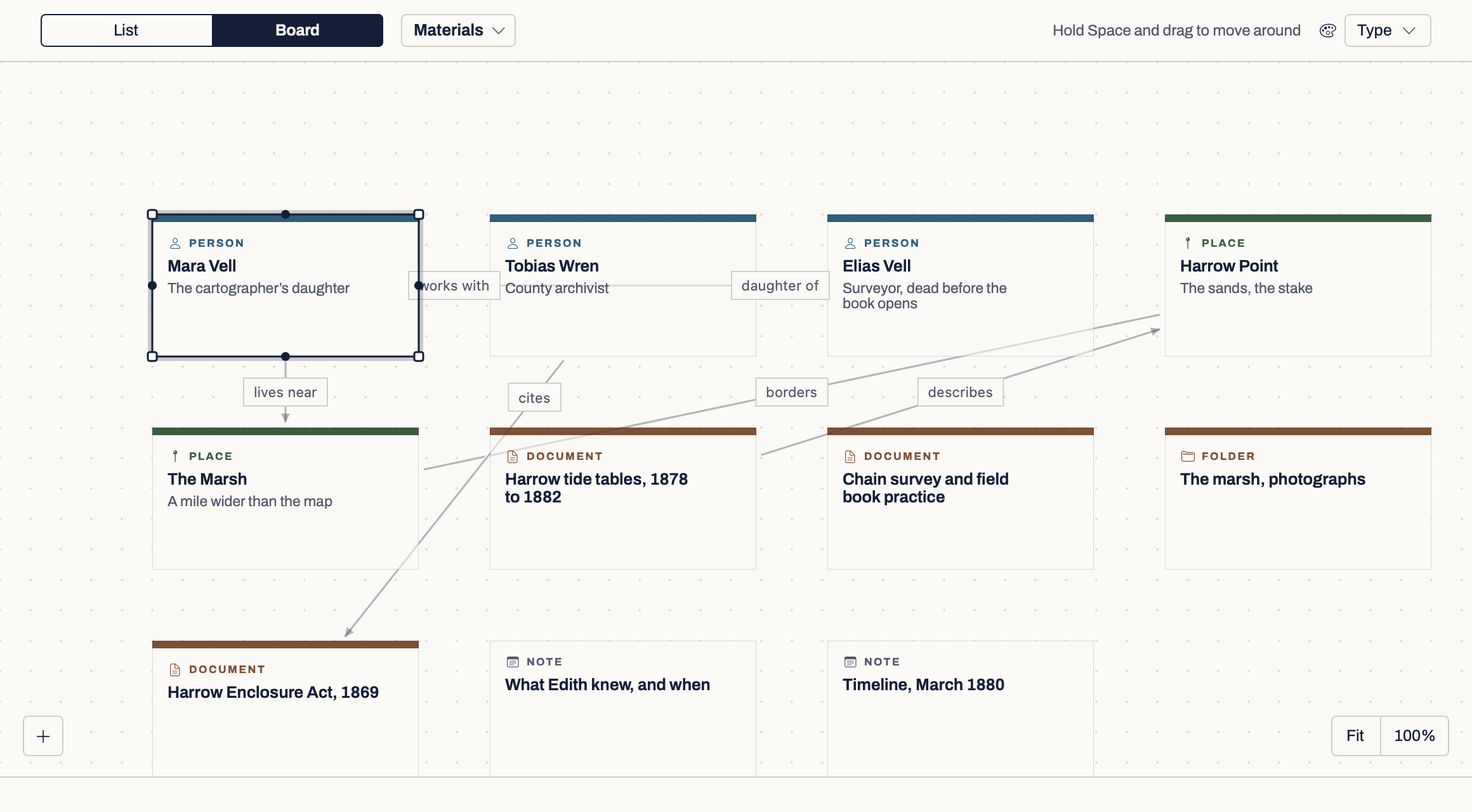
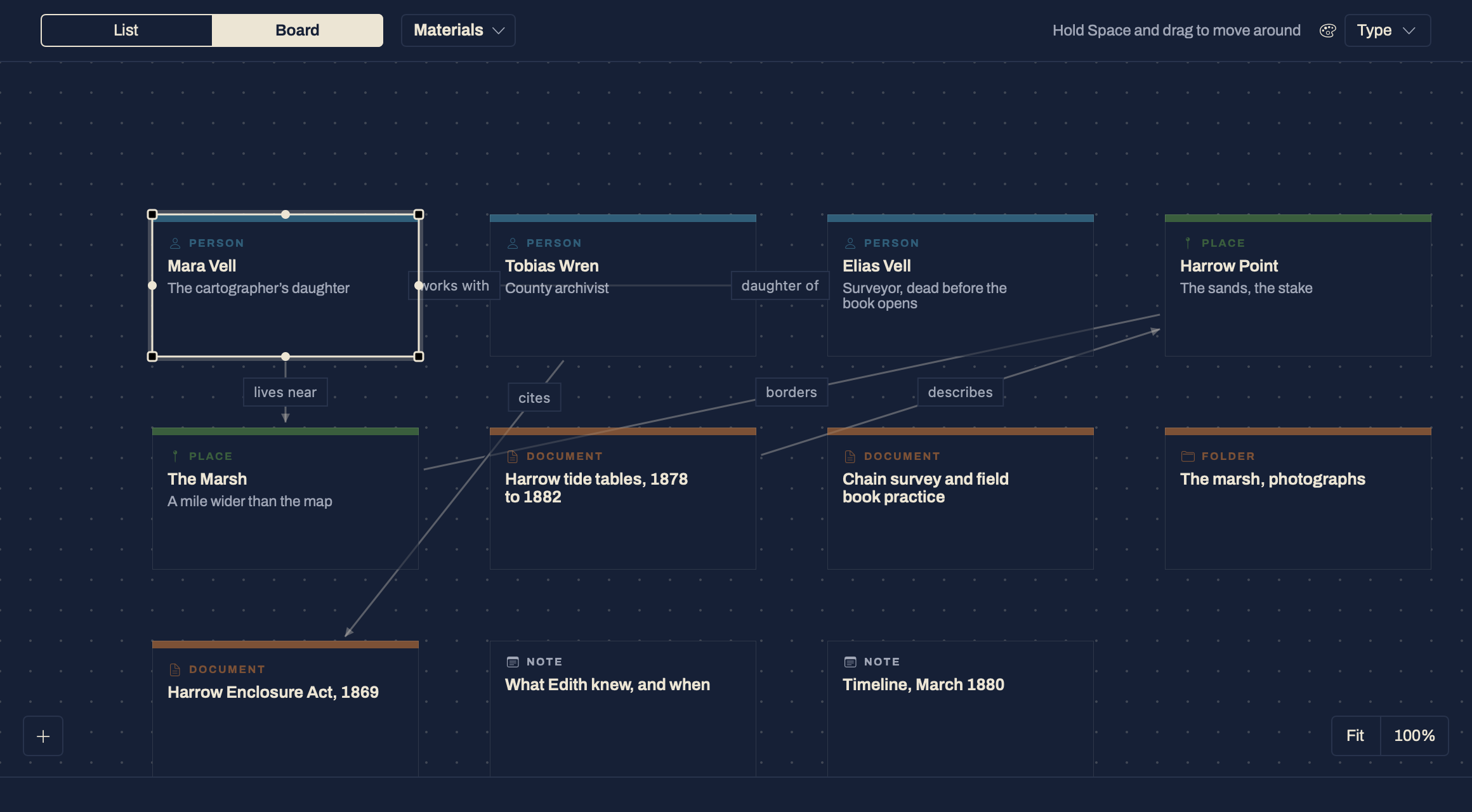
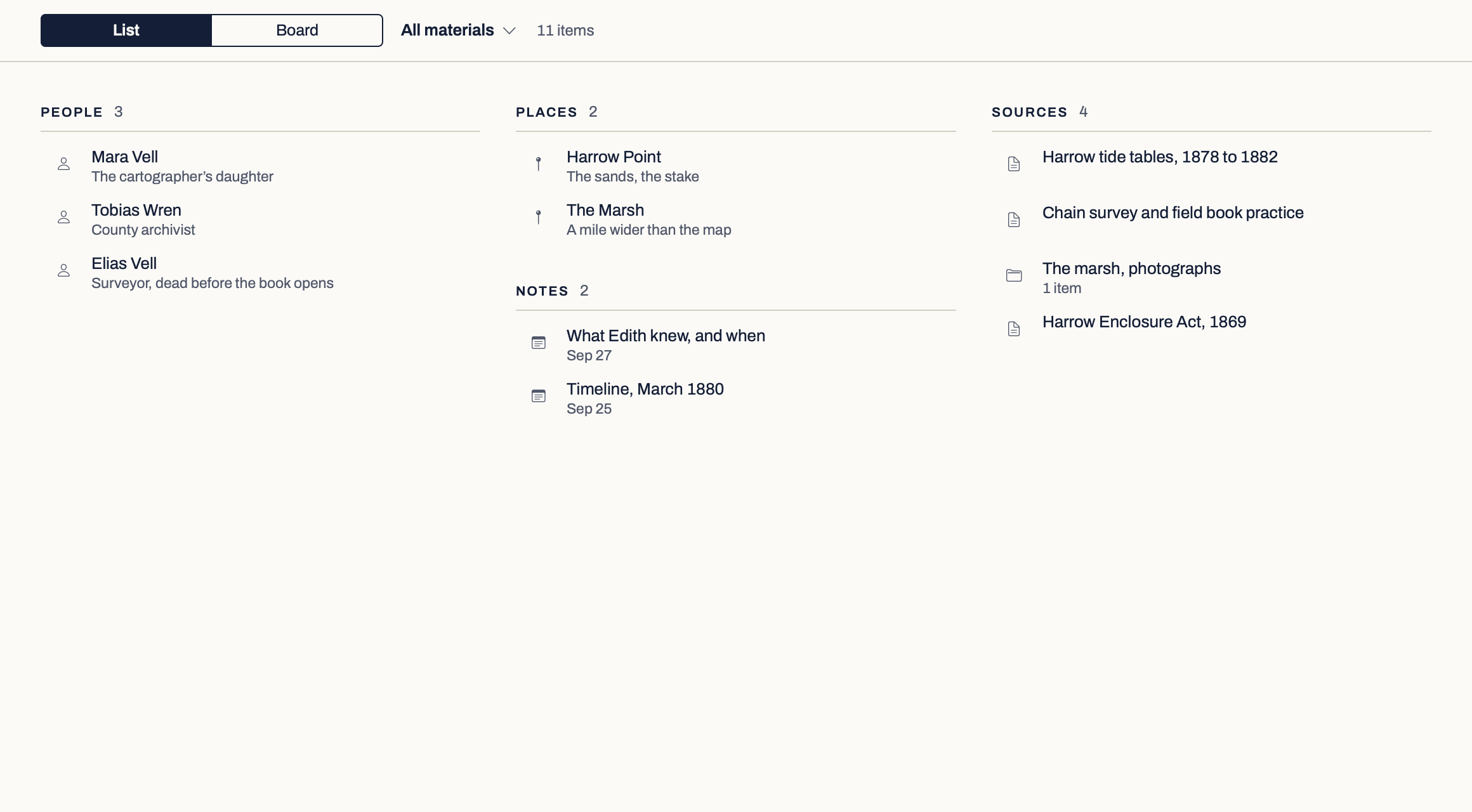
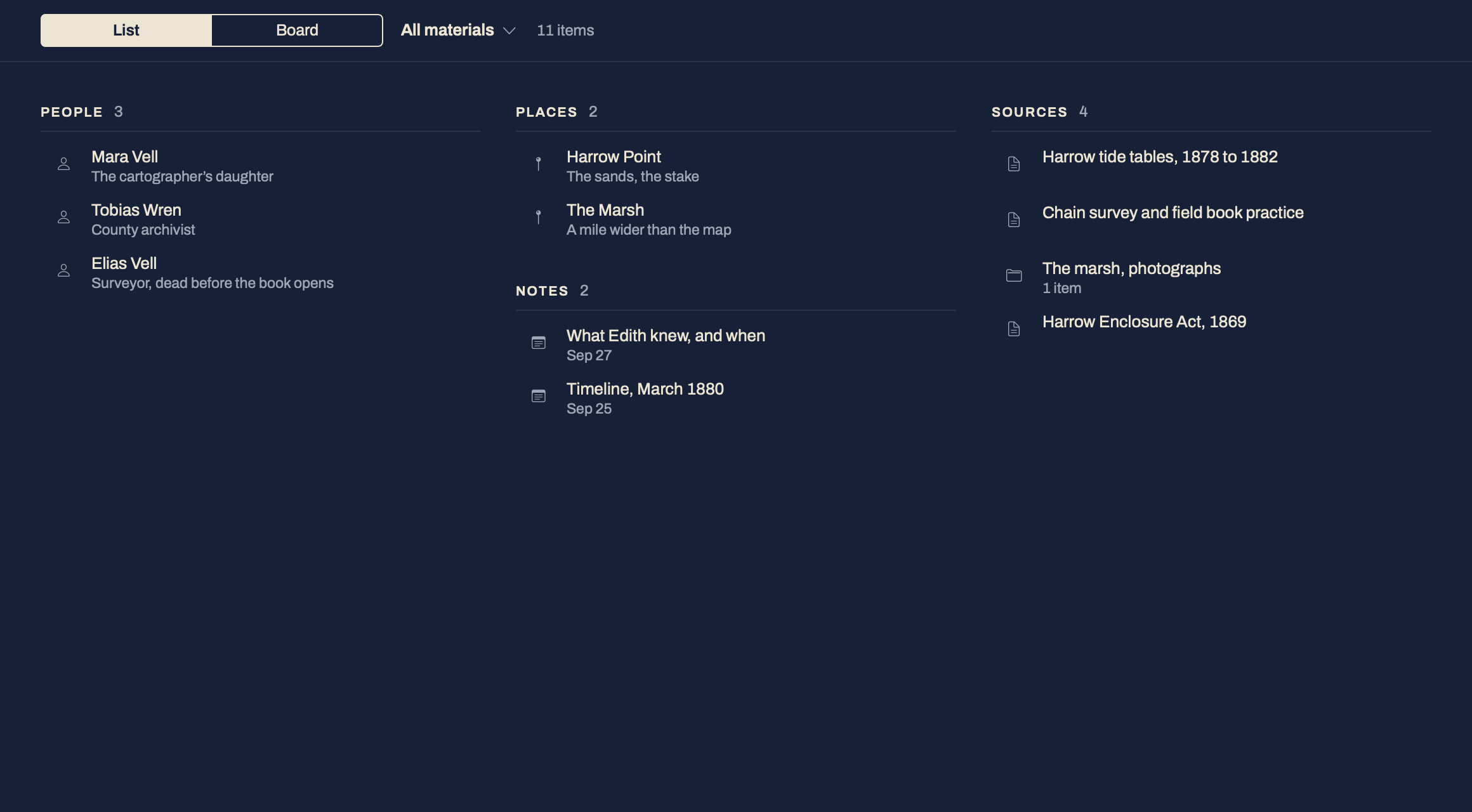
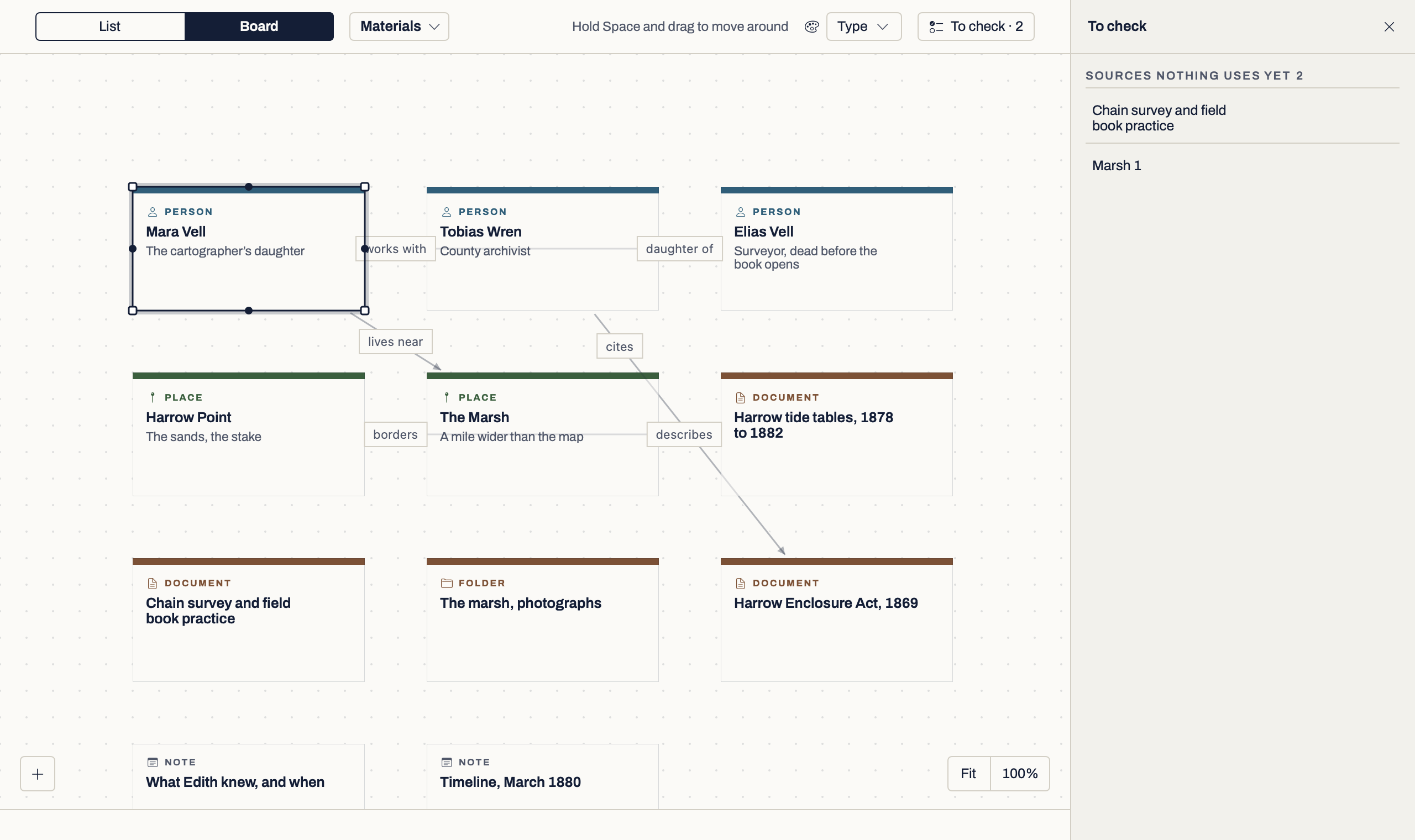
What can live here.
Add by where it comes from: a note you write, files from your Mac, or a web address. You never have to classify a file before you keep it. Materials keeps things in groups by what they are, such as Characters (People in a book that is not fiction), Places, Things, World, Sources and Notes, with an Inbox for what is waiting to be placed. On a book made with Start writing, a group appears when you first add to it, as Groups and Events always have.
| Material | What you can do with it | What it does not do |
|---|---|---|
| Note | Write and edit it, search it, keep it beside the page. | Has no source unless you link one. |
| Entry | A person, place, thing, world entry, group or event, with other names, fields, relationships, every scene that mentions it, and findings from your sources. A new one opens with three short prompts, such as Wants, Fears and Voice for a person. | It is what you record, not a captured source. Entries made by an import stay Unreviewed until you confirm them. |
| Saved web page | A dated, readable copy of the page, with its address. Save a newer copy whenever you like; the old one is kept. | Pages behind a login cannot be saved. Your copy does not change when the live page does. |
| Read it, search its text, quote from it. A scanned PDF can be read into text on your Mac. | Read text is there to check, and never goes into your manuscript by itself. | |
| Image | View it, and keep it beside the page. | No text is read from it. |
| Audio and video | Play it beside the page. | No transcript is made. |
| Any other file | Kept inside the book exactly as it is, and opened in its own app. | Shown as a file when there is nothing it can preview. |
All in the development build, {{ vmStatusDate }}. Files are copied into the book; the original on your Mac is not moved or changed.
From kept to useful.
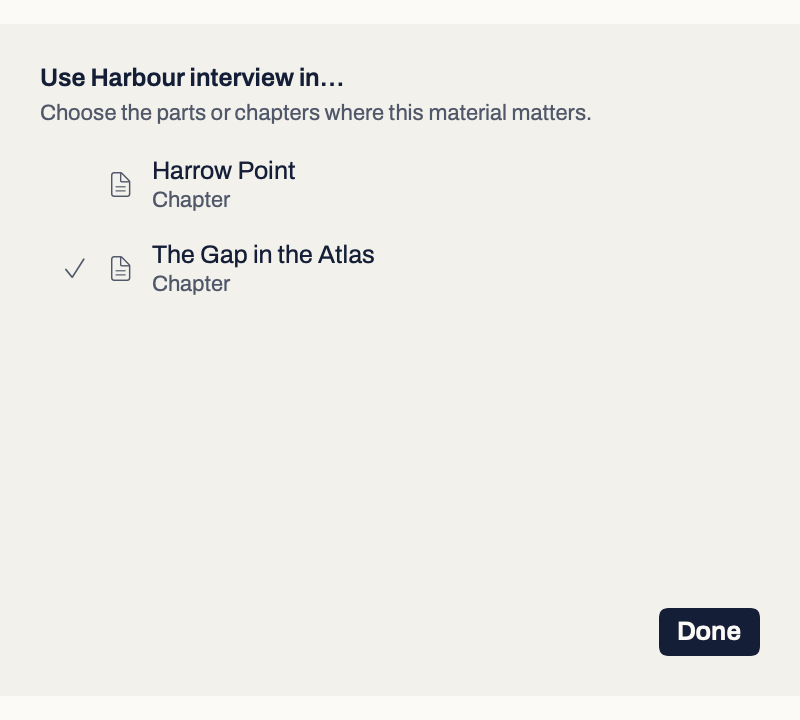
Keep it first and decide later. Link it to the chapters it matters to. Find it again by a phrase. Keep it beside the page you are writing. You take every step: Verso may offer a link or an entry, and nothing is linked or made until you accept.
A saved web page keeps a dated, readable copy. Verso contacts only that site, once, and sends nothing from your book. Add a file or a page while you are drafting and Verso asks, in one line, whether it is for that chapter.
Each link is one step you can undo. Your prose does not change.
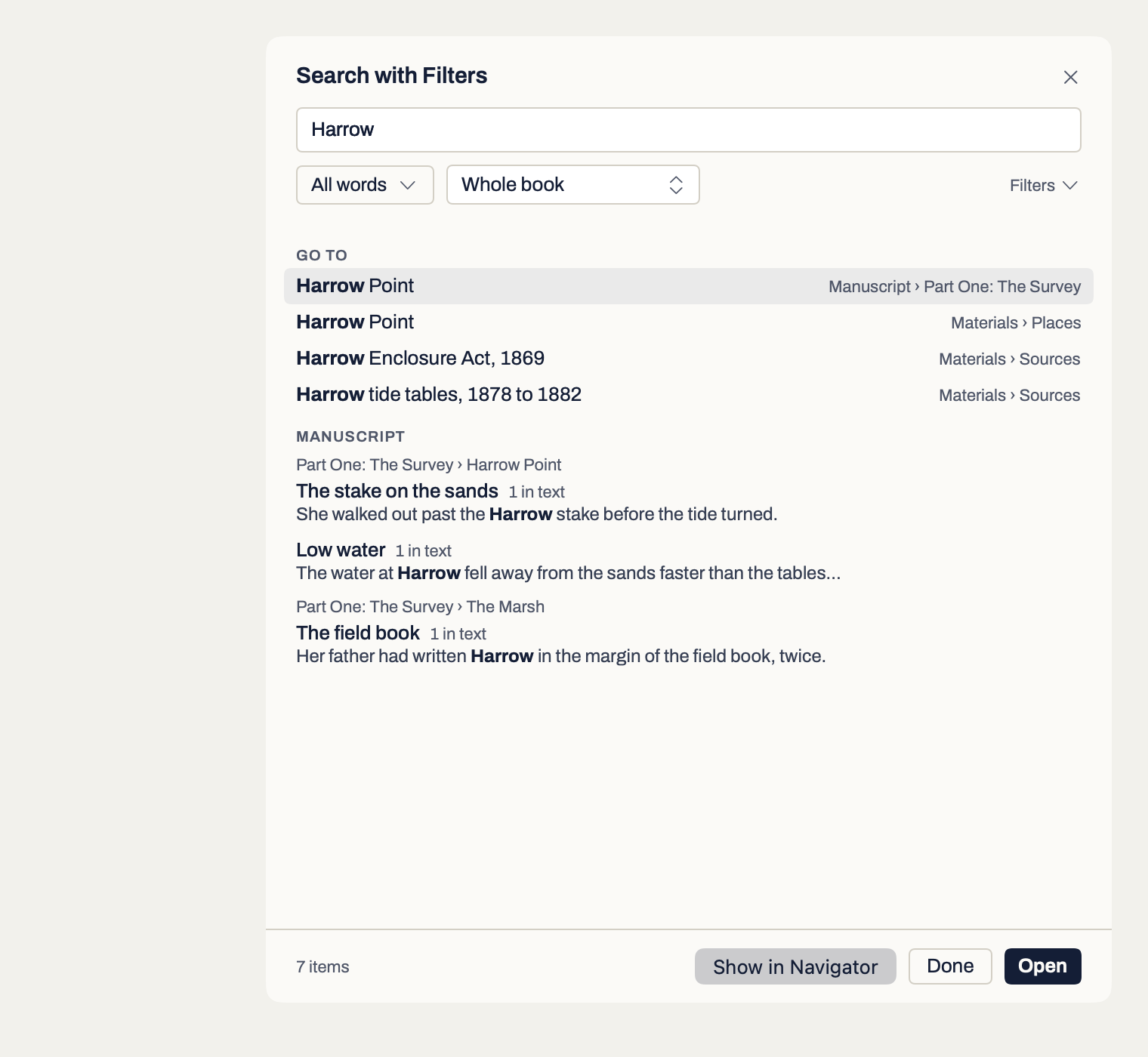
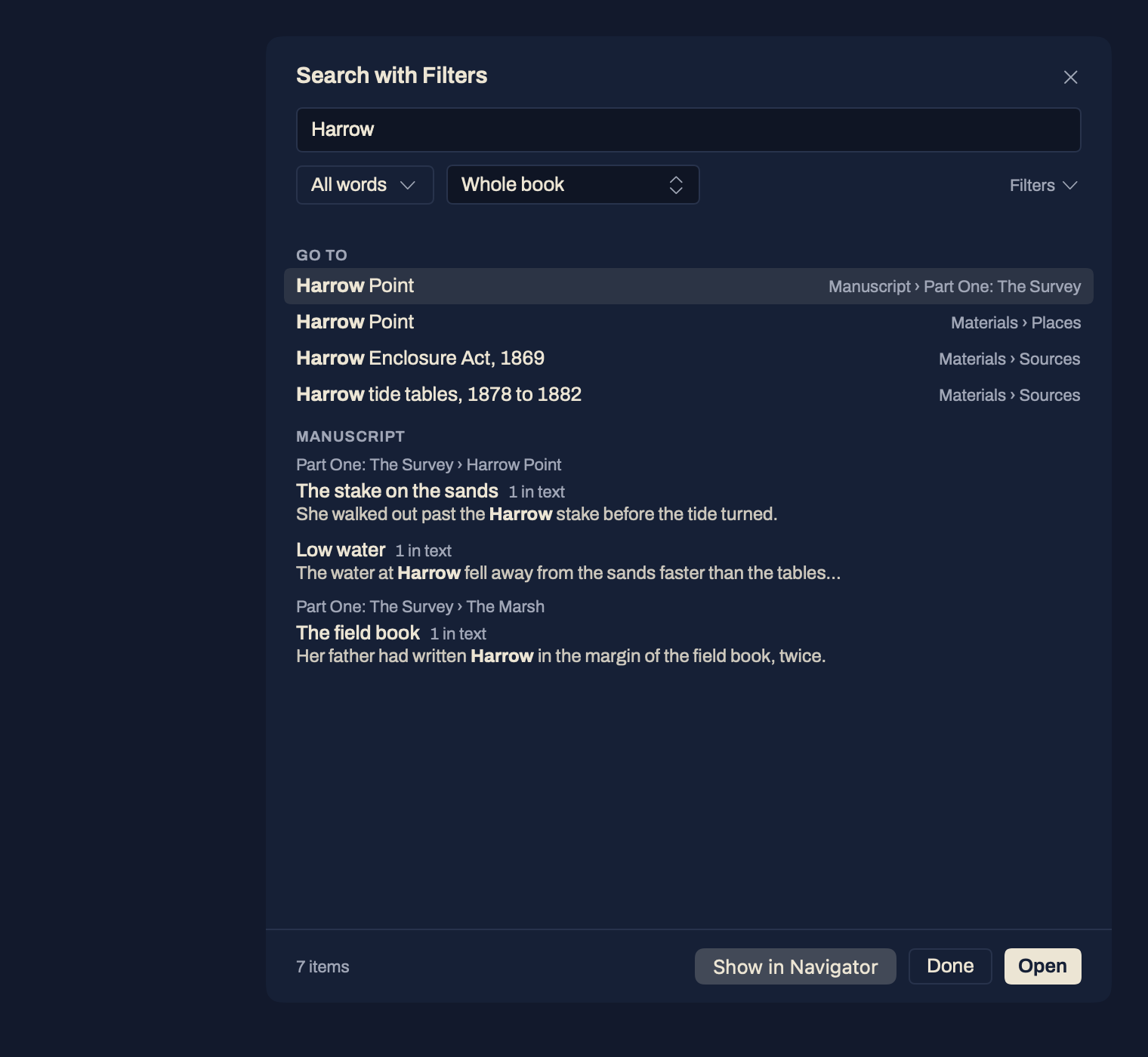
Each result says what matched: the title, the text, a synopsis, notes, fields or findings.
Hester’s evidence
Hester Crane remembered the night ferry because it had been hers, and because it was the last night it ran.
The commissioners had already given notice. From the first of June there would be no crossing after dark.
A click on a material shows it beside the page as a preview. Keep beside the page holds it in the side panel, read only, while you write. Put away loses nothing.
From a question to a finding.
Flag the words in a scene that need checking, with your question. Quote the passage that answers it from a saved source into a note, then file it as a finding on an entry: Established, Inferred or Disputed, with the date you checked. Every quote keeps a link back to the exact place in your saved copy.
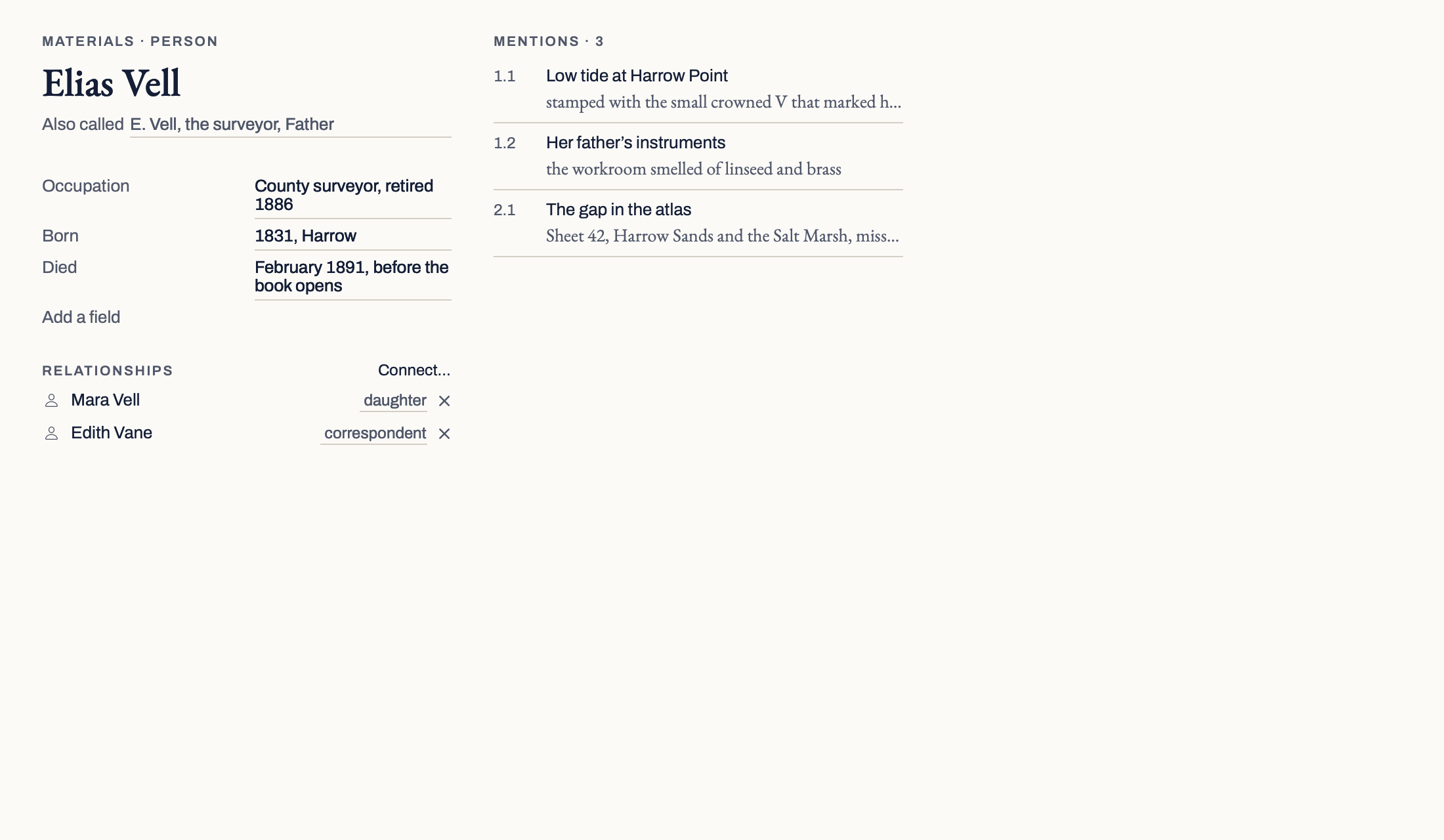
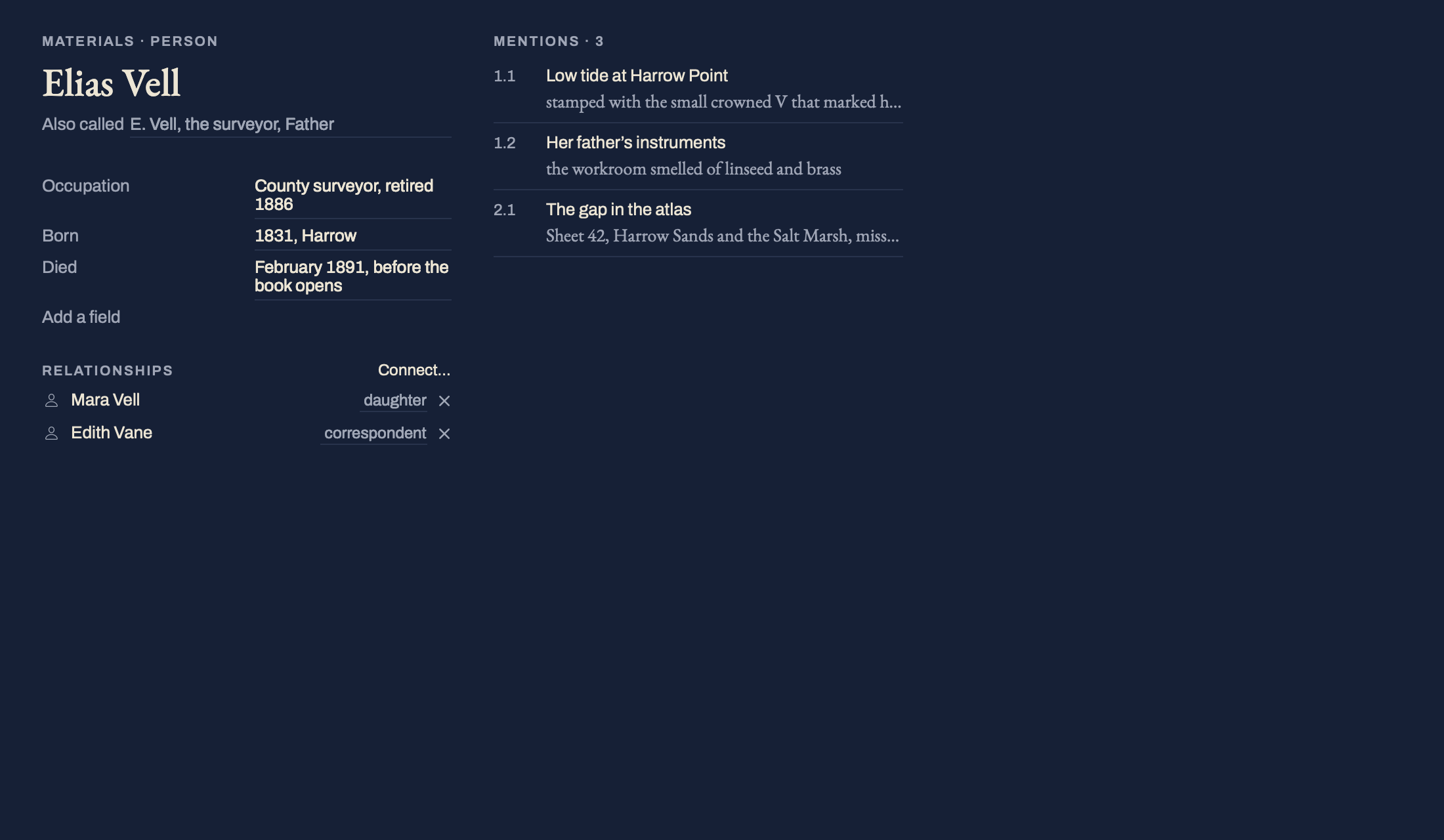
Search brings the book back together.
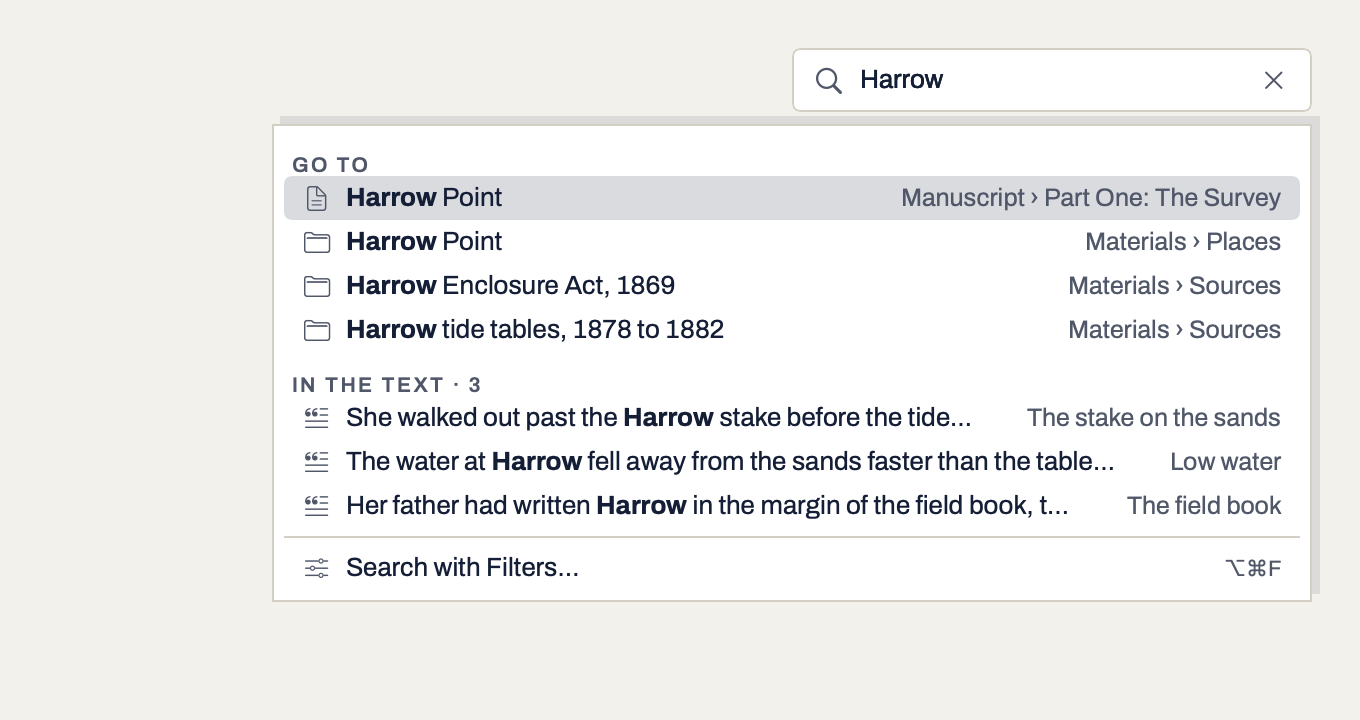
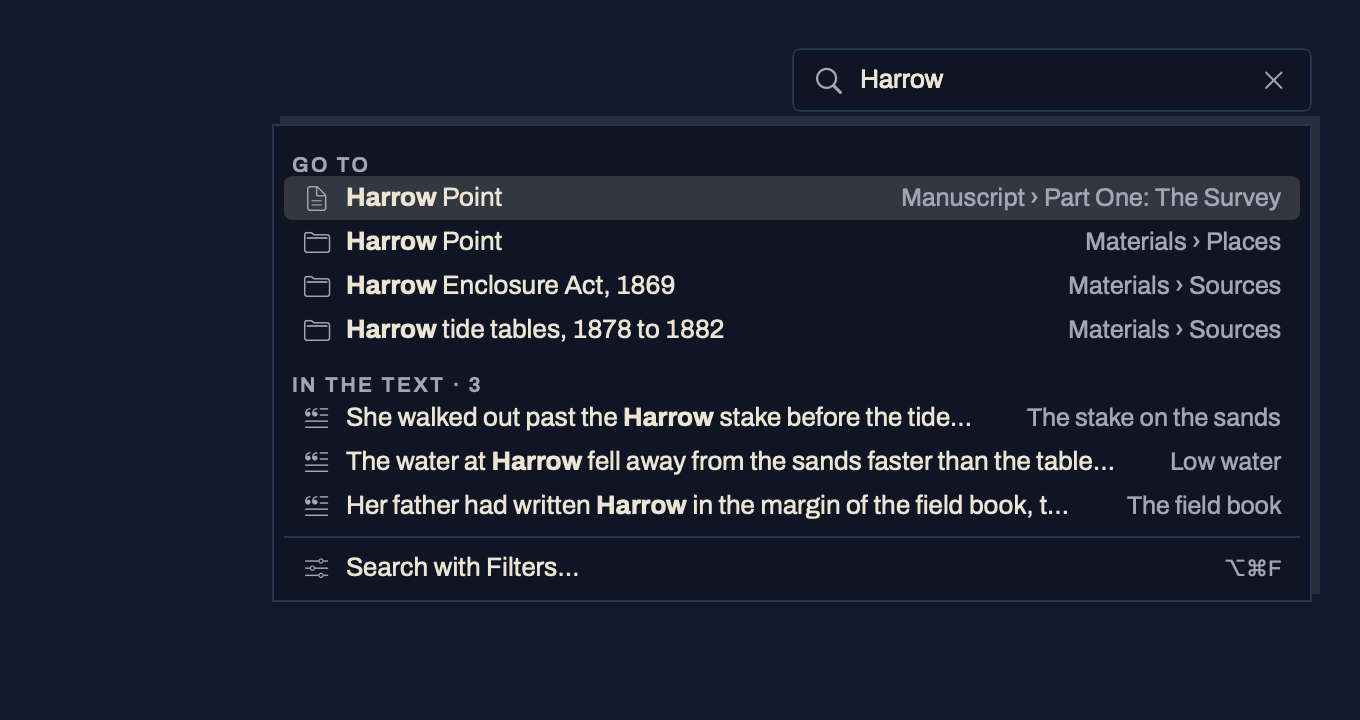
One search reads your scenes and your materials together, and every result says what matched, such as Title and 3 in text. Narrow it to the manuscript or to Materials, or filter by status, label, keyword or date. Search runs on your Mac, with no model involved.
{{ emptyText }}
| Part of the book | What Search does | Status |
|---|---|---|
| Text | Reads every scene and note, and the text of your files, including text read from a scan. | In the build |
| Titles and other names | Titles always. Other names an entry goes by, in both: the search field’s Go to finds an entry by any of its names, and a result says Also called. | In the build |
| Synopses, notes, fields, relationships, findings | All searched, and named in the result when they match. A relationship reads as its words, so “lives in Harrow” finds the person. | In the build |
| Ways to match | All words, any word, an exact phrase, a pattern, repeated passages, or every comment, footnote or mark of one kind. | In the build |
| Replace across the book | Every change shown scene by scene before anything changes, with a milestone kept first. | In the build |
Works without AI.
Everything on this page is done by you and by search on your Mac. That is the whole design, not a reduced mode.
Common questions.
{{ f.q }}
{{ f.a }}