
AI that keeps the book. You write it.
Optional AI helps with the work around the writing that is hard to hold in your head over a long book: remembering what you decided, finding where something happens, checking that a date still agrees, and researching outside the book. Every answer shows the passage behind it. It never writes or changes your prose, and Verso Manuscript is complete without it.
Status, {{ vmStatusDate }}: in the early build, and off until you turn it on in Settings › Intelligence, with Verso AI or your own provider.
A librarian, not a co-author.
A long book is hard to keep in your head. What did you decide in chapter three? How old is she by chapter nineteen? Which source backs that date? Those are the places where help is useful. What the book says, and how it says it, is yours.
In studies of writers and AI, many were open to help with keeping track of a story, and protective of their drafting and revising. So Verso’s AI starts where help is welcome and stops at the page.
Verso remembers the whole book, shows its evidence and helps you stay oriented. It never takes the author’s chair.
- 1RememberKeep a decision or a fact with the passage that proves it. Ideas, questions and settled facts are kept apart.
- 2FindAsk where something happens, and get the exact passages, each one a click from the page. Or ask it for connections, each with the quote that shows it.
- 3CheckLook for conflicts in dates, ages and names, with the passages that disagree.
- 4ExplainSay in plain words why a file has a warning, or what a returned change means.
- 5ResearchTake a question outside the book and bring back sources, not answers you cannot trace.
There is deliberately no sixth verb called Write.
What it does.
One door, Ask, with five starters (and Review this book until it has run), and Check continuity and Explain beside it. Each starter says what it sends before you run it. Look up, continuity checks and suggested connections work without AI, on your Mac, and nothing goes to a provider until you run it.
| Tool | What it does | Needs AI |
|---|---|---|
| Ask: About this book | Questions about the book, answered from the book with the passages it cites, and marked Established, Inferred, Disputed or Not found. If nothing on your Mac matches, nothing is sent. | Yes |
| Ask: Look up | An entry’s card from Materials. Nothing is sent. | No |
| Ask: Research outside the book | Sends your question, and only the question, to your provider’s web search. You read a short brief with numbered sources and choose which to keep as dated Materials. Not available on a local server. | Yes |
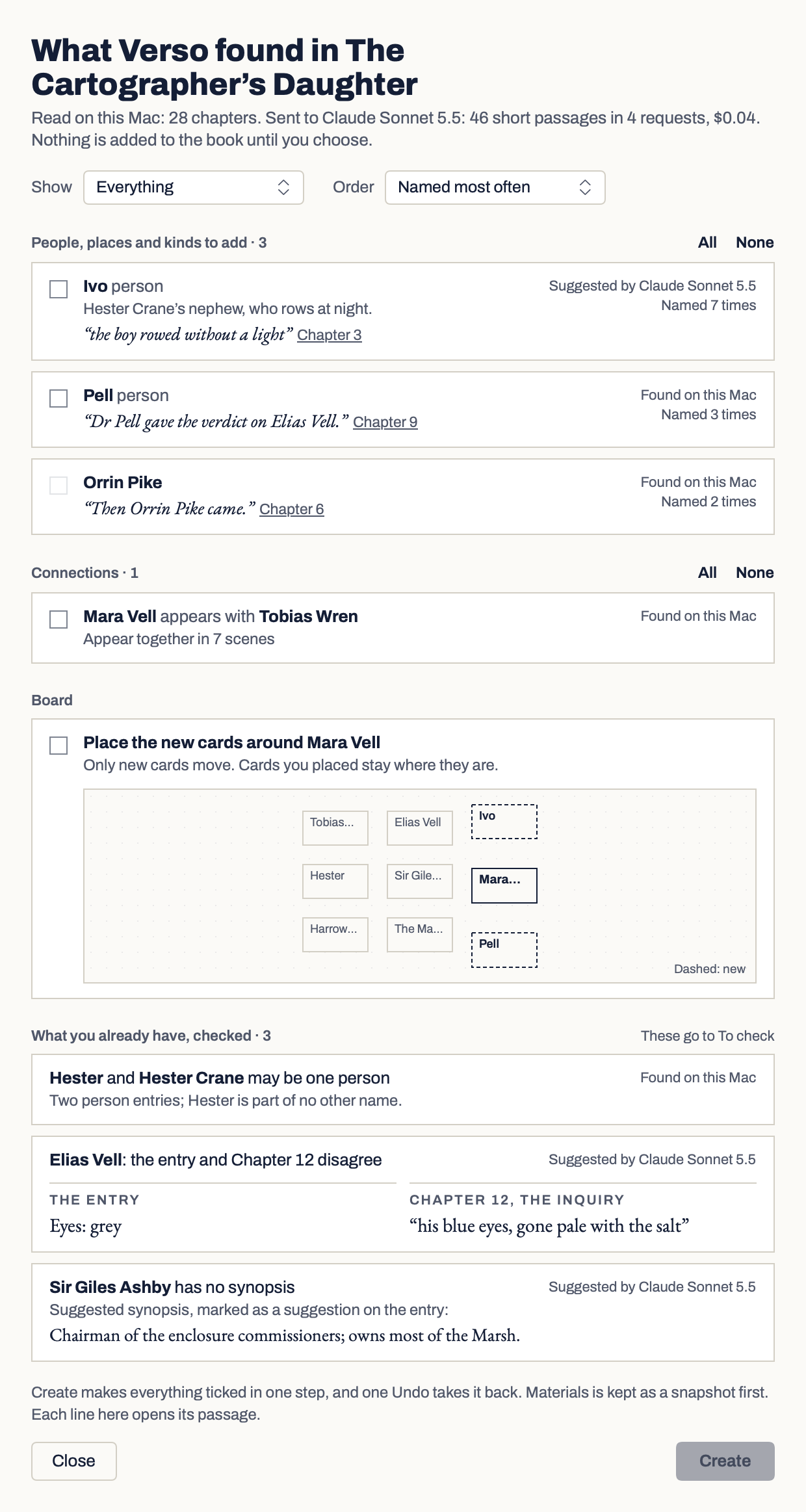
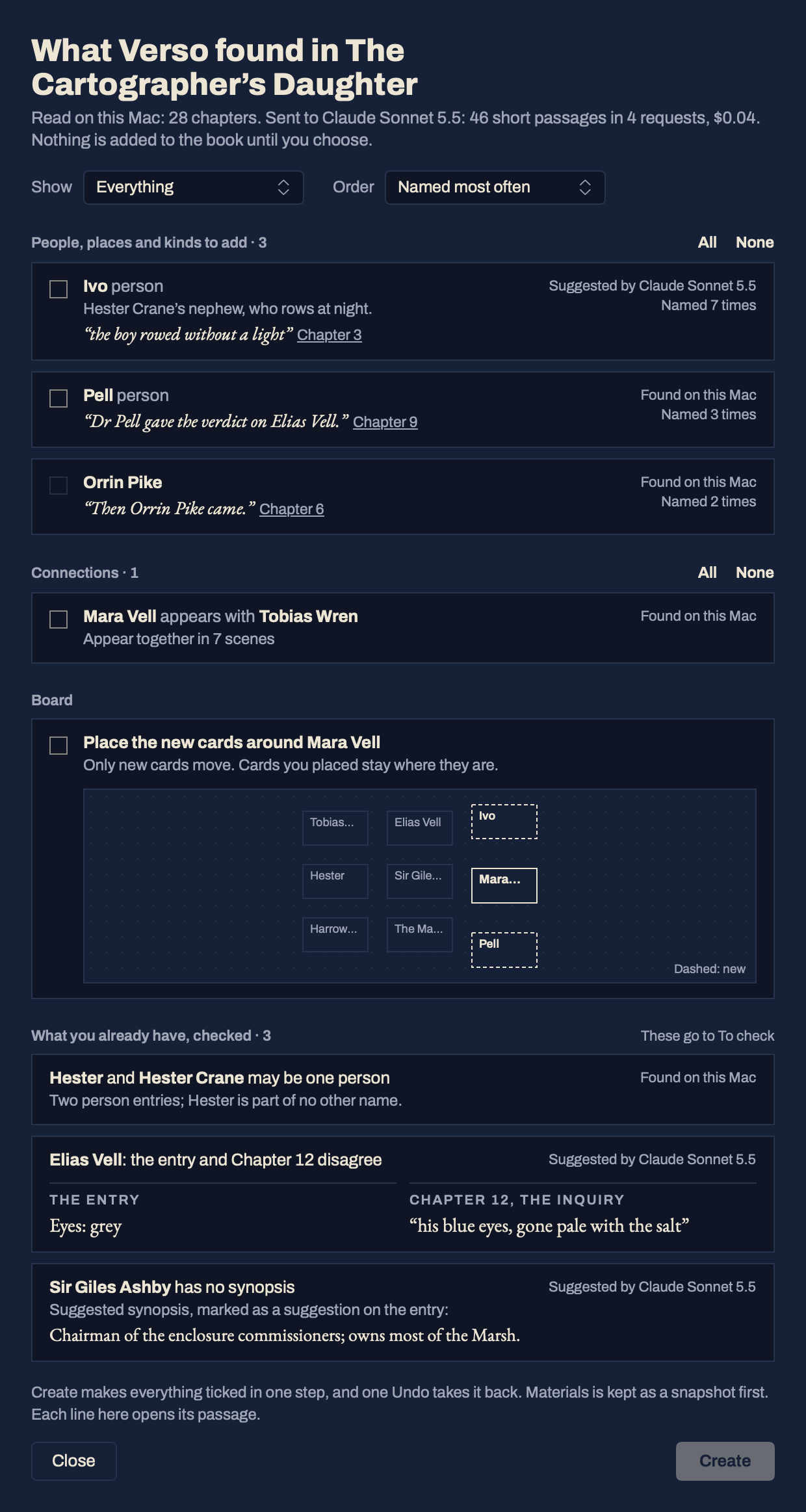
| Review this book | Finds the people, places and connections in the book on your Mac first, then asks AI about short passages only. Before anything goes you see what is sent and what it costs, or, on Verso AI, which of the month’s reviews it counts as. In the results, All and None tick a whole group, and Show and Order narrow a long list to what Verso AI suggested or what was found on your Mac, with the names used most first. Nothing is added until you tick it, and one Undo takes it all back. | Yes |
| Ask: Find connections | Asks your provider for connections, each with the quote that shows it. Nothing is joined until you accept. | Yes |
| Suggested connections | Links Verso notices on your Mac: names used in scenes and notes, entries that appear together, shared labels and research trails. Nothing is connected until you accept it. | No |
| Ask: Remember, and Memory | Decisions, facts and constraints you choose to keep, each with its evidence. Anything suggested by AI stays Tentative until you confirm it. Shown once AI is turned on; keeping a memory sends nothing. | Turned on, sends nothing |
| Check continuity | Compares story dates, ages and names from Materials on your Mac. With AI on, a provider check of the same scope can follow. Findings go to To check. | No |
| Explain | Explains a section, a Make Ready issue, an import or an item in Review, and summarises a material. A summary you keep sits beside the item as an AI summary with its evidence, never in your text. | Yes |
What it does not do.
These are rules in the app, not promises in a brochure.
What leaves your Mac, and when.
Nothing is sent until you choose Verso AI or connect a provider, agree for that book, and run a request whose contents you can read first.
Apple’s Writing Tools are separate.
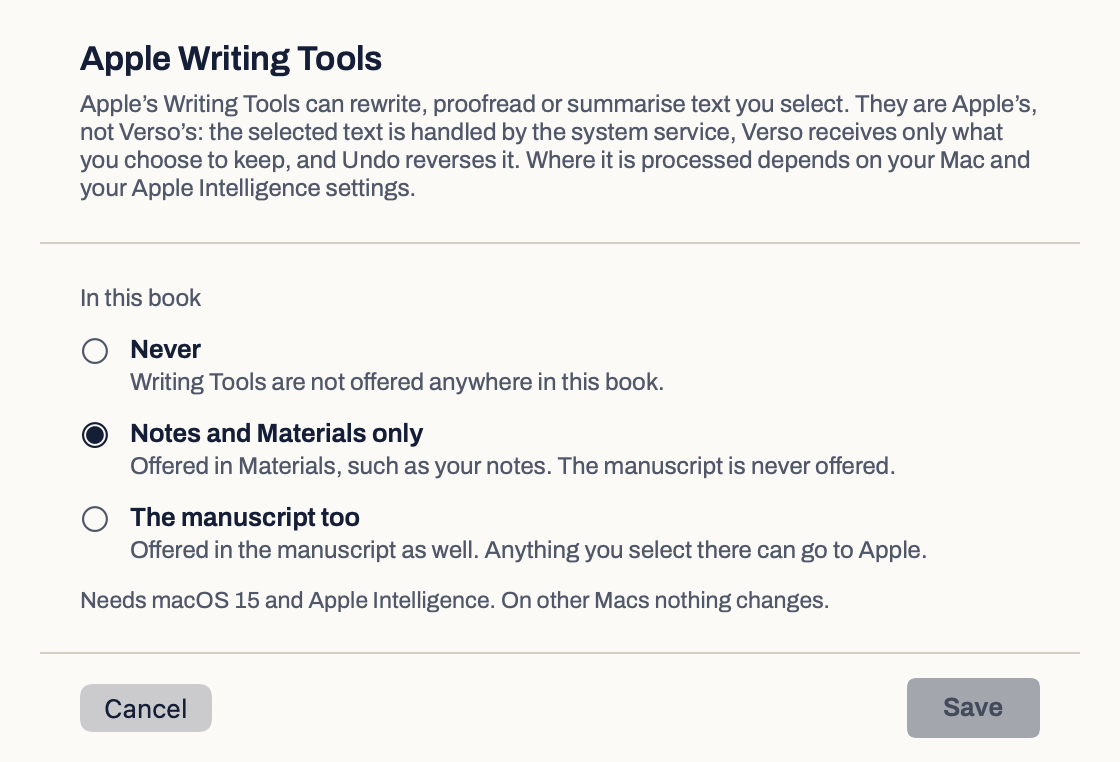
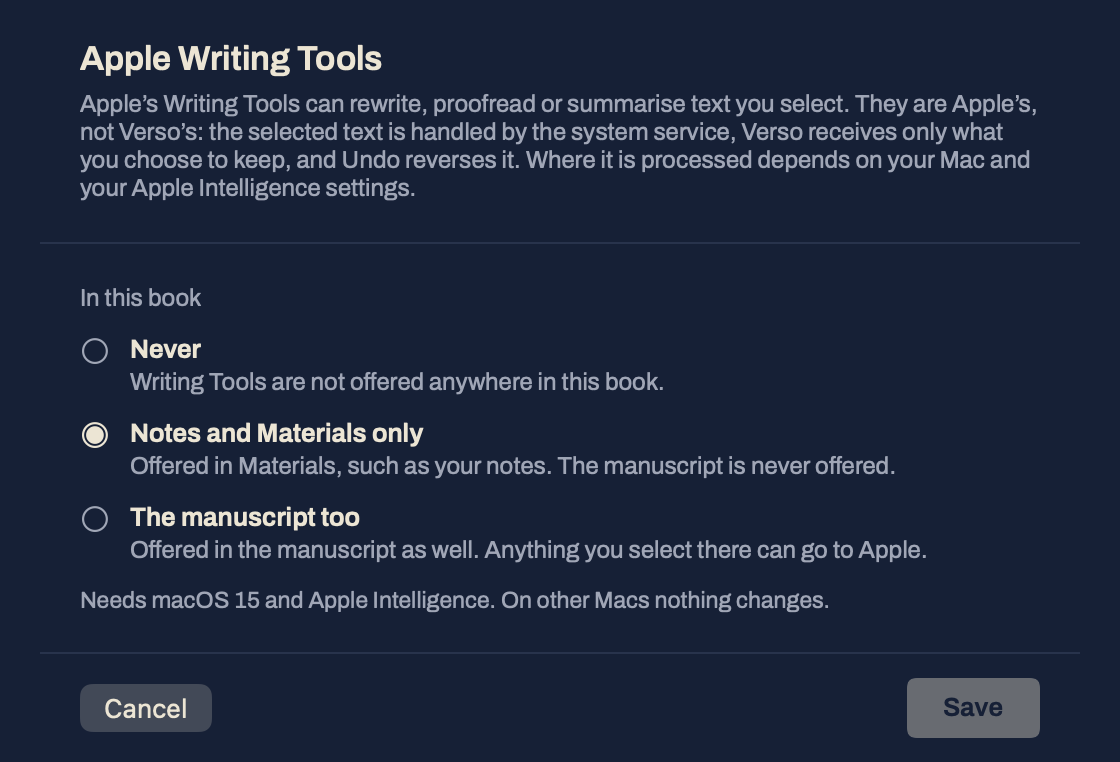
Writing Tools are Apple’s, not Verso’s, and they can rewrite text. So they are off in every book until you choose, book by book: Never, Notes and Materials only, or The manuscript too. They need macOS 15 and Apple Intelligence.
Questions about AI.
Why will it not write for me?
Because the book should be yours, in your voice. Many writers want help keeping track of a long project and do not want help writing it, and a tool that does both blurs the line. Verso keeps the line in one place: the page.
Do I need AI for anything?
No. About this book, Research outside the book, Find connections, Remember and Explain need it. Look up, continuity checks and suggested connections work without it, and so does everything else in the app.
Is my book used to train models?
Verso does not train anything. With your own key, TeZe never receives your text; with Verso AI, TeZe’s service passes each request on and keeps none of it. What your provider keeps is set by its own terms and your account settings, and Verso AI uses only endpoints with zero data retention. Before you allow a book, the consent sheet names who will see each request and what they keep. With a local server on your Mac, requests stay on your Mac.
What does it cost?
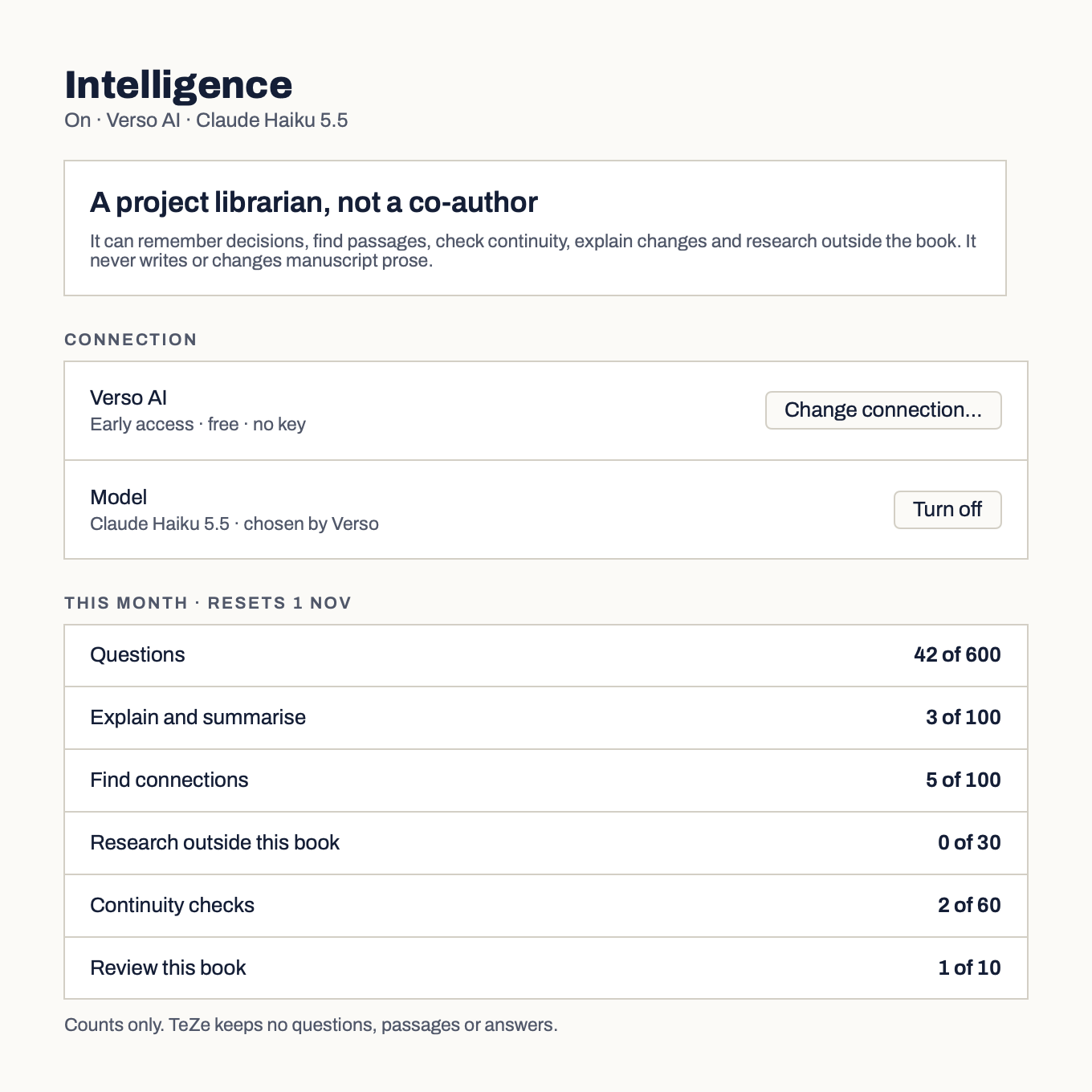
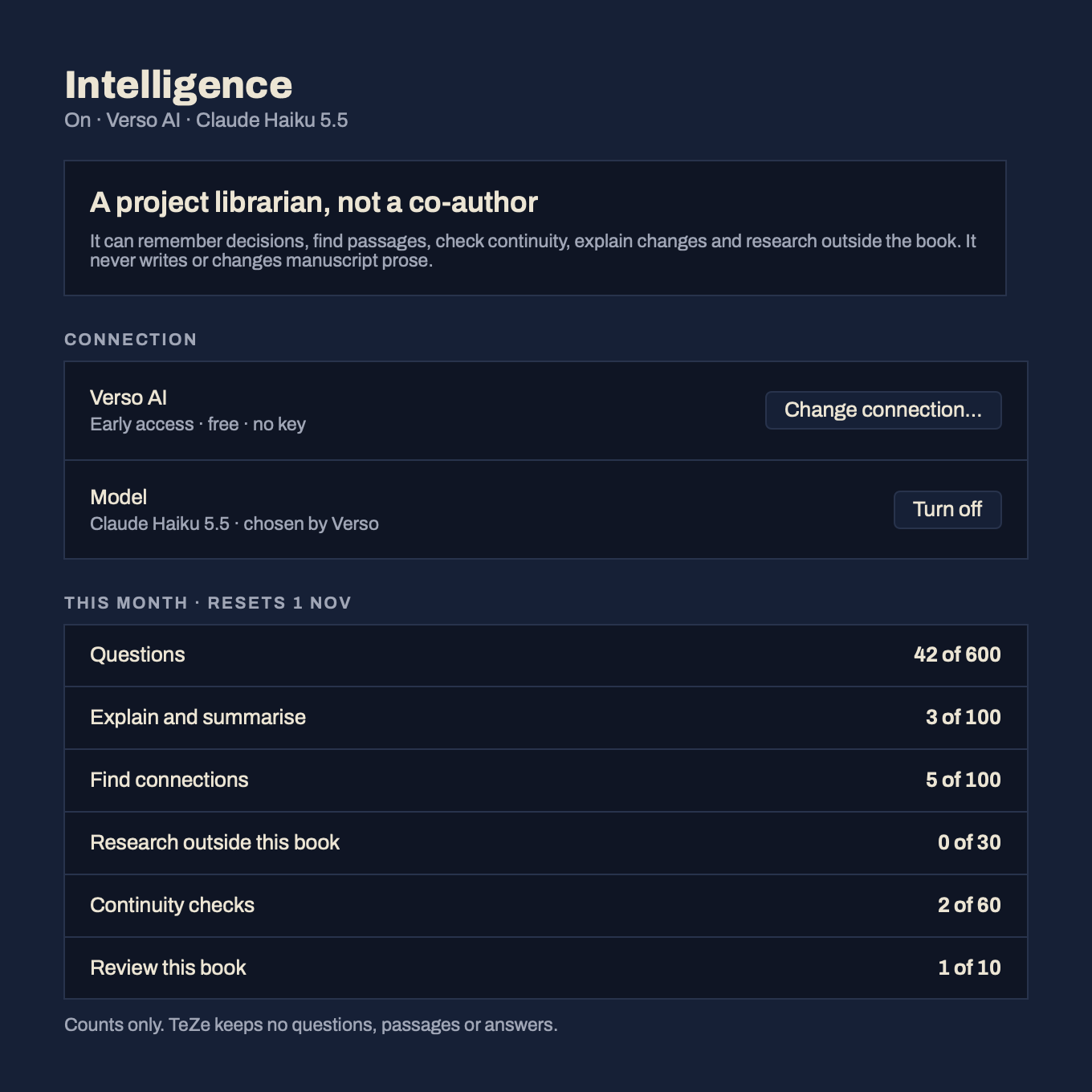
Verso AI is free during early access, within a monthly allowance. With your own key, whatever your provider charges, billed by them to your account. Verso shows the estimated cost of a question about the book, or of a research question, before you run it, and keeps every request, research included, to the limits you set. If it cannot find the model’s price, it sends nothing.
What if my fiction has dark themes?
A provider’s safety filter can refuse a request about violence or abuse, even when the writing is not asking for harm. The consent sheet warns you before you allow a book, and when a provider declines, Verso says so plainly instead of showing an empty answer.